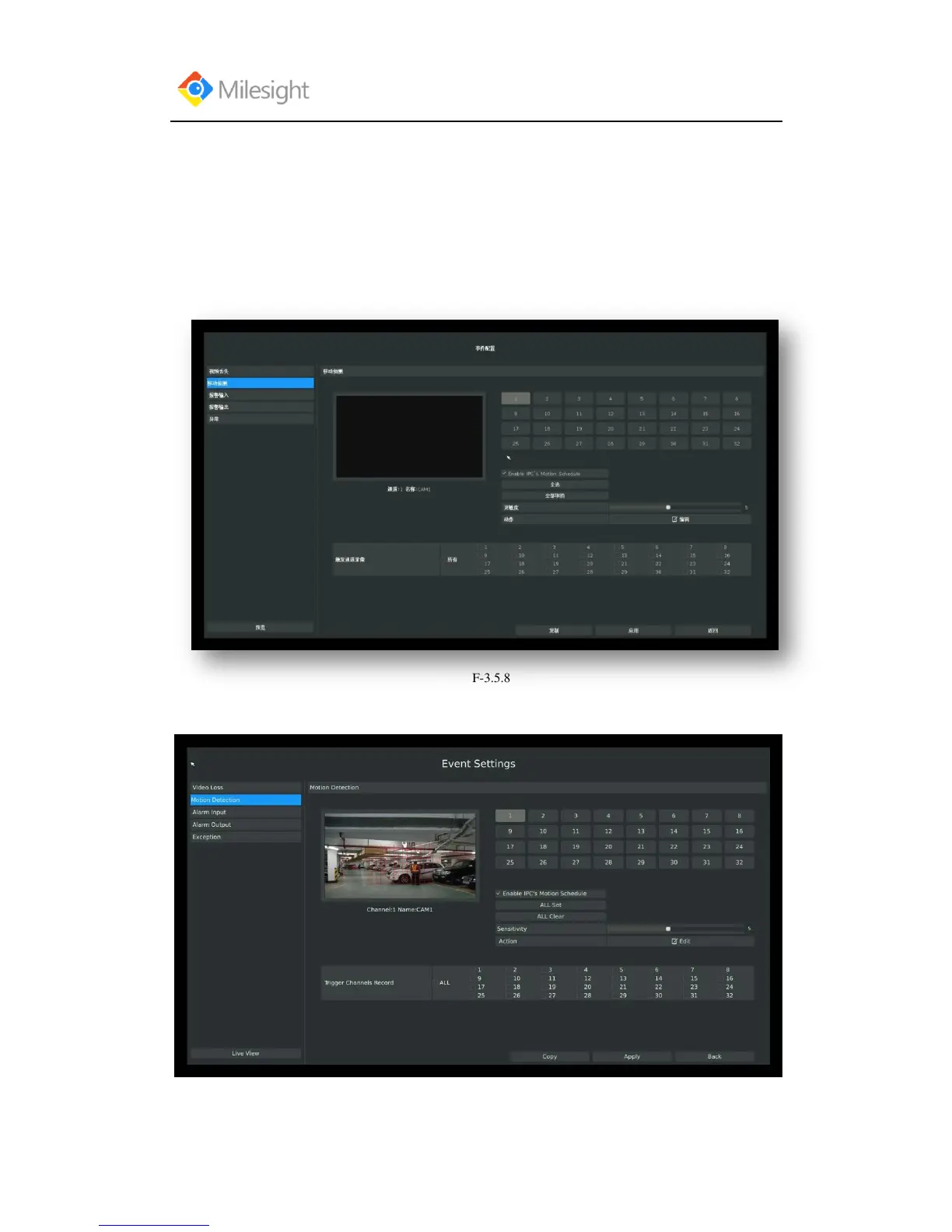
3.5.2 Motion Detection
Your NVR can be setup to motion detect and trigger an action. You can set the motion detection
on NVR or on IPC web, both sides‟ settings will be synchronous in both devices.
Step1.Enter motion detection setting interface by clicking Main Menu→Event→Motion
Detection.
Step2. Set the trigger area for motion detection.
You can set the area by dragging the mouse on live view window:



 To Next Page