User Manual
www.milesight.com 52
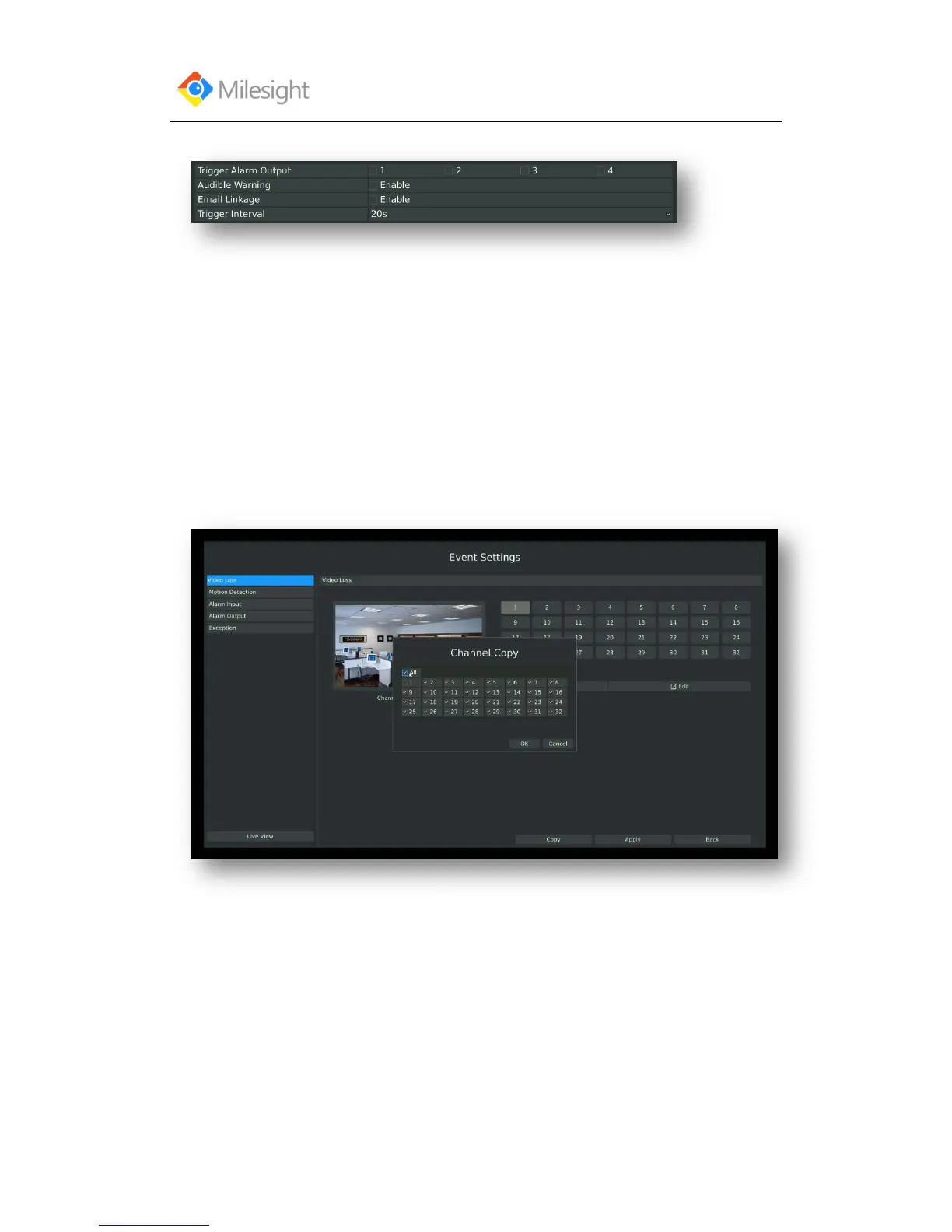
Step5: Select actions you want when video loss is detected.
[Trigger Alarm Output]: Select whether trigger the alarm output or not when video loss is
detected.
Audible Warning: Trigger an audible beep when video loss is detected
Email Linkage: Send video loss note to specified email address when video loss is
detected.(Please refer to 3.8.2.4 Mail configuration for mail address setting)
Trigger Interval: Set the interval between two events.
Note: These actions will only take response according to effective time you choose
Step6. Click [OK] or [Apply] to confirm the settings. Repeat above steps for other channels.
Or click [Copy] to copy settings to other channels.



 To Next Page