User Manual
www.milesight.com 38
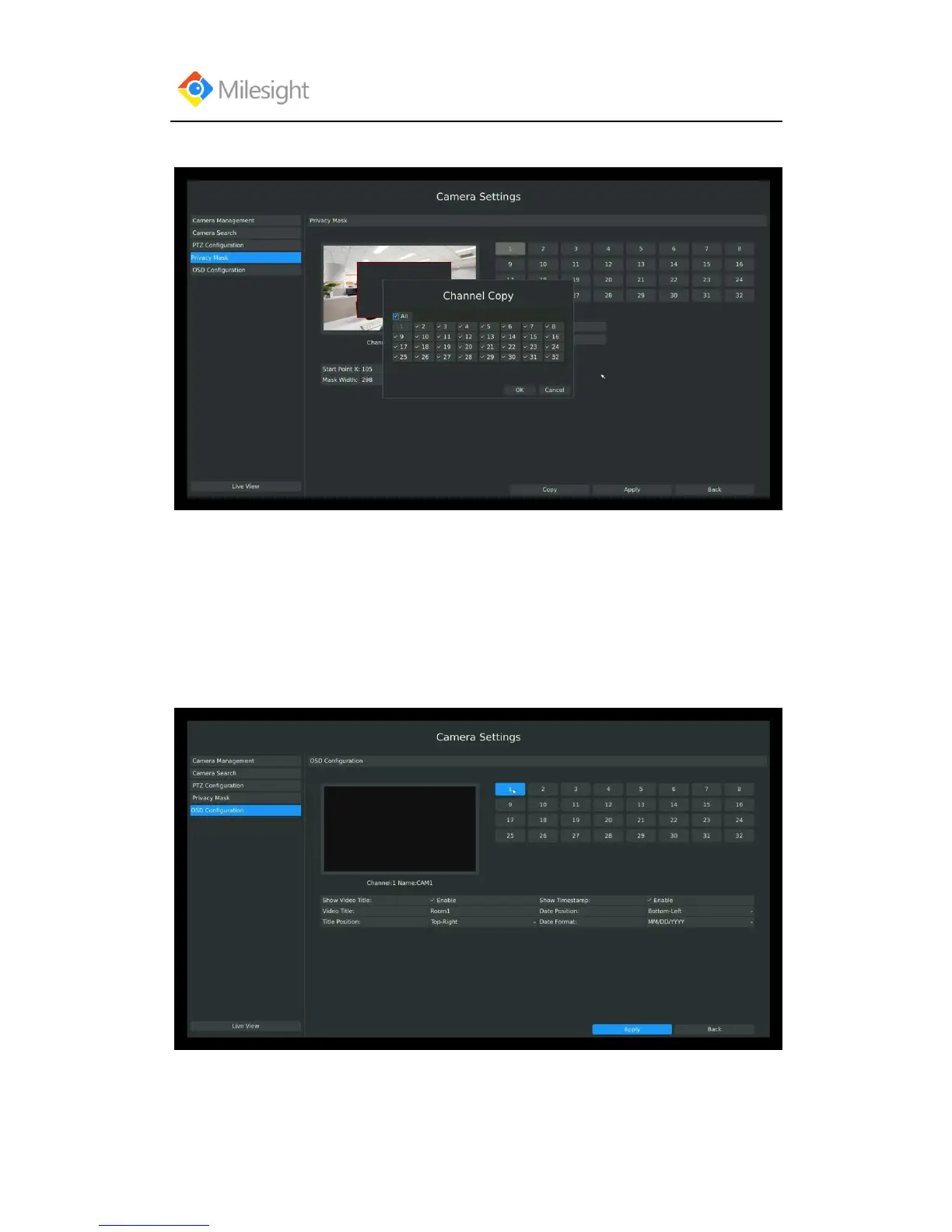
Step3: Copy the privacy area to the other channels by click the “copy” button on the bottom of the
windows;
Step4: Select “Apply” to save the settings.
3.3.5 OSD configuration
You can set OSD (On Screen Display) on NVR, and the OSD will be synchronized on IPC.
Entering OSD Configuration interface by clicking: Main Menu CameraOSD Configuration.
Step1: Select channel by clicking the channel number on the right-top, the selected channel will
change into gray and the channel number will change into yellow;



 To Next Page