User Manual
www.milesight.com 39
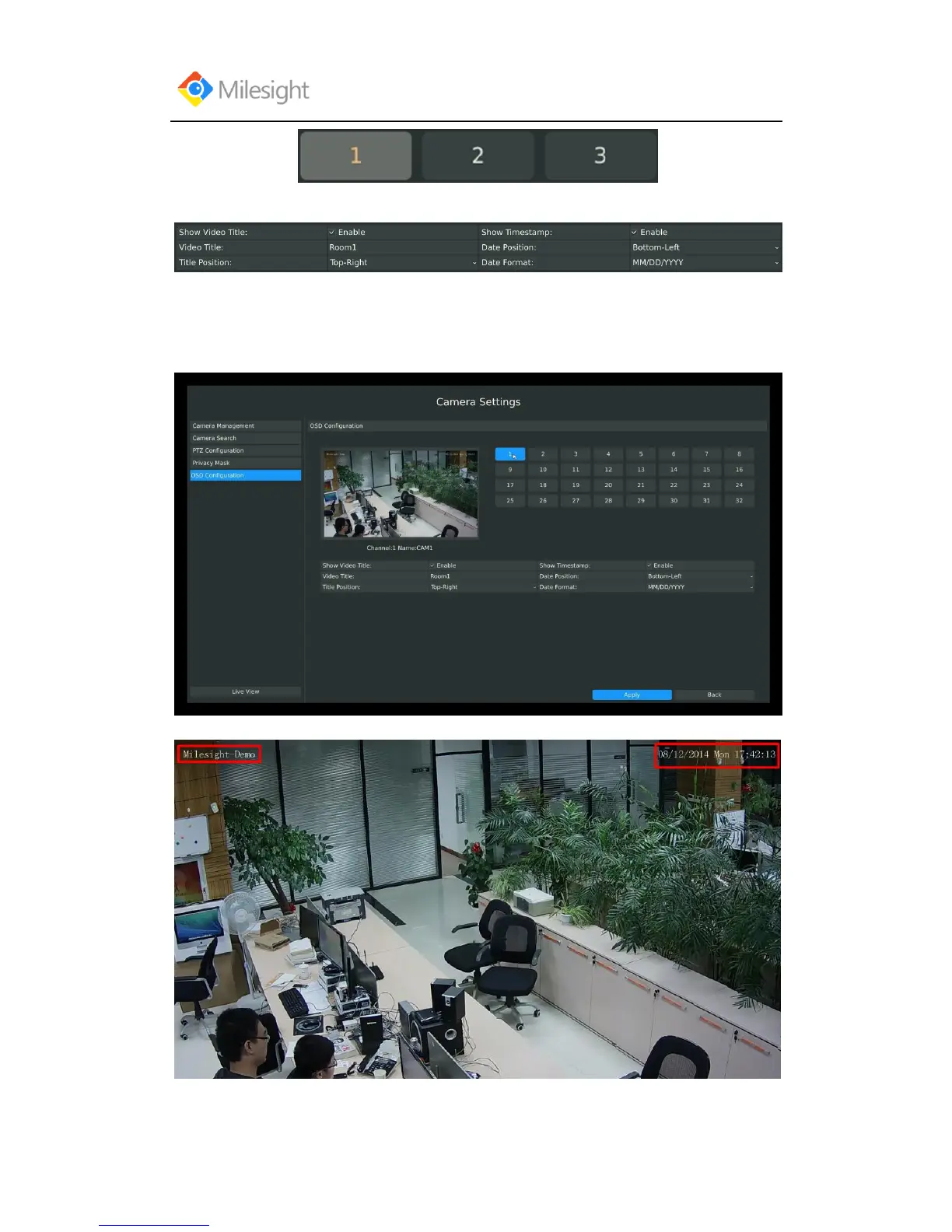
Step2: Enable video title and timestamp:
[Video Title]: Set the video title for the channel;
[Title Position]: Set the position for the video title: Top-Left or Top-Right;
[Date Position]: Set the position for the date: Top-Left, Top-Right, Bottom-Left or Bottom-Right;
[Date Format]: Set format for date: YYYY-MM-DD, MM/DD/YY or DD/MM/YYYY;
Step3: Select “Apply” to save the settings.



 To Next Page