User Manual
www.milesight.com 34
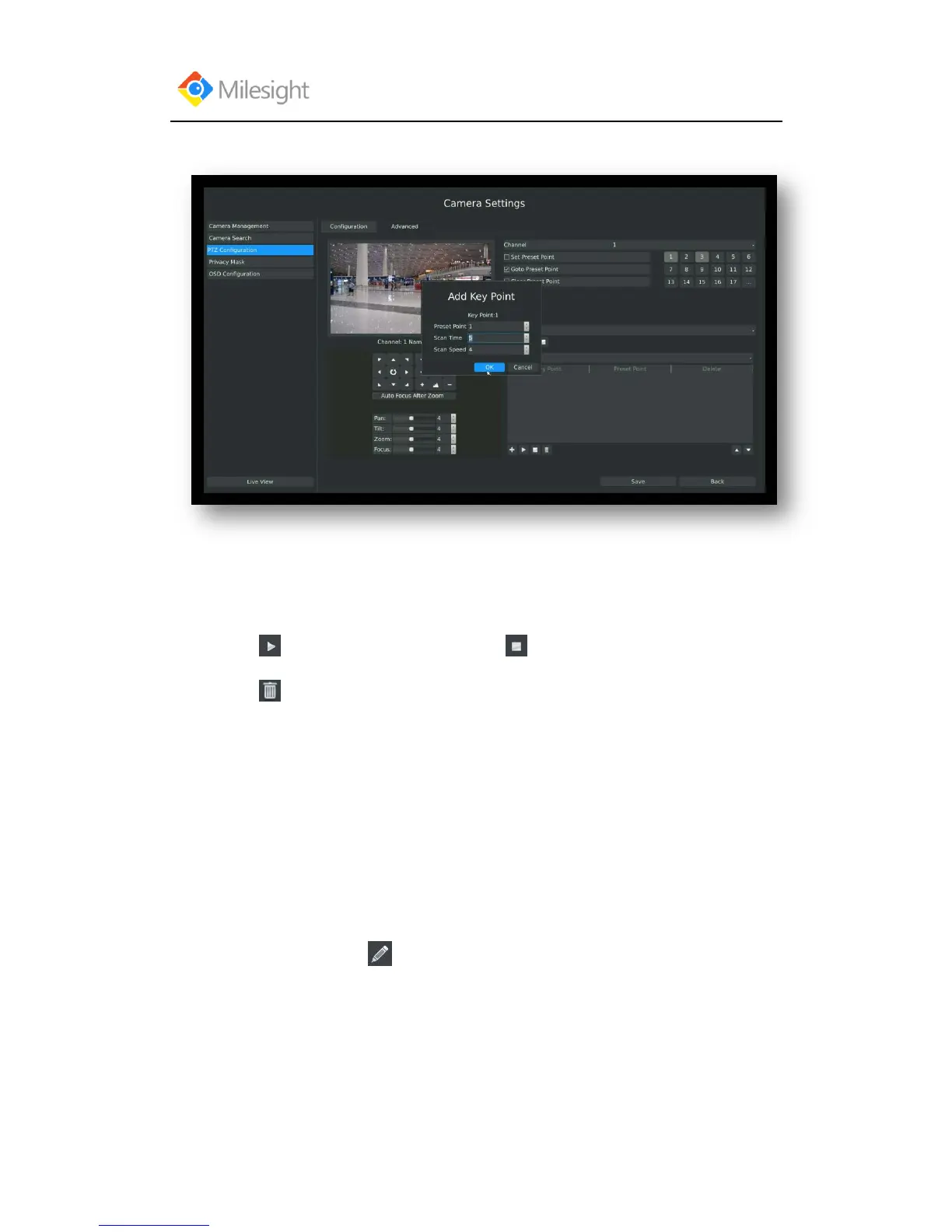
number, scan time and scan speed) and click [OK].
Step3. Repeat the above steps to add more key points to the tour patrol.
Step4. Select a key point, select [Delete] and select [Yes] in the dialog box to delete it.
Step5. Click to preview the tour patrol. Click to stop.
Step6. Click and select [Yes] in the dialog box to delete all key points of the tour patrol.
Note:
1. The key point decides the patrol path, which will run according to numerical order of the
key points.
2. Scan time is how long the patrol stays on the preset point.
3. Scan speed is the rotate speed of speed dome from one preset point to the next.
3. Track Patrol
The camera will patrol back and forth in a constant speed. There are only a start point and an end
point.
Step1. Select a track and click . Up to 8 tracks could be set.



 To Next Page