User Manual
www.milesight.com 45
Step7.Save the configuration
Click [Apply] button to save the configuration, and then click [Back] to return to the previous
menu.
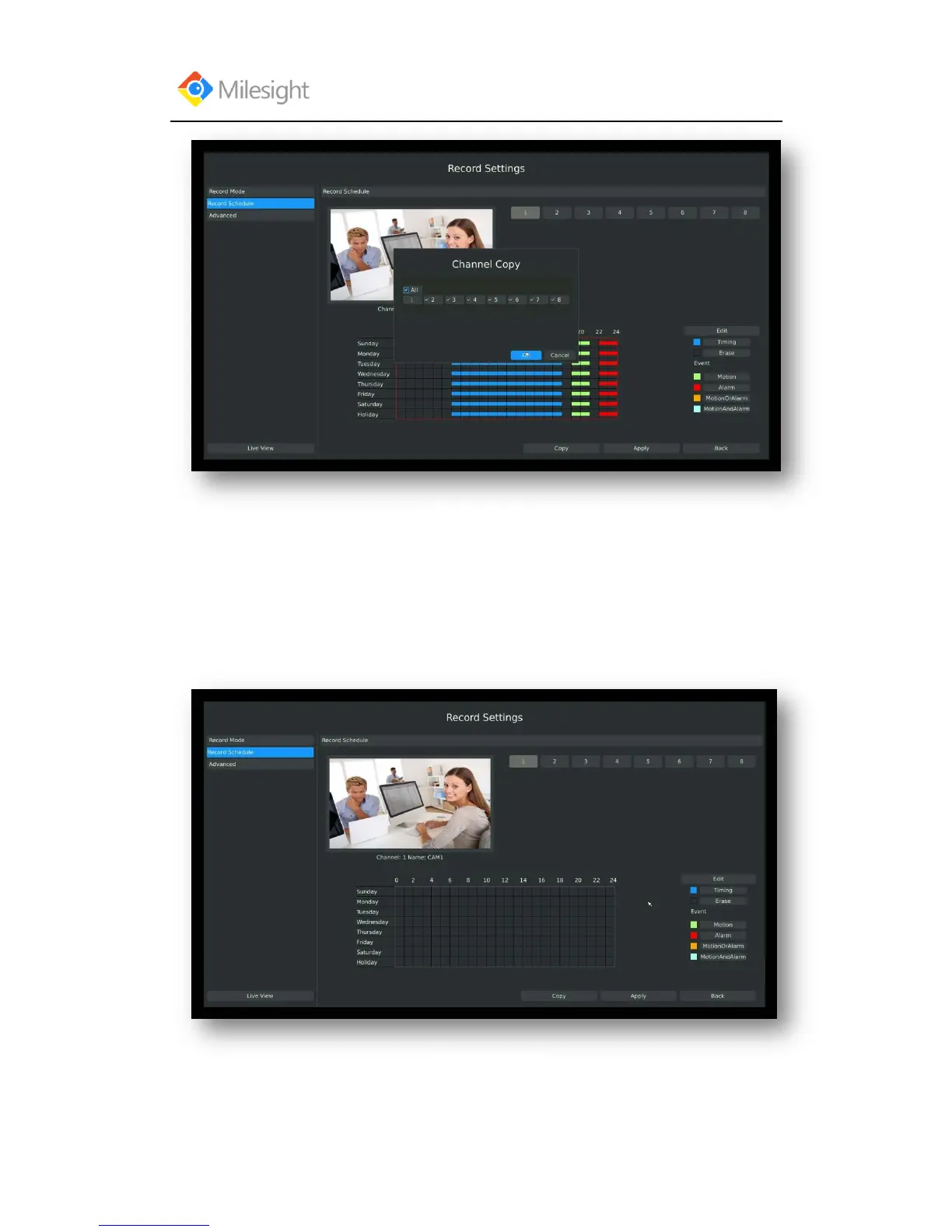
Method2.Set record schedule by drag the mouse
Step1.Enter Record schedule interface by clicking Record Settings→Record Schedule
Step2.Click desired channel and record type show as below:



 To Next Page