User Manual
www.milesight.com 58
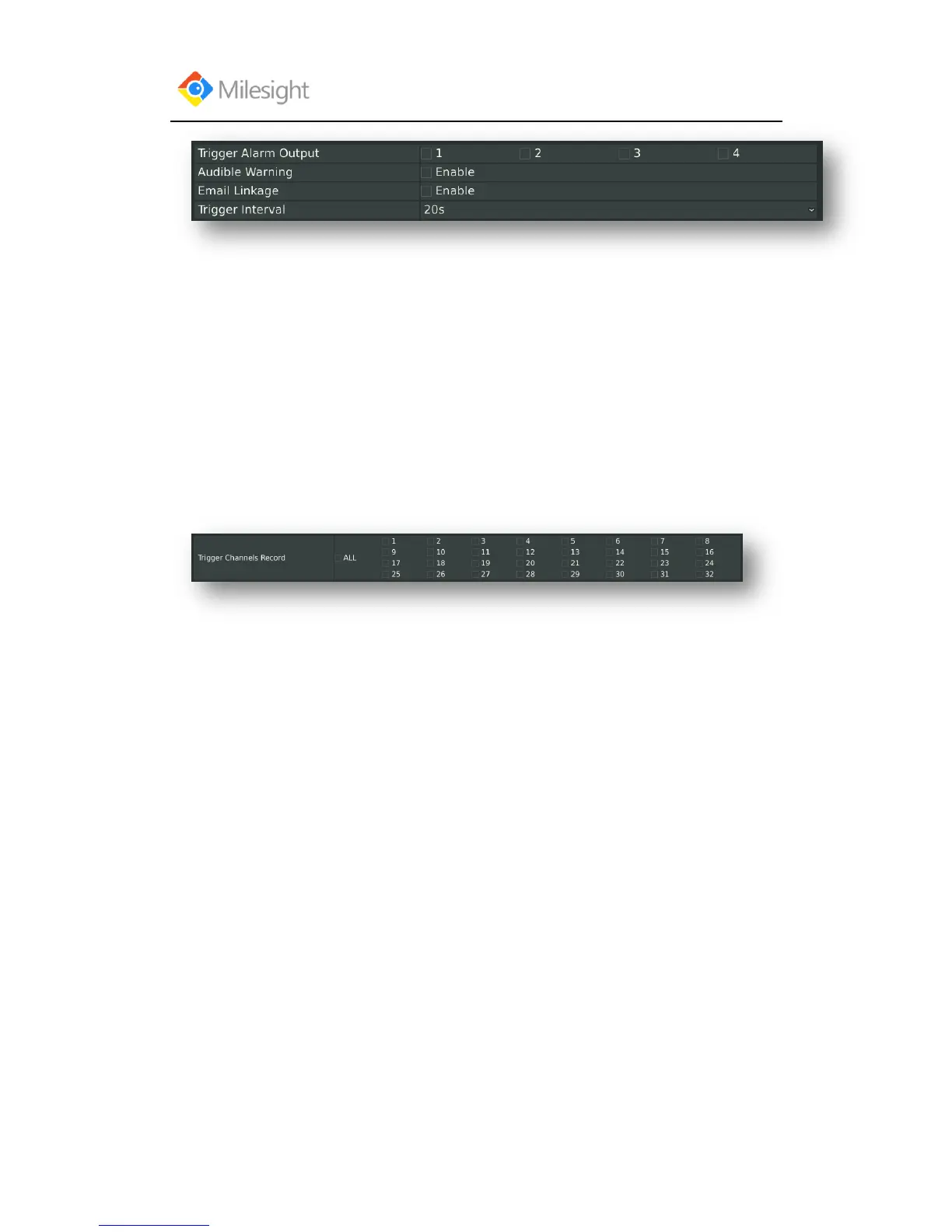
[Trigger Alarm Output]: Select whether trigger the alarm output or not when video loss is
detected.
Audible Warning: Trigger an audible beep when video loss is detected
Email Linkage: Send video loss note to specified email address when video loss is
detected.(Please refer to 3.8.2.4 Mail configuration for mail address setting)
Trigger Interval: Set the interval between two events.
Note: These actions will only take response according to effective time you choose
Step7:[Trigger Channels Record]: Select channels to trigger for recording when motion is
detected by checking the checkboxes under the desired channels. Please make sure other channels
has setup motion recording schedule. (Refer to 3.4 Record settings)



 To Next Page