OM-286308 Page 23
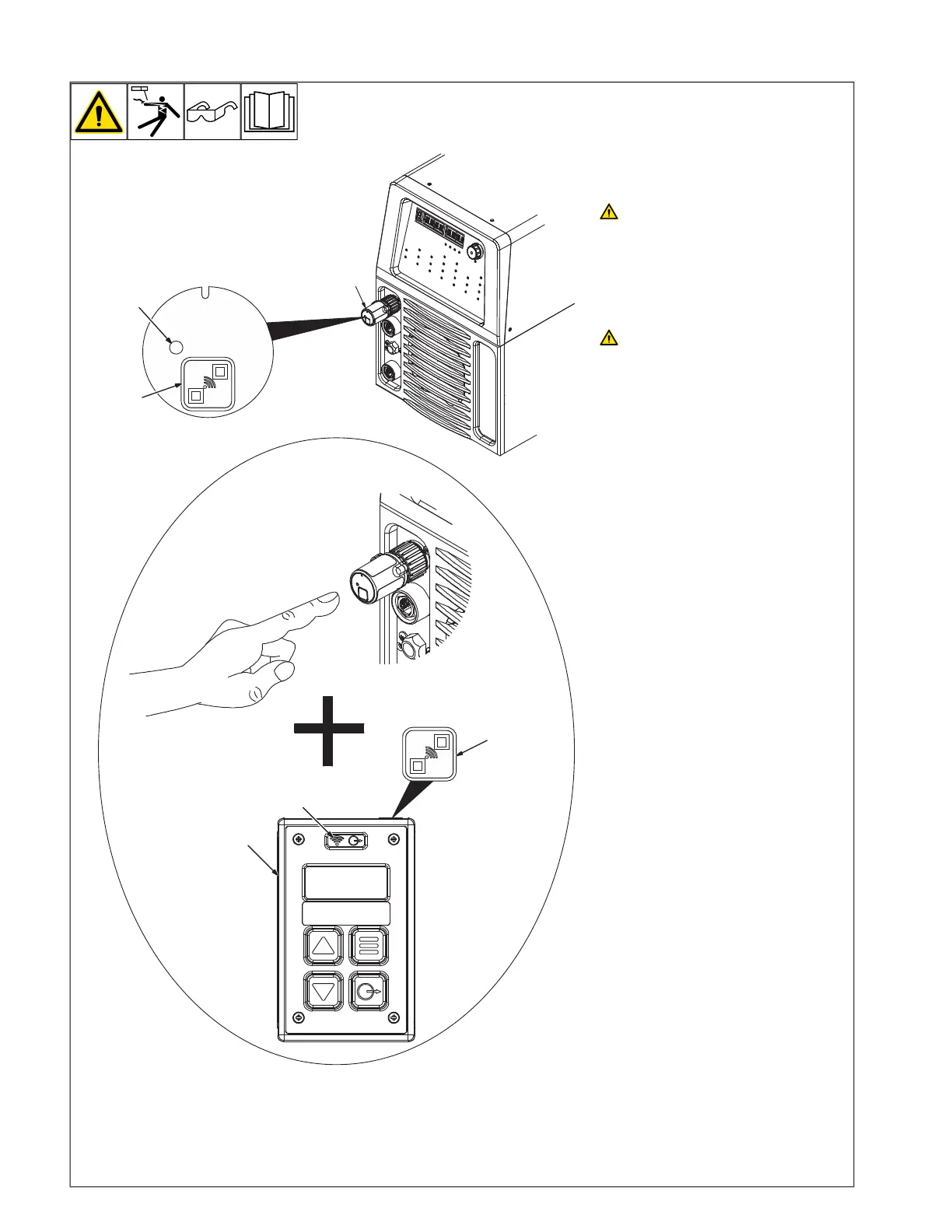
7-5. Pairing A Wireless Hand Control With A 14-Pin Transceiver
PAIR
4
1
Ref. 803900-B / Ref. 805626-A
5
6
2
3
Wireless hand control operation for weld-
ing power sources with output contactor
always on (Stick, TIG, and voltage sens-
ing wire feed welding).
Unexpected weld output can cause
electrical shock. Wireless remote
controls can turn on weld output
from distant locations. Disconnect
14-Pin Transceiver from remote 14
receptacle and remove the bat-
teries from wireless foot control
and/or wireless hand control be-
fore servicing equipment.
Turn off welding power source be-
fore pairing a wireless hand con-
trol or wireless foot control to
another 14-Pin Transceiver. During
the pairing process, weld output
may be present on the welding
power source previously linked to
wireless hand control or wireless
foot control.
F
Pairing is only required for devices pur-
chased separately. The wireless hand
control and 14-Pin Transceiver system
and wireless foot control and 14-Pin
Transceiver System are paired when
purchased as a system or set. A wire-
less foot control or wireless hand con-
trol can only pair to a single 14-Pin
Transceiver. The 14-Pin Transceiver
can learn a new wireless foot control or
wireless hand control address.
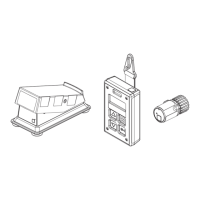
1 14-Pin Transceiver
2 Pairing Button (on 14-Pin Transceiver)
3 Wireless Status Light (on 14-Pin
Transceiver)
4 Wireless Hand Control
5 Pairing Button (on top of Wireless Hand
Control)
6 Wireless Status Light (on Wireless Hand
Control)
To prevent accidental pairing to unin-
tended devices, the wireless hand control
must be within 1ft (25.4cm) of the 14-Pin
Transceiver for successful pairing to
occur.
Plug the 14-Pin Transceiver into the Re-
mote-14 receptacle when weld output is off.
Power on the welding power source with
weld output off.
Press and release the Pairing Button (on 14-
Pin Transceiver).
The Wireless Status Light (on 14-Pin Trans-
ceiver) will indicate solid amber to signify that
the device is in pairing mode.
Both pairing buttons must be pressed within
the 10 second pairing mode window. After
10 seconds the device will exit pairing mode
if no device is found.
If successfully paired, the Wireless Hand
Control Status Light will indicate flashing
green and the 14-Pin Transceiver will indi-
cate solid green.
If not successfully paired both the Wireless
Hand Control and 14-Pin Transceiver Wire-
less Status Lights will indicate solid red.






 To Next Page