Page 24 of 113
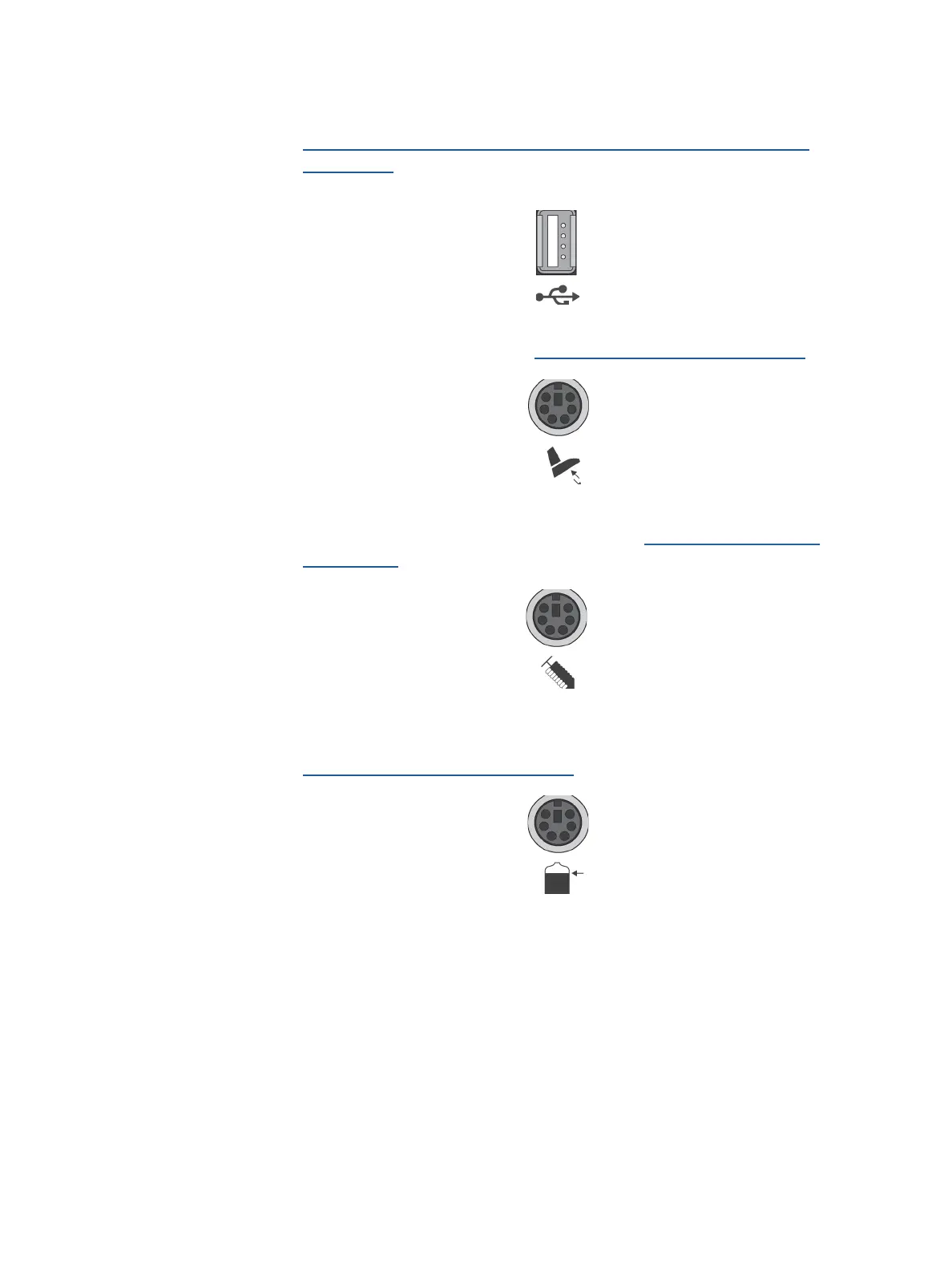
5. To transfer test methods to the pump using a USB flash drive (see
Configuring the Pump, Method Transfer, Transfer Using a USB
Flash Drive), connect a USB flash drive to the dedicated USB port of the
communication hub
6. If using the optional footswitch, connect the footswitch to the dedicated port
of the communication hub (see Overview of Optional Accessories).
7. If using the optional syringe support, connect the syringe support to
the dedicated port of communication hub (see Overview of Optional
Accessories).
8. If using the optional waste overfill sensor for solid containers, connect the
waste overfill sensor to the dedicated port of the communication hub (see
Overview of Optional Accessories).
9. Switch on the communication hub by pressing the on/off switch (position I ).



 To Next Page