Page 38 of 113
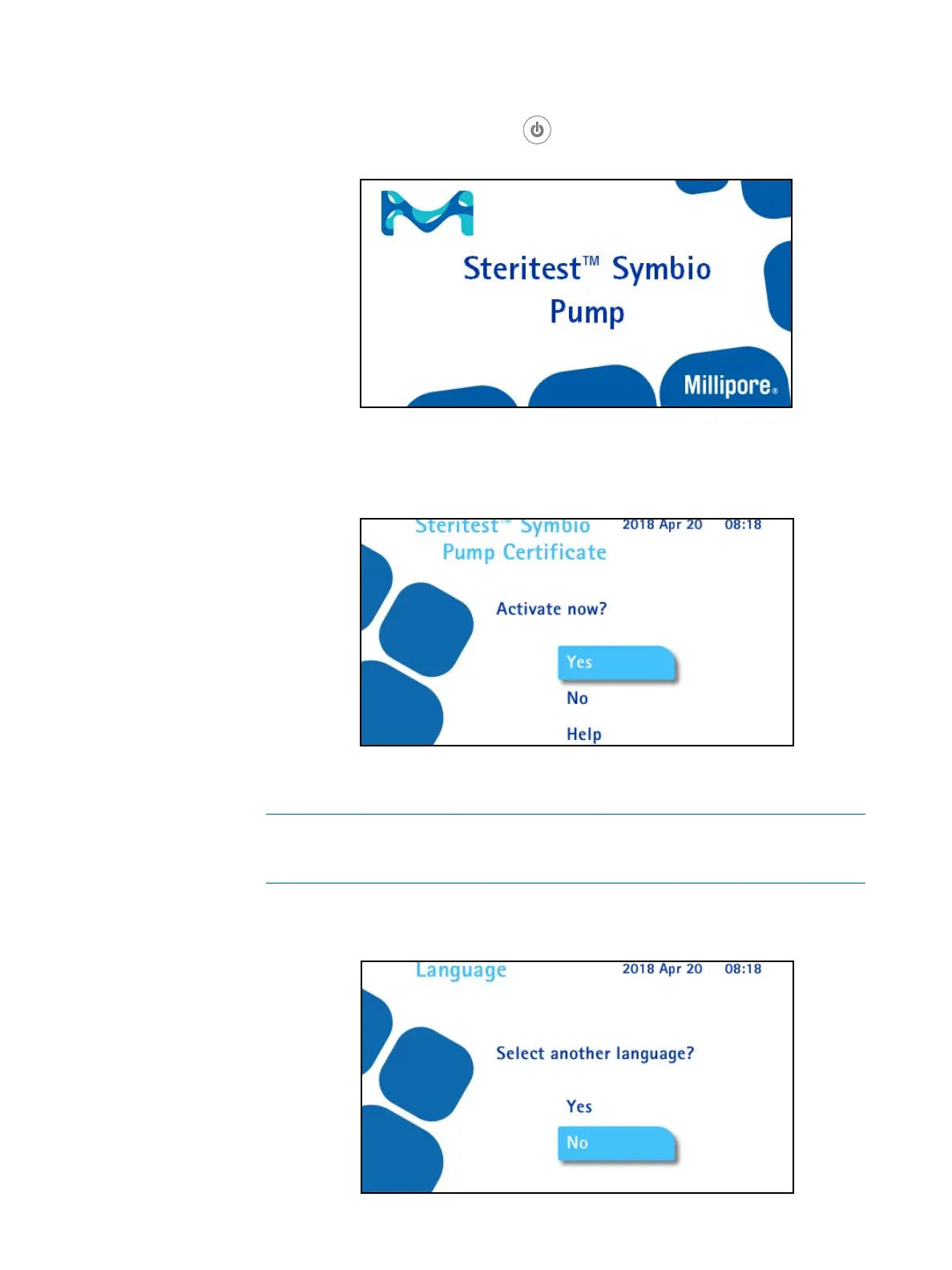
2. Press the pump on/off button . The screen displays the range of
Steritest
®
devices. This is followed by the welcome screen:
The first time the pump is started, and until the pump certificate is activated, the
following screen also displays:
3. To activate the pump certificate, turn and press the control knob to select
Yes.
NOTE
If No is selected, the autotest sequence begins. When autotest is finished,
continue with step 9 of this section.
The following screen displays. By default the language is English.



 To Next Page