Page 39 of 113
4. Do one of the following:
• To use English, turn and press the control knob to select No. Continue to
step 6.
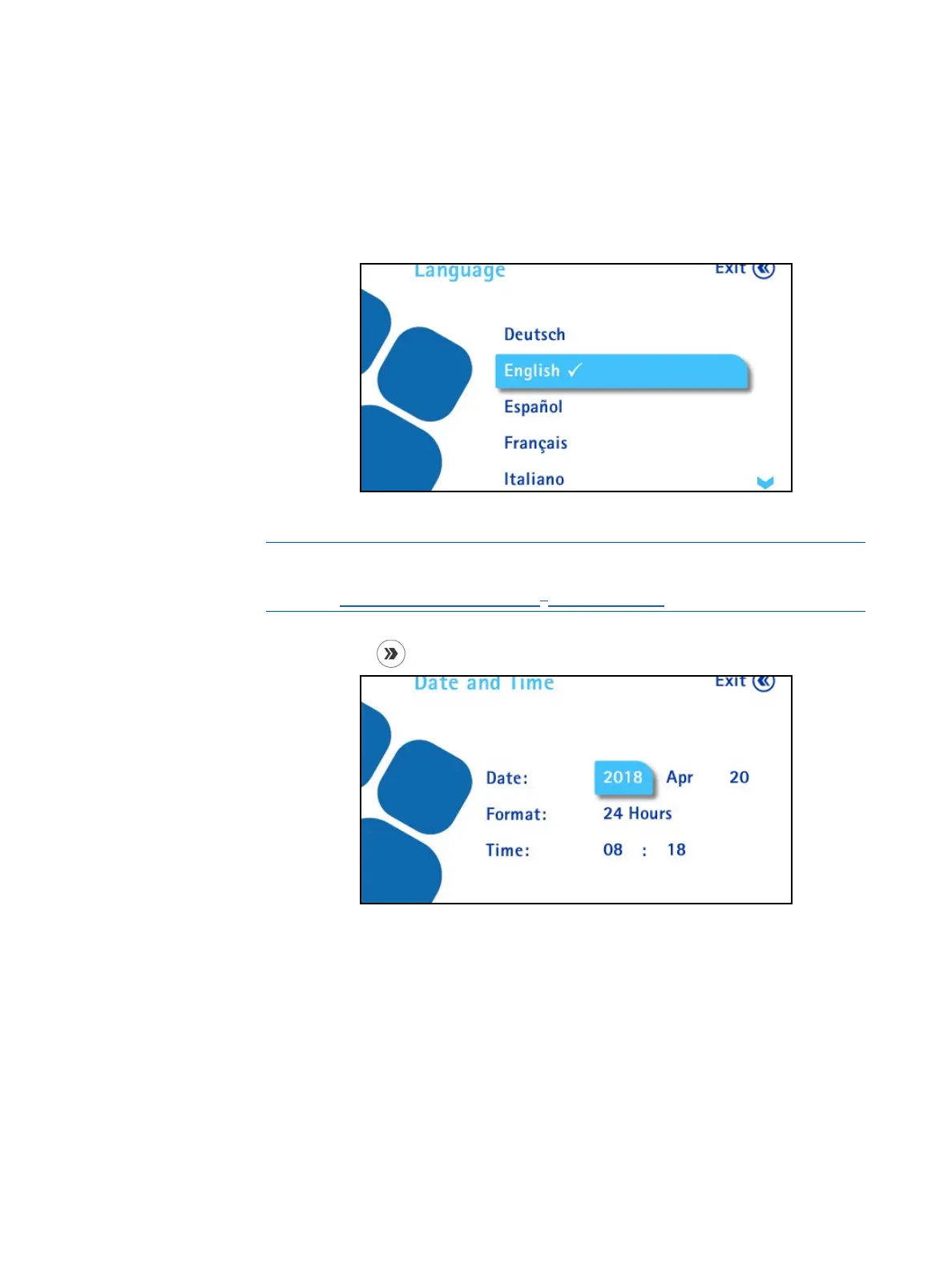
• To use a language other than English, turn and press the control knob to
select Yes. The Language screen displays:
Turn and press the control knob to select a language.
NOTE
The language can also be changed later using the Configuration menu.
See Configuring the Steritest
®
Symbio Pump.
5. Press the
button to continue. The following screen displays:
6. To set date, format, and time, turn the control knob to go from a field to
another. To modify a value, push the control knob to enter the value field,
turn the control knob to change the value, and press the control knob to
confirm the value.



 To Next Page