Page 56 of 113
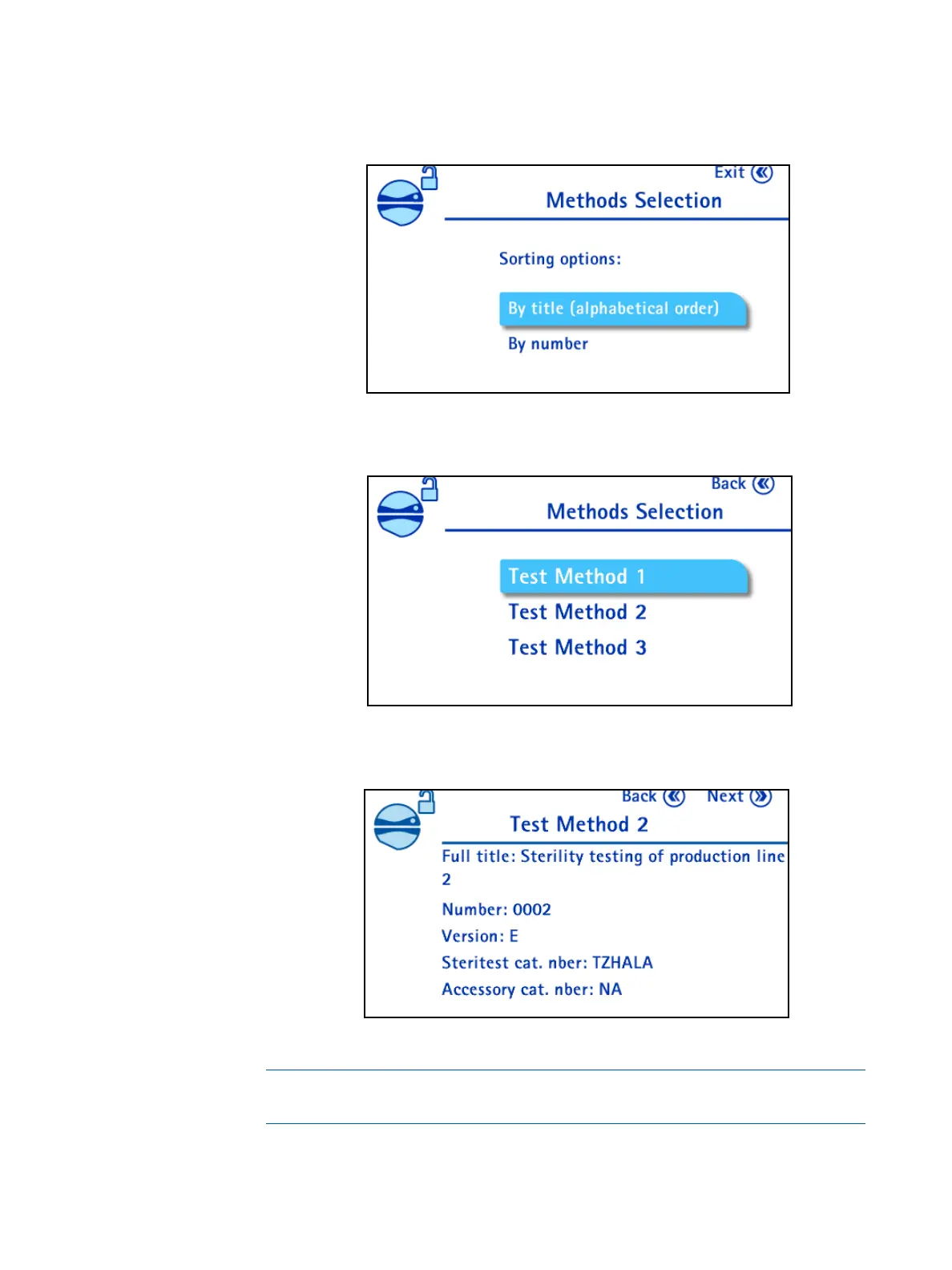
2. Turn and press the control knob to select the Test Method Mode. The
Methods sorting options screen displays:
3. Turn and press the control knob to select the preferred test methods sorting
option. The list of the test methods stored in the pump displays:
4. Turn and press the control knob to select a test method. The details of the
selected test method display:
NOTE
Ensure that the version of the selected test method is up to date.



 To Next Page