Page 57 of 113
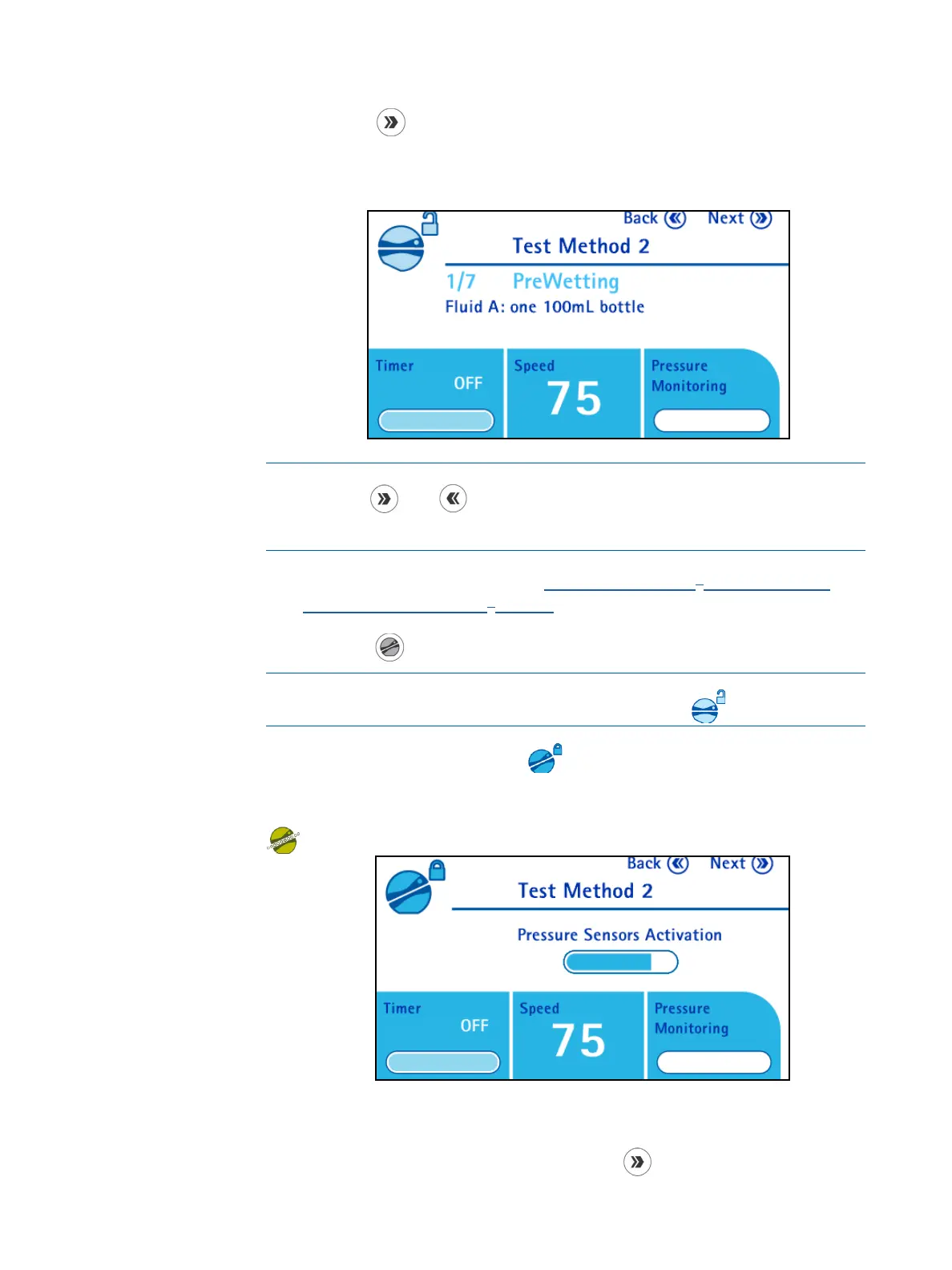
5. Press the button to continue. The Test Method Mode screen displays.
The name of the test method displays at the top of the screen, and the
number and name of the test method step displays in the information area
along with a comment, if one has been entered.
NOTE
Use the
and buttons to browse through the steps of the test
method.
6. Install the Steritest
®
device (see Using the Steritest
®
Symbio Pump,
Installing the Steritest
®
Device).
7. Press the
button to close the pump head.
NOTE
During the locking procedure of the pump head, the
icon blinks.
When the pump head is closed, the
icon displays. The activation procedure
of the pressure sensors starts:
When the pressure sensors are activated, and the pump is ready to start, the
icon displays.
8. Follow the instructions on the screen for the first step of the test method.
9. When the first step is completed, press the
button to move to the
second step of the Test Method.



 To Next Page