Page 86 of 113
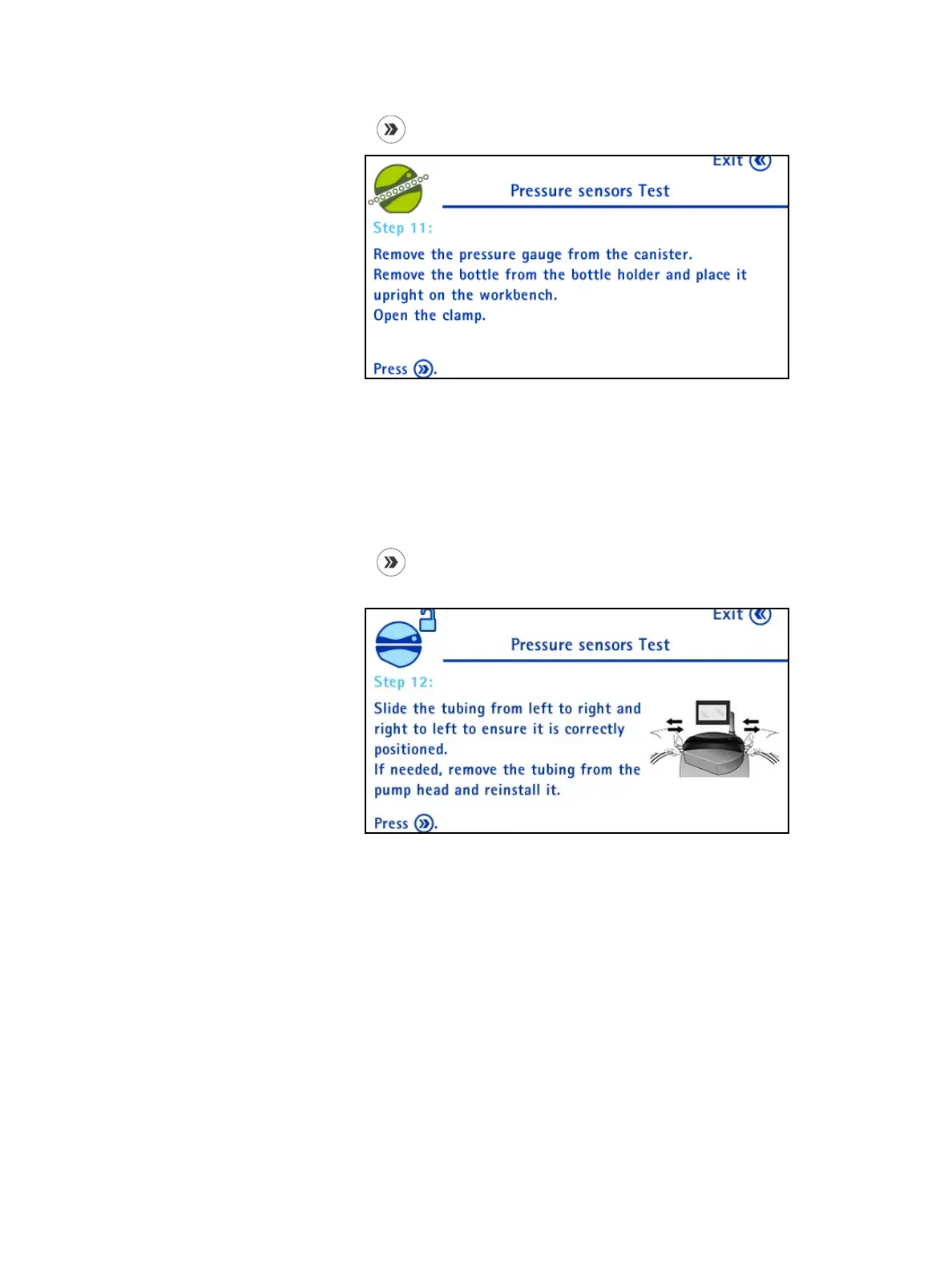
12. Press the button. The following screen displays:
Remove the pressure control kit for Steritest
®
Pumps to release the pressure
in the canister.
Remove the bottle from the bottle holder basket and place it upright on the
workbench.
Open the clamp on the bottle side.
13. Press the
button. The pump head opens, and the following screen
displays:
Slide the tubing from left to right and right to left to ensure that it is
correctly positioned. If the tubing does not slide freely, remove the tubing
from the pump head and reinstall it.



 To Next Page