3
OPERATING THE INSTRUMENT
59
3
Operating the instrument
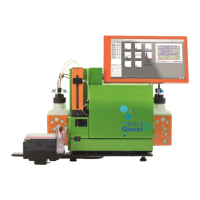
3.1 Switching on the instrument
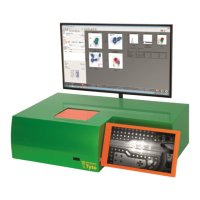
1 Switch on the instrument by using the main switch on the right side of the instrument. The instrument will
be in stand-by mode.
2 Touch the touchscreen to power up the instrument.
For a detailed instruction of how to use the MACSQuantify™ Software, refer to the MACSQuantify™ Software
Manual.
3.2 Shutting down
1 Shut down the software before switching off the instrument. Shut down the software manually, or enable an
automatic shutdown function (refer to Automatic shutdown below).
2 Switch off the instrument using the main power switch at the right side of the instrument.
3.2.1 Manual shutdown
1 Click the Main instrument control button at the upper right corner of the screen.
2 Select Instrument off. This automatically starts a wash program that lasts for approximately seven
minutes. The fluidics system is thoroughly washed with Washing Buffer and finally filled with storage
solution.
3 At the end of the washing program, the instrument is in standby mode. It can be switched off, or rebooted
by touching the touchscreen.
With the main instrument control button, the instrument can also be turned into data analysis mode.
This will start the washing procedure as well, but allows data analysis in the meantime.
3.2.2 Automatic shutdown
By default, automatic shutdown is enabled. If the instrument is idle for a preset amount of time, it will
automatically shut down or, alternatively, switch into Analysis mode to elongate diode lifespan of the lasers.
Refer to the MACS Quantify™ Software manual for information about the Analysis mode.
1 To modify the automatic shutdown settings, log in as an administrator.
2 Go to Edit > Options (default) > Software > Timers.


 To Next Page