4
CALIBRATION
61
4
Calibration
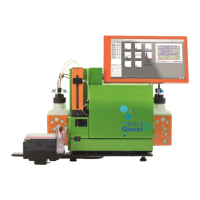
Before using the MACSQuant® Instrument for the first time, calibrate the hardware. Calibrate also the
photomultiplier tubes (PMTs) of the instrument. In order to calibrate the MACSQuant Instrument, the user must
be familiar with the MACSQuantify™ Software. It is highly recommended that hardware calibration is only
performed by an administrator who has been trained by Miltenyi Biotec. Refer to the MACSQuantify™ Software
manual and/or the help function of the MACSQuant Instrument for an introduction to the MACSQuant
Instrument user interface and a detailed description of the instrument settings.
4.1 Calibrating the sample uptake unit
4.1.1 Calibrating the robotic needle arm
During calibration, the robotic needle arm moves between the samples and the dropping station. Ensure that
the robotic needle arm can move freely and that no object is obstructing it.
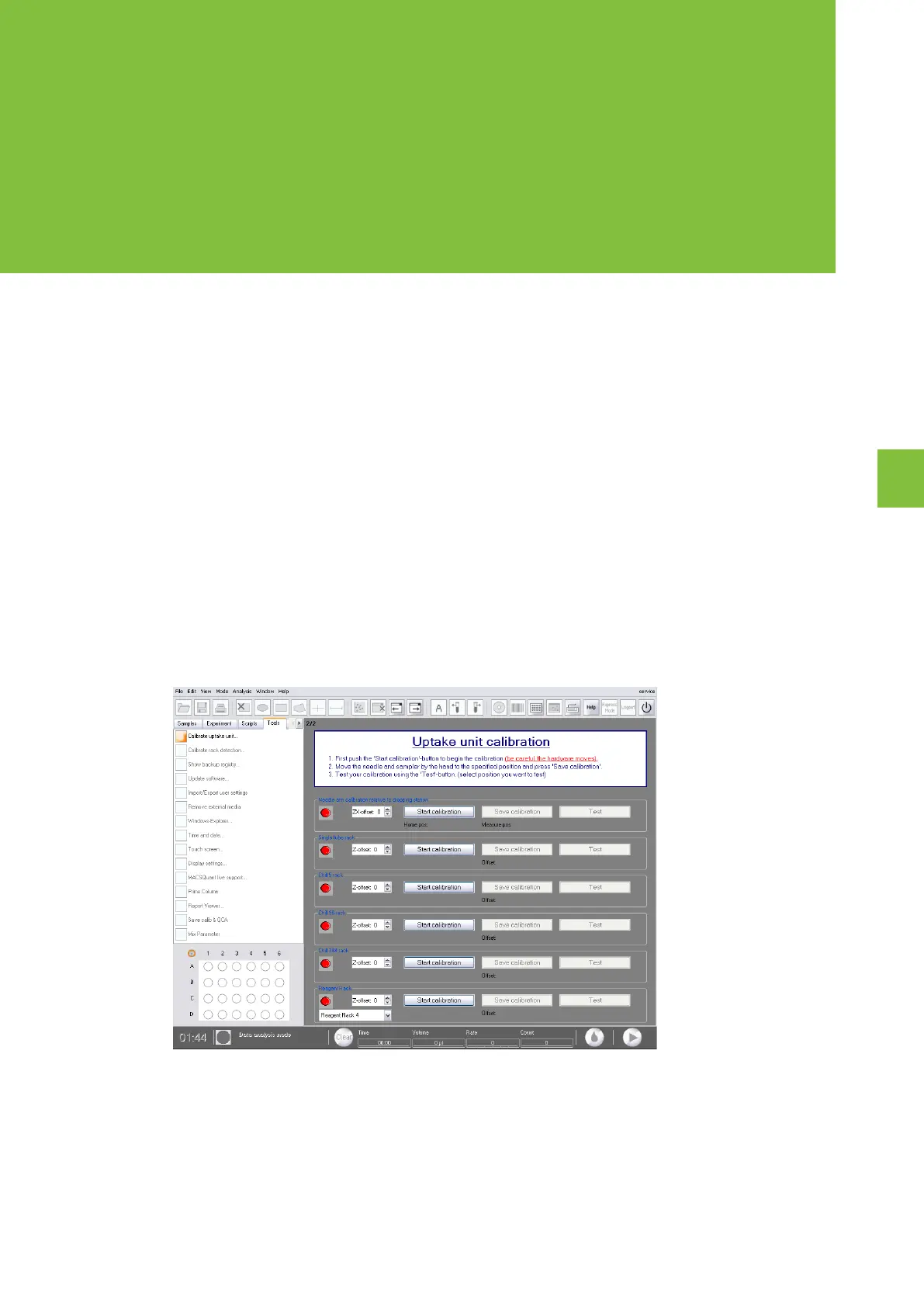
1 Click on the Tools tab on the side pane of the MACSQuantify™ Software and check the Calibrate uptake
unit box. A red closed circle indicates that the respective uptake component is not calibrated.
2 Click Start calibration under the heading Needle arm calibration relative to dropping station. The
robotic needle arm will move toward the dropping station before being inserted into the port.


 To Next Page