7
MAINTENANCE
73
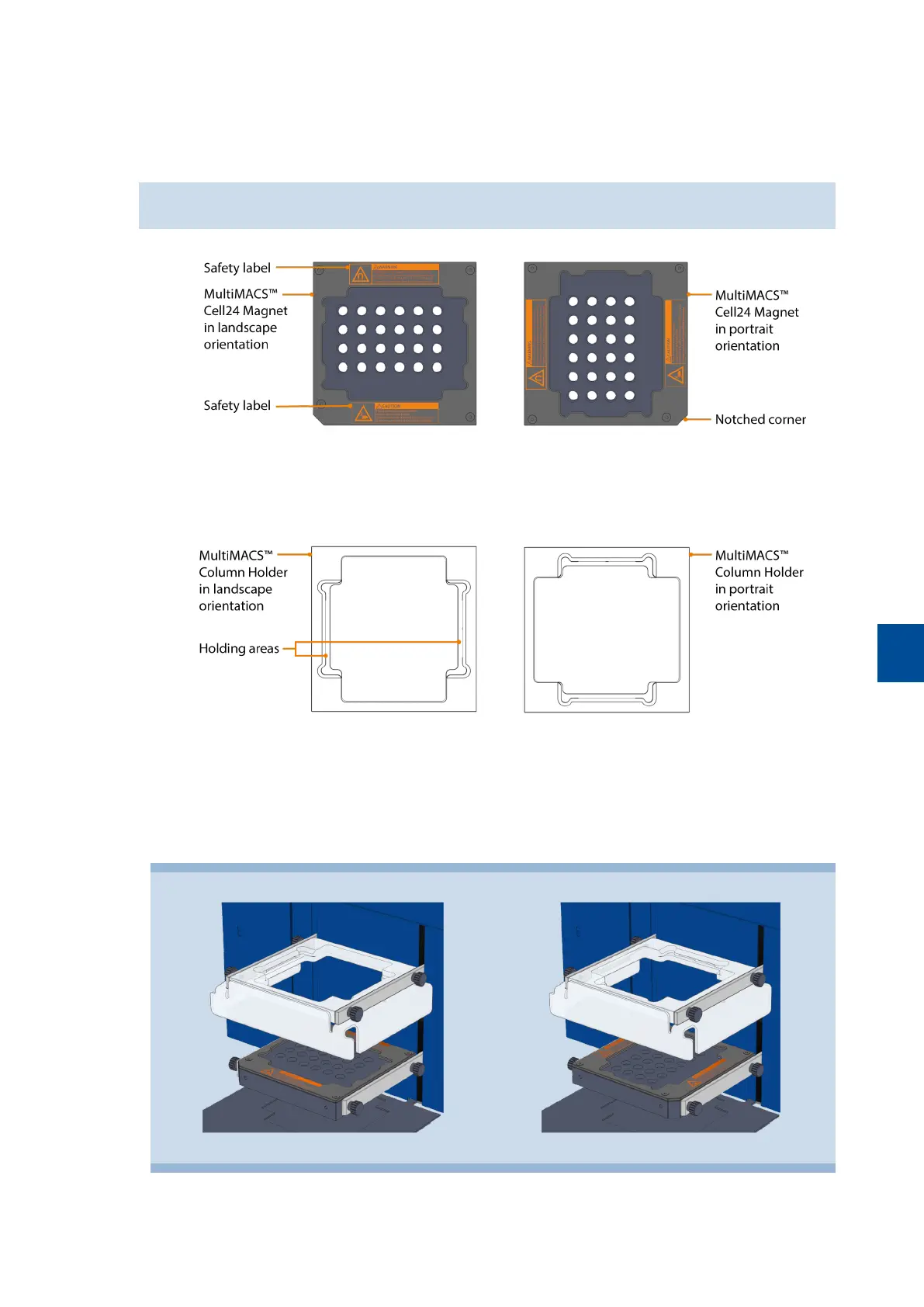
8 Turn the MultiMACS Cell24 Magnet counterclockwise by 90° to change the orientation from landscape to
portrait. The notched corner must be oriented to the front right. Turn the MultiMACS Cell24 Magnet
clockwise by 90° to change the orientation from portrait to landscape. The notched corner must be oriented
to the front left.
Make sure that the safety labels on the MultiMACS Cell24 Magnet are always visible.
9 Rotate the MultiMACS Column Holder the same way as the MultiMACS Cell24 Magnet. Note the orientation
of the holding areas for the Multi-24 Column Block or MultiMACS Single-Column Adapter.
10 Reinstall both components. Align the holes in the metal brackets with the screw threads in the MultiMACS
Cell24 Magnet and the MultiMACS Column Holder (refer to Figure 7.1).
11 Fasten the knurled screws.
12 Plug in the power cable.
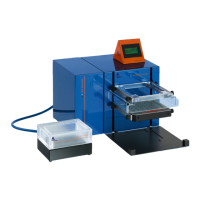
Figure 7.1: MultiMACS Cell24 Separator Plus with installed MultiMACS Cell24Magnet and MultiMACS Column Holder in landscape
orientation (left) and portrait orientation (right).


 To Next Page