5-50 Image Optimization
5.14 Elastography
CAUTION:
Elastography images are provided for reference only, not
for confirming diagnoses.
Elastography imaging is an option. Probes 75L38P, 7L4P and 7L4BP support the
elastography mode.
5.14.1 Basic Procedure for Elastography
1. Select the probe according to the experience and actual situation.
2. Perform a B scan to locate the region.
3. Click the soft key [Elasto] on the right lower part of the screen. Adjust the ROI according
to the actual situation.
4. Adjust the image parameters to obtain the optimized image and necessary information.
5. Adjust the ROI on the frozen image if necessary.
6. Save the image or review the image if necessary.
7. Perform measurement or add comments/body marks to the image if necessary.
8. Estimate the hardness of lesions according to the results.
9. Press <B> to return to B mode.
5.14.2 Enter/Exit
Enter
Press the user-defined Elasto key on the control panel to enter the mode.
After entering the mode, the system displays two windows in real-time on the screen. The
left one is the 2D image, and the right one is the Elasto image.
Exit
Press <B> or the user-defined Elasto key on the control panel to exit and enter the mode.
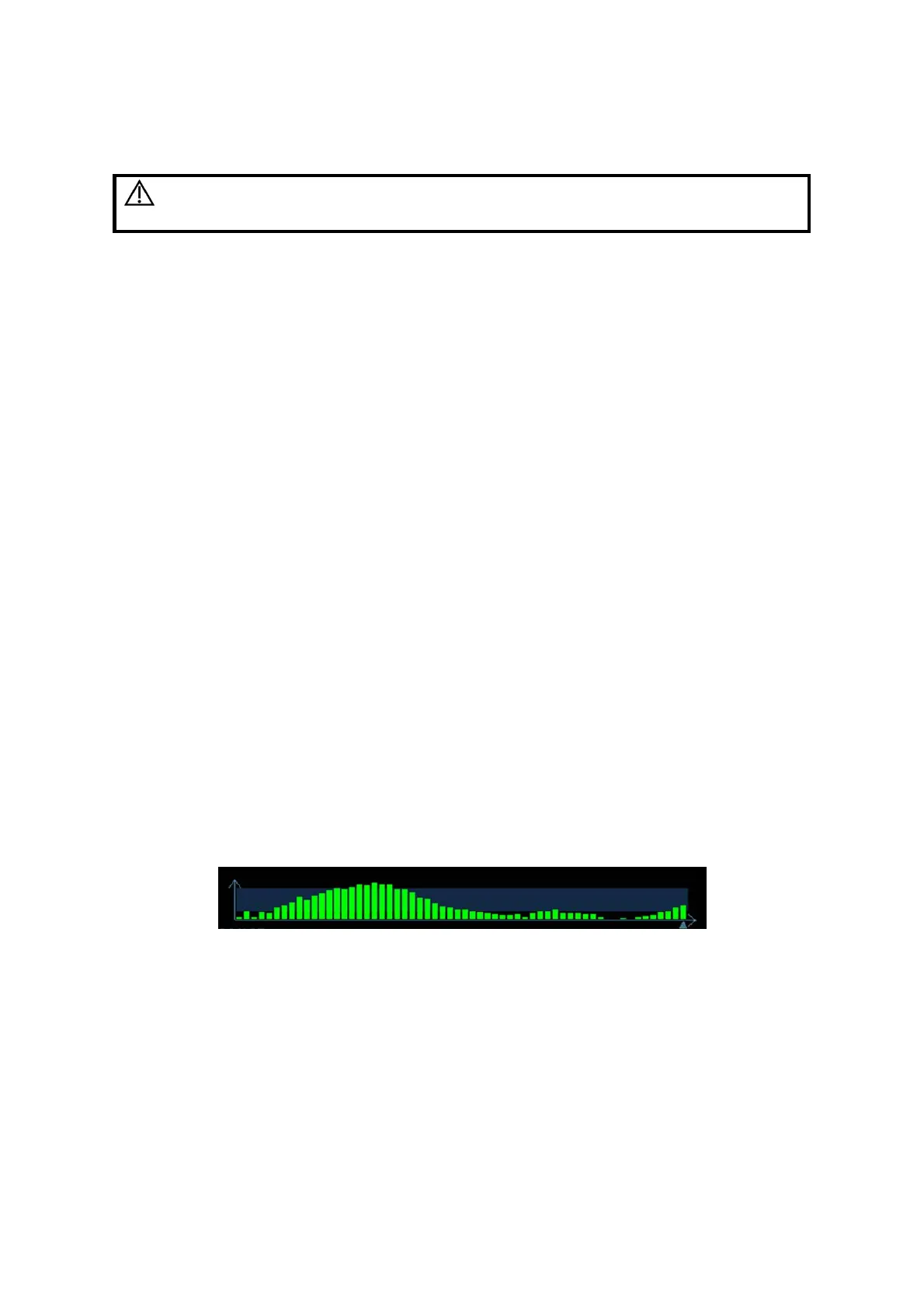
5.14.3 Pressure Hint Curve
The screen displays the pressure curve in real time:
The X-axis represents time and the Y-axis represents pressure.
ROI Adjustment
Description
To adjust the width and position of the ROI in Elasto imaging.
Operation
When the ROI box is solid line, roll the trackball to change its position.
When the ROI box is a dotted line, roll the trackball to change the size.
Press <Set> to switch between the solid line and the dotted line status.
Smooth
Description
To adjust the smooth feature of the Elasto image.



 To Next Page