5-16 Image Optimization
Dynamic Range
Description
This function is to adjust the transformation of echo intensity into color signal.
Operations
Click the [Dynamic Range] item on the image menu to adjust the dynamic
range.
The adjusting range is 10-70dB in increments of 5dB.
Increasing dynamic range will lead to higher sensitivity to low-power signals,
thus enhances the range of signals to display.
5.8 PW/CW Doppler Mode
PW (Pulsed Wave Doppler) mode or CW (Continuous Wave Doppler) mode is used to provide
blood flow velocity and direction utilizing a real-time spectral display. The horizontal axis
represents time, while the vertical axis represents Doppler frequency shift.
PW mode provides a function to examine flow at one specific site for its velocity, direction and
features; while CW mode proves to be much more sensitive to high velocity flow display. Thus,
a combination of both modes will contribute to a much more accurate analysis.
Adjustment items, such as SV, steer, Duplex, Triplex and HPRF, are not available in the CW
mode.
NOTE: Only phased probes support CW mode.
5.8.1 Basic Procedures for PW / CW Mode Exam
1. Select a high-quality image during B mode or B + Color (Power) mode scanning, and
adjust to place the area of interest in the center of the image.
2. Press <PW> to adjust the sampling line,
Click [CW] item on the PW image menu to enter CW mode.
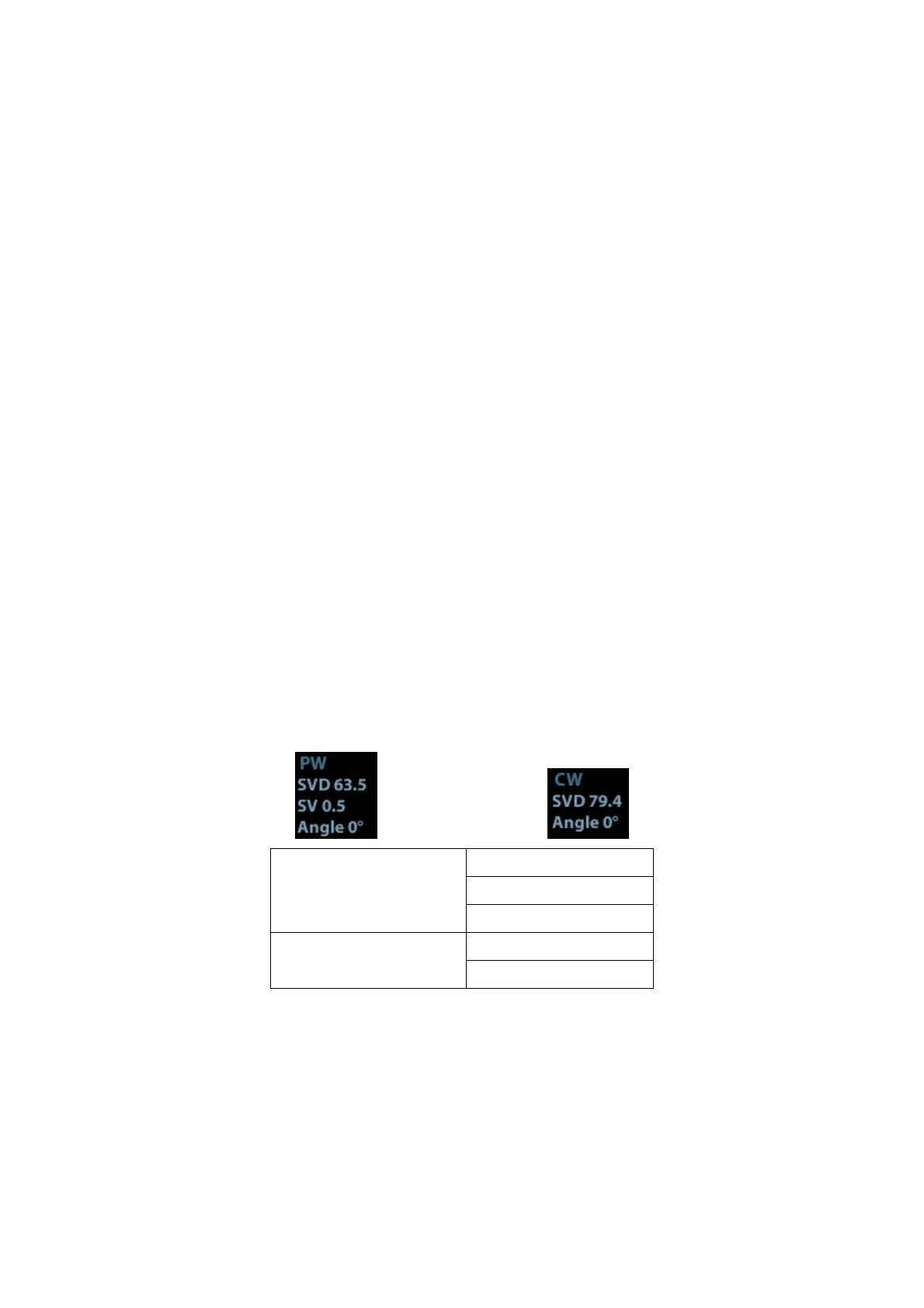
The sampling status will be displayed in the image parameter area in the upper right
corner of the screen as follows:
PW Sampling Line
Adjustment
SV
Angle
SVD
CW Sampling Line
Adjustment
Angle
CW Focus Depth
3. Set the position of the sample line by moving the trackball left and right, and set the SVD
by moving the trackball up and down, adjust the angle and SV size according to the
actual situation.
4. Press <PW> or <Update> to enter PW/CW mode again and perform the examination.
You can also adjust the SV size, angle and depth in real-time scanning.
5. Adjust the image parameters during PW/CW mode scanning to obtain optimized image.
6. Perform other operations (e.g. measurement and calculation) if necessary.



 To Next Page