13-34 Probes and Biopsy
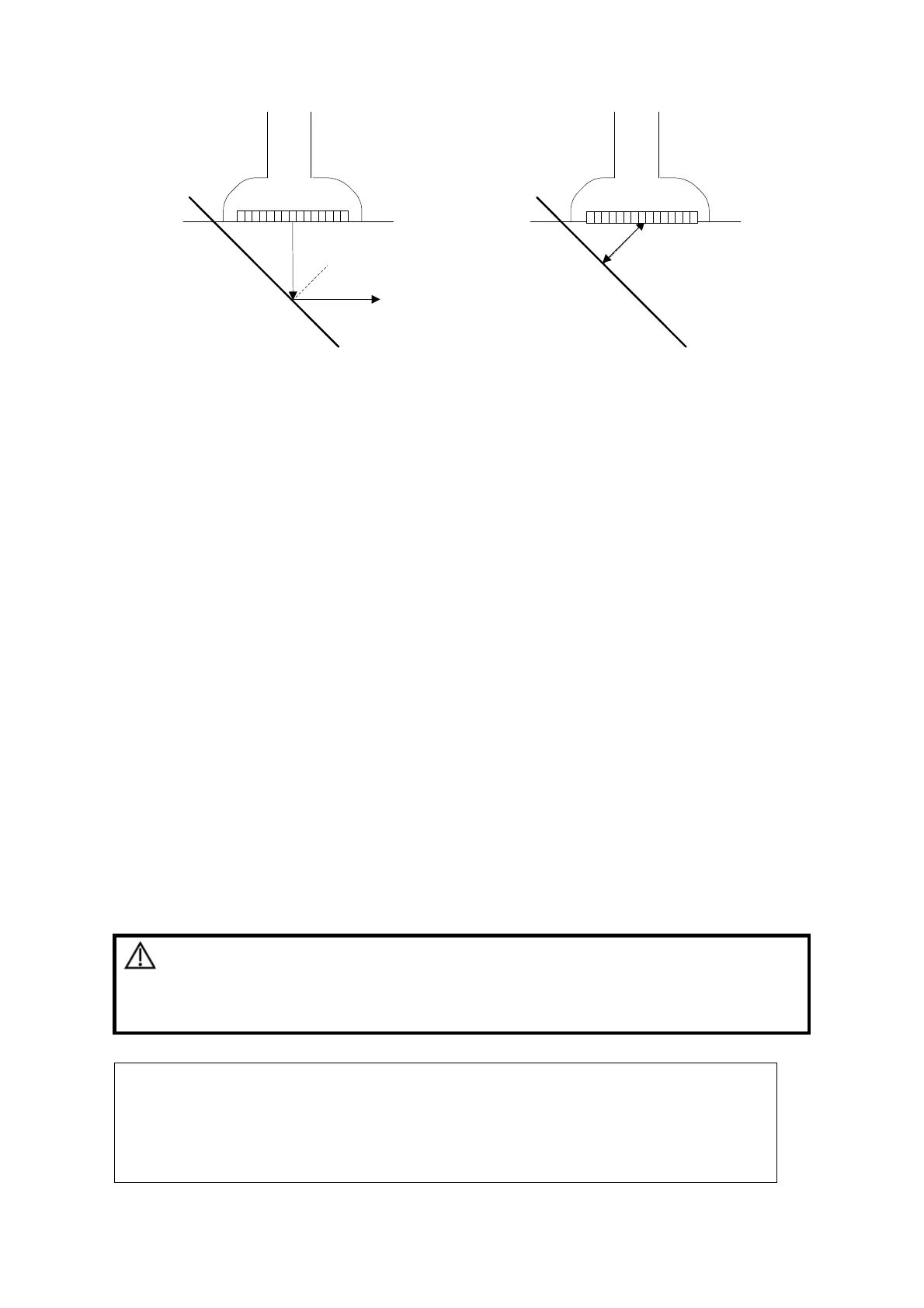
Figure 1 Figure 2
To enter/exit iNeedle
To enter iNeedle
Click [iNeedle] item in B page on the screen.
Or, you can assign a user-defined key for entering iNeedle.
Open iNeedle in Biopsy status
1. Perform scanning and locate the target, press <Biopsy> to enter the screen.
2. Click [iNeedle] to enter the status; available adjusting parameters are displayed on the
menu.
To exit iNeedle
Press the user-defined key or click [iNeedle] to exit the status and enter B mode.
Needle Steer
Description
This function adjusts the biopsy needle angle via changing the steer angle of
the scan line. The iNeedle affecting region changes correspondingly.
Click [Needle Steer] item on the screen.
B/iNeedle
Description
This function is used to display B image and iNeedle image synchronously.
Operation
To turn on or off the function, click [B/iNeedle] on the screen.
Tips: iZoom (full-screen magnification) is available on iNeedle status.
13.2.6 Verify Biopsy Guide Line
WARNING:
1.
Prior to each biopsy procedure, be sure to verify the guide
line.
2.
If the needle is not consistent with the guide line, DO NOT
perform the biopsy procedure.
NOTE:
1. You can perform guide line verification on a single live B image only, and
all biopsy-irrelevant operations are forbidden.
2. For bi-planar probe applied biopsy, the verification is performed on the first
guide line, the other guide lines can move together with the first one in
parallel.



 To Next Page