Setup 12-7
(2) Select “Send Cine to USB disk” in “Function” at the right side of the page.
(3) Click [Save] to complete the setting.
Other Settings
Item Description
Key Brightness To set the brightness for the keys.
Key Volume To set the key volume. Zero means no sound.
Trackball Speed To set the trackball speed when moving the trackball.
Trackball Brightness To set the color for the trackball.
12.1.7 Biopsy
Open the Biopsy page via [Setup]-> [System Preset]-> [Biopsy].
Bracket
To select the default needle-guided bracket for the probe.
Parameter
Press to display the biopsy guideline.
12.1.8 Admin
Open the Admin page via [Setup]-> [System Preset]-> [Admin].
For details of access control, please refer to “10.7 Access Control”.
12.2 Exam Preset
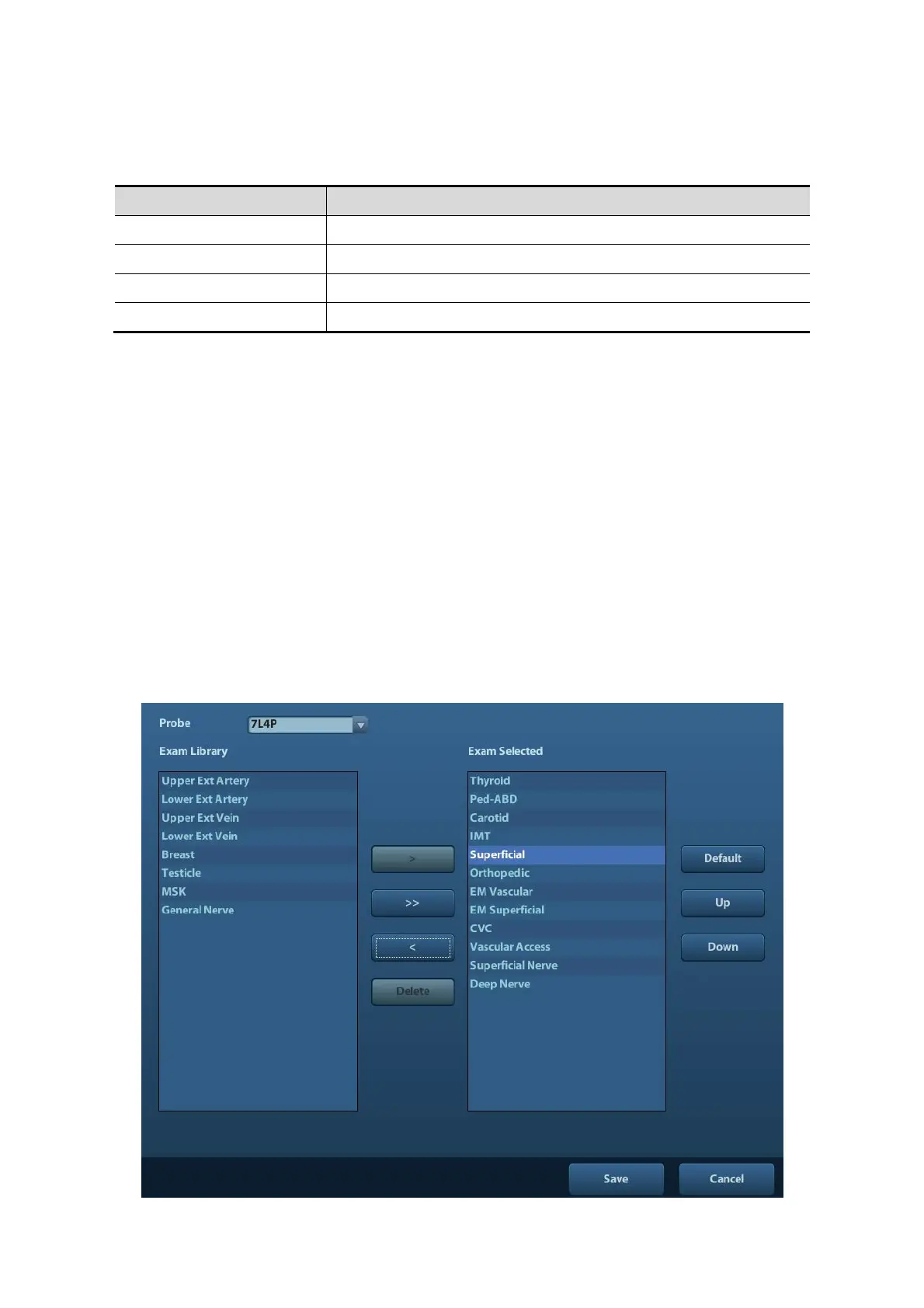
Open [Setup]-> [Exam Preset] to enter Exam Preset screen.



 To Next Page