EasyManua.ls Logo

Minolta FLASH METER III - Page 76

Minolta FLASH METER III
106 pages
Print Icon
To Next Page IconTo Next Page
To Previous Page IconTo Previous Page
Loading...
74
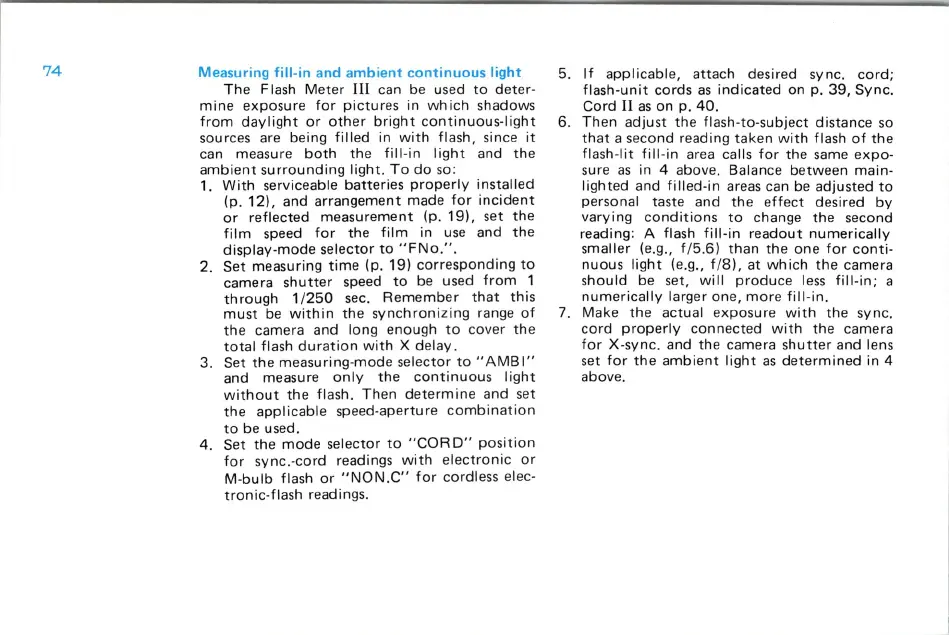
Measuring
fill-in
and
ambient
continuous
light
The
Flash
Meter
III
can be used
to
deter-
mine
exposure
for
pictures
in
which
shadows
from
daylight
or
other
bright
continuous-light
sources are being
filled
in
with
flash,
since
it
can measure
both
th
e
fill-in
light
and
the
ambient
surrounding
light
.
To
do
so
:
1.
With
serviceable
batteries
properly
installed
(p.
12),
and
arrangement
made
for
incident
or
reflected
measurement
(p.
19),
set
the
film
speed
for
the
film
in use and
the
display-mode
se
l
ector
to
"FNo
." .
2.
Set
measuring
time
(p
.
19)
corresponding
to
camera
shutter
speed
to
be used
from
1
through
1/250
sec.
Remember
that
this
must
be
within
the
synchronizing
range
of
the
camera and
long
enough
to
cover
th
e
total
flash
duration
with
X
delay.
3. Set
the
measuring-mod
e
selector
to
"AMBI"
and measure
only
the
continuous
light
without
the
flash.
Then
determine
and set
the
applicable
speed-aperture
combination
to
be used.
4. Set
the
mode
selector
to
"COR
D"
position
for
sync.-cord
readings
with
electronic
or
M-bulb
flash
or
"NON.C"
for
cordless elec-
tronic-flash
readings.
5.
If
applicable,
attach
desired sync.
cord;
flash-
unit
cords
as
indicated
on p.
39,
Sync.
Cord
II
as
on
p.
40.
6.
Then
adjust
the
flash-to-subject
distance
so
that
a second reading
taken
with
flash
of
the
flash-
lit
fill-in
area calls
for
the
same
expo-
sure
as
in 4 above. Balance
between
main-
lighted
and
filled-in
areas can be
adjusted
to
personal taste and
the
effect
desired
by
varying
conditions
to
change
the
second
reading: A flash
fill-i
n
readout
numerically
smaller (e.g., f /
5.6)
than
the
one
for
cont
i-
nuous
light
(e.g., f /
8),
at
which
the
camera
should
be set,
will
produce
less
fill-in;
a
numerically
larger
one,
more
fill-in
.
7.
Make
the
actual
exposure
with
the
sync.
cord
properly
connected
with
the
camera
for
X-sync.
and
the
camera
shutter
and lens
set
for
the
ambient
light
as
determined
in 4
above.

Related product manuals