10. Commissioning
MiR250 User Guide (en) 07/2020 - v.1.2 ©Copyright 2020: Mobile Industrial Robots A/S. 142
1. Connect your computer to the WiFi of the robot you want to update, and sign in to the
robot interface.
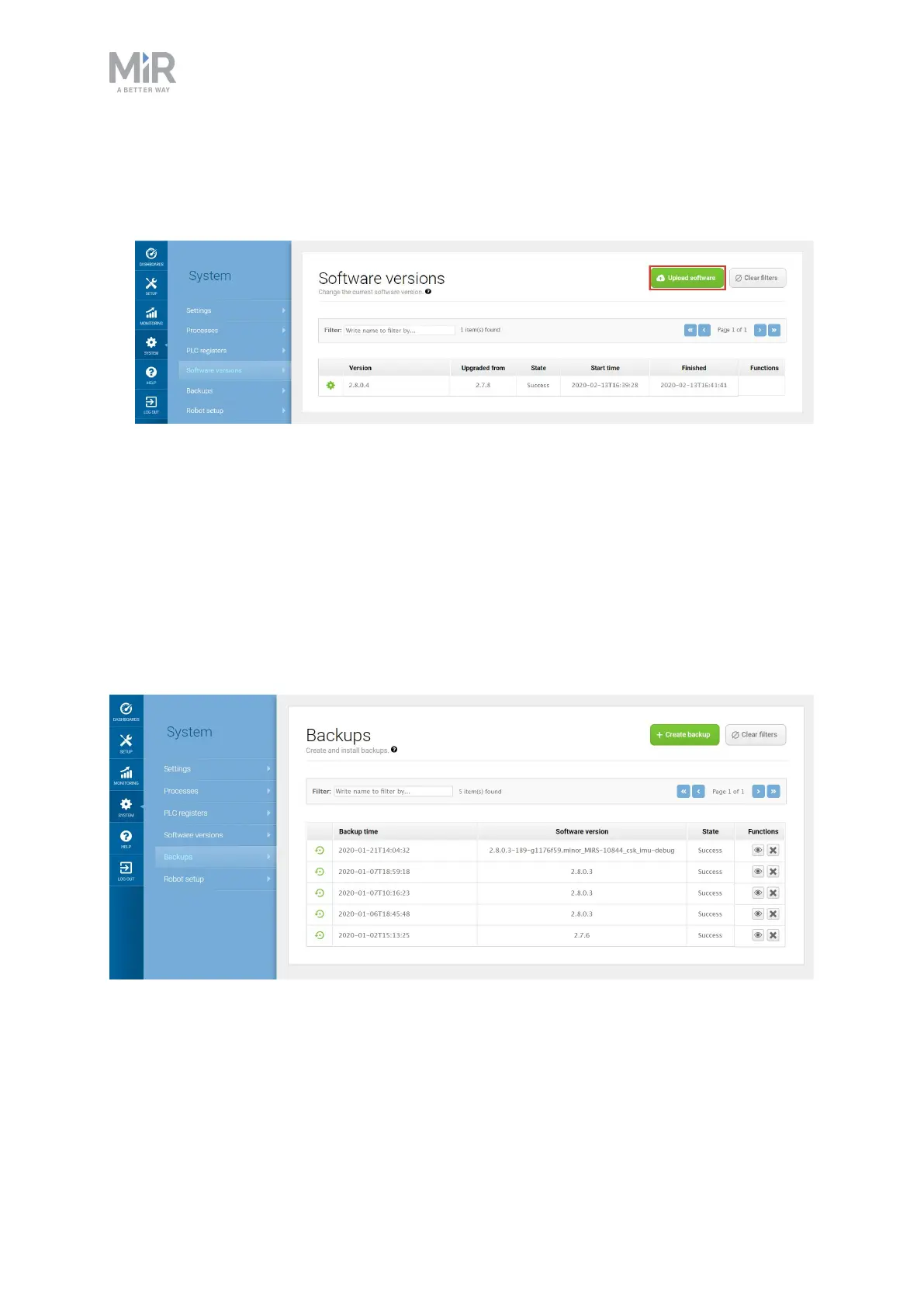
2. Go to System > Software versions and select Upload software.
3. Locate and select the downloaded software package. It may take a few minutes for the
package to successfully upload.
4. Once the software is uploaded, turn the robot off and then on again.
10.12 Creating backups
It can be useful to create a backup if you want to be able to revert to the exact state of the
current software, including data such as settings, missions, and reports at a later stage.
To make a backup of your system, go to System > Backups. Select Create backup.
Figure 10.9. You can create backups of the current software version and setup you are running on your robot.
When the state displays Success, you have created a backup of your system.
Follow the steps below to revert to a previous system:



 To Next Page