10. Commissioning
MiR250 User Guide (en) 07/2020 - v.1.2 ©Copyright 2020: Mobile Industrial Robots A/S. 143
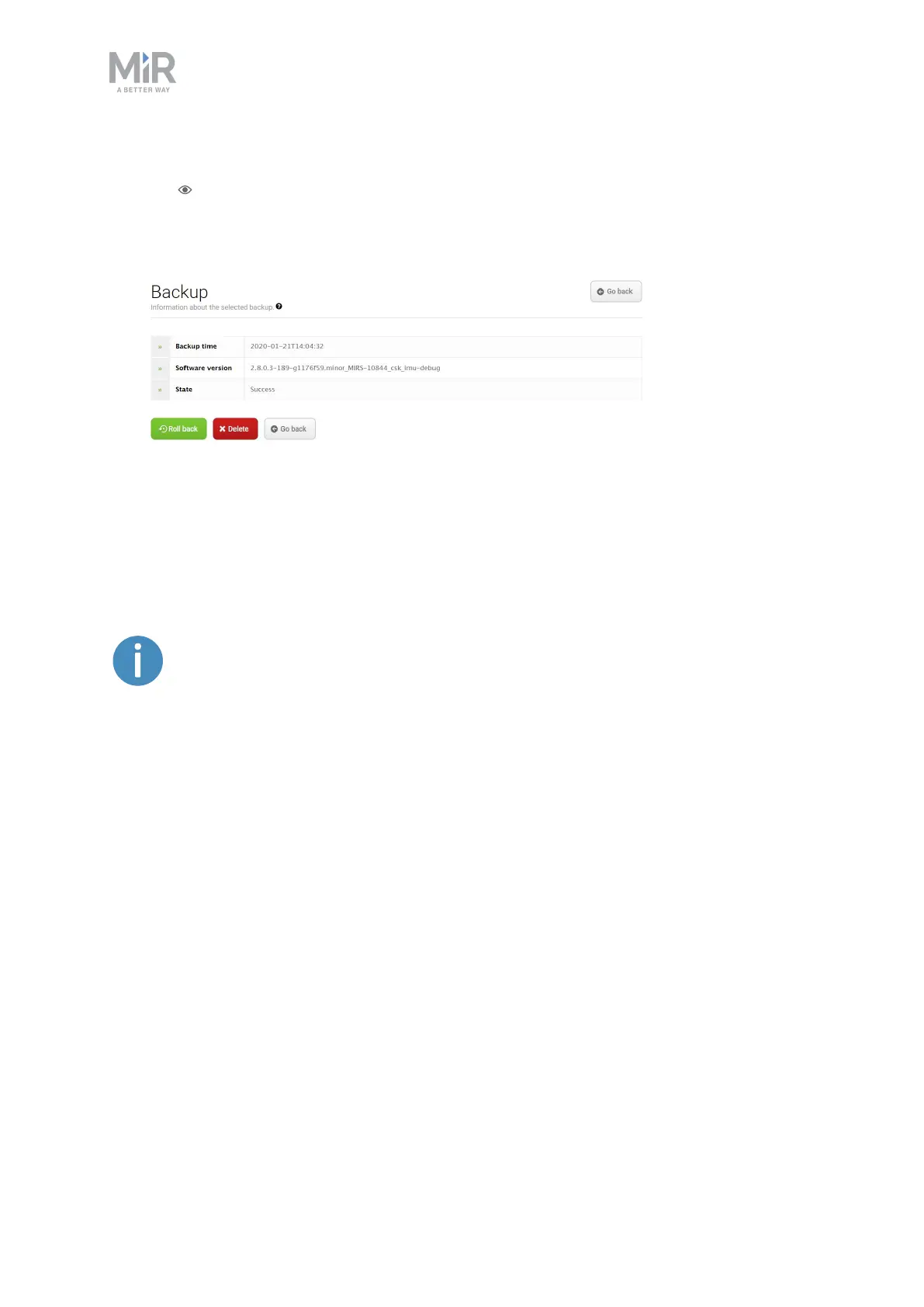
1. Go to System > Backups. Choose the back up version you want to revert to, and select
View .
2. Select Roll back. You have now reverted your robot back to the saved version.
10.13 System settings
This section describes some of the commonly used system settings of MiR250 that the
commissioner must be aware of.
Only the basic system settings are explained in this section,see MiR Robot
Reference Guide for more information.
In System > Settings, users can access the settings of the robot. Access to the settings must
be restricted by the commissioner—see Creating user groups and users on page137.



 To Next Page