5. Getting started
MiR250 User Guide (en) 07/2020 - v.1.2 ©Copyright 2020: Mobile Industrial Robots A/S. 45
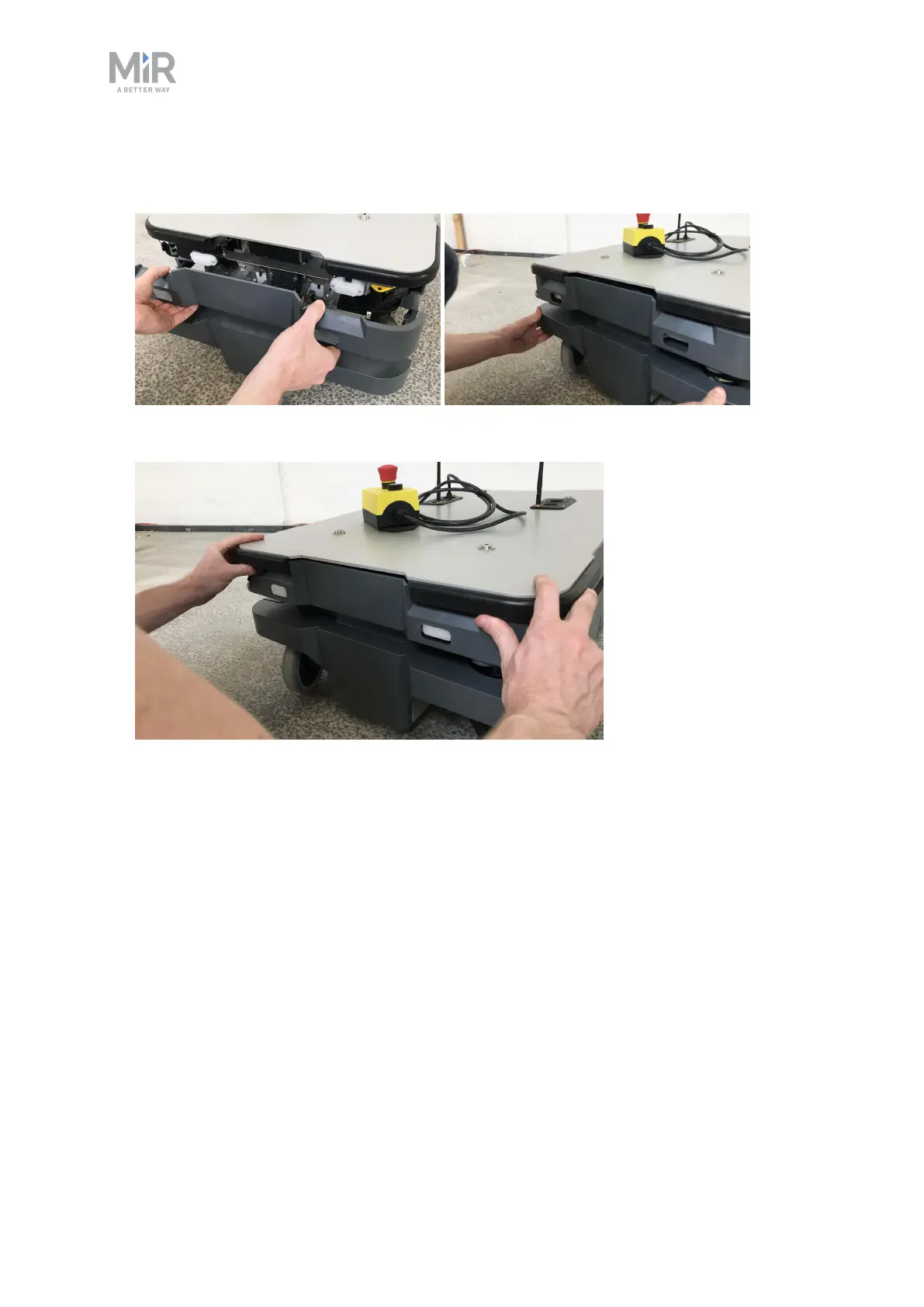
3. Reattach the rear cover by inserting it into the two attachment sockets. When attaching
the cover to the robot, press the two white buttons, and don't tilt the cover.
4. Click the cover in place.
Powering up
Follow these steps to power up the robot:



 To Next Page