126
LCD PC E
LCD PC E
-
-
8590 MAINTENANCE
8590 MAINTENANCE
2.2.10 Keyboard
Disassembly
1. Remove the CPU cover; housing shielding and CPU. (See section 2.2.2 disassembly)
2. Remove the CD/DVD-ROM drive; I/O board; TV tuner board; modem card and memory module. (See section
2.2.3 to 2.2.6 disassembly)
3. Remove the system board. (See section 2.2.7 disassembly)
4. Remove the LCD KIT. (See section 2.2.8 disassembly)
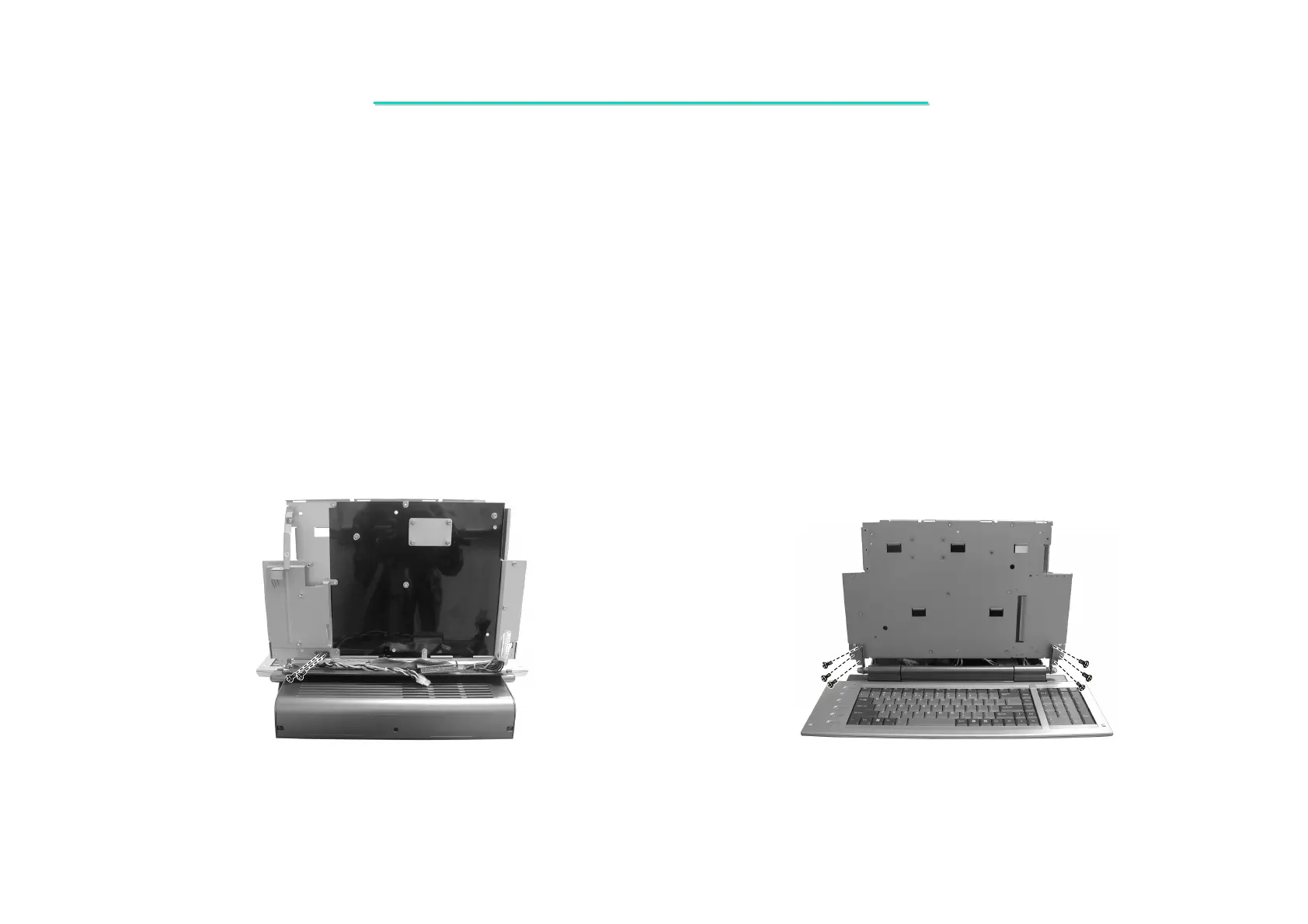
5. Remove two screws on the rear side of base unit. (Figure 2-28)
6. Remove six screws on the front of base unit. Then lift up the system bracket. (Figure 2-29)
Figure 2-28 Remove two screws Figure 2-29 Remove six screws



 To Next Page