176
LCD PC E
LCD PC E
-
-
8590 MAINTENANCE
8590 MAINTENANCE
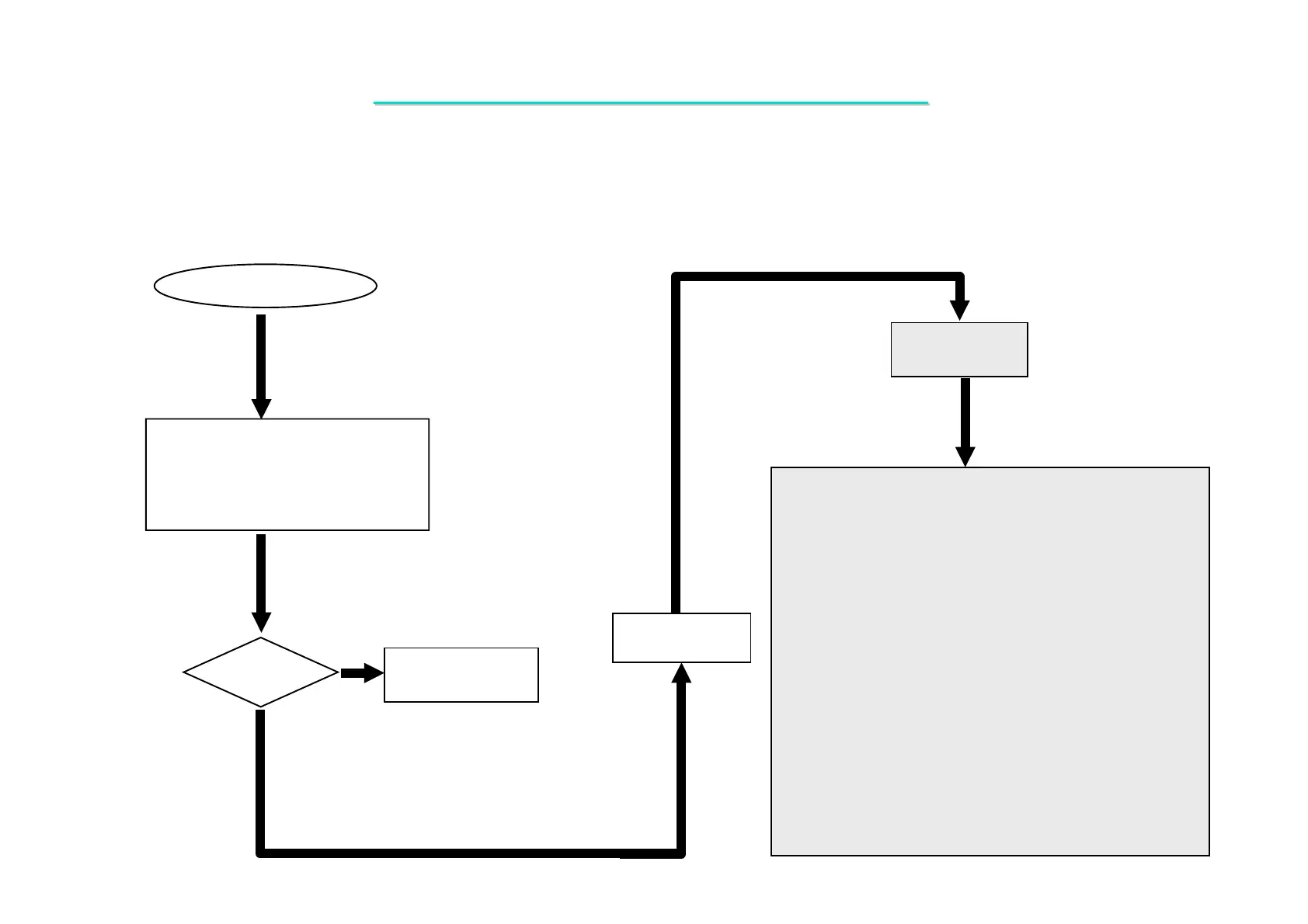
1. Confirm TV_CARD is good properly.
2. Try another known good
TV.
Replace faulty
TV_CARD or TV
VGA Controller Failure
Display
OK?
Yes
No
Board-level
Troubleshooting
Replace
Motherboard
One of the following parts on the mother-board may be
defective, use an oscilloscope to check the following signal or
replace the parts one at a time and test after each replacement.
Parts: Signals:
U5
RP33
R95
R97
R99
J12
RP34
CRT_DDCK
CRT_VSYNC
CRT_DDDA
CRT_HSYNC
CRT_R
CRT_G
CRT_B
8.4 VT Controller Failure LCD No Display
Symptom: There is no display on TV although power-on-self-test is passed.



 To Next Page