178
LCD PC E
LCD PC E
-
-
8590 MAINTENANCE
8590 MAINTENANCE
Replace
Motherboard
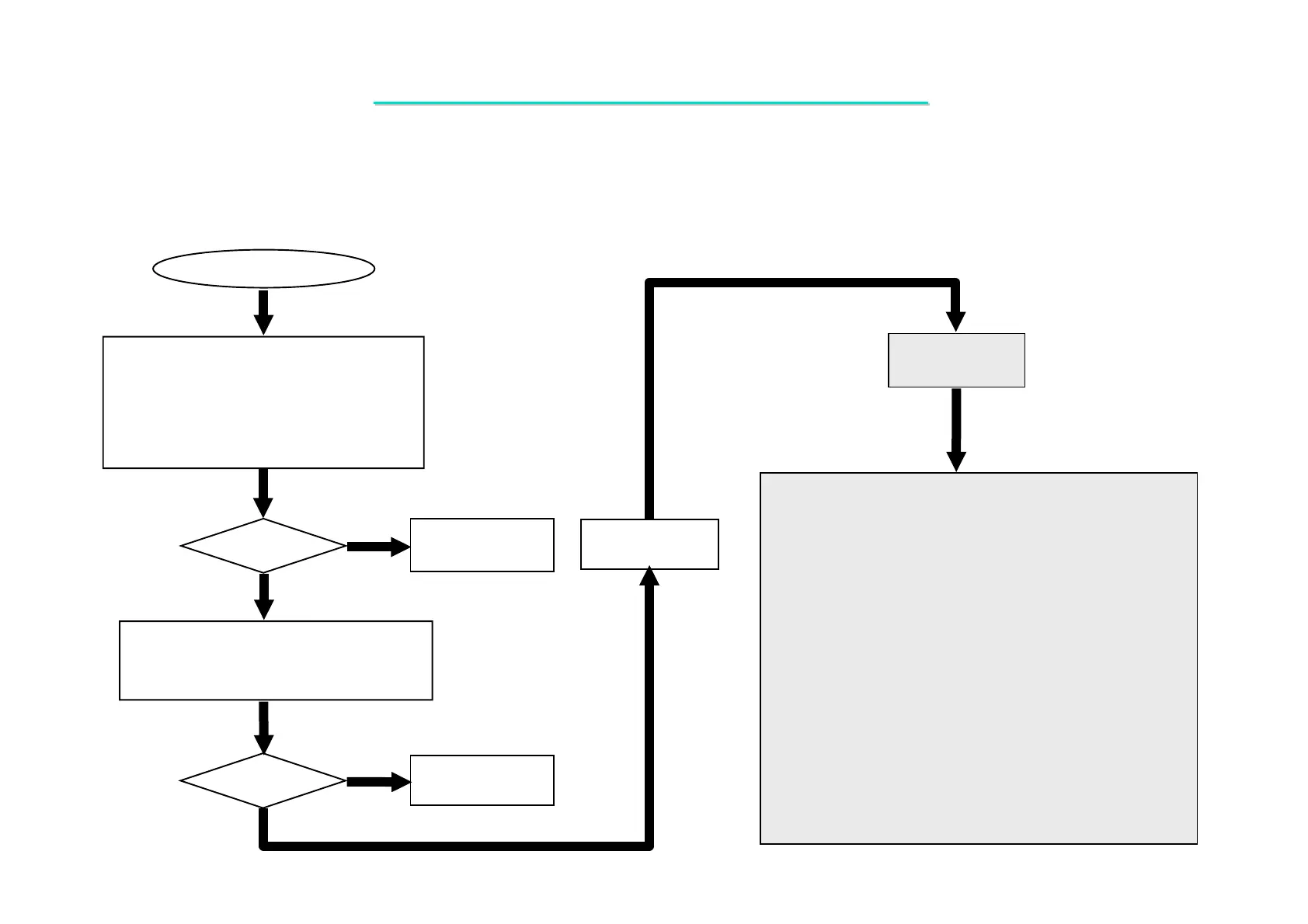
If your system host bus clock running on
some frequency then make sure that DIMM
module meet require of this frequency.
Replace the faulty
DDR module.
1.If your system installed with expansion
DIMM module then check them for proper
installation.
2.Make sure that your DIMM sockets are OK.
3.Then try another known good DIMM
modules.
Memory Test Error
Test
OK?
Yes
No
Test
Ok?
Replace the faulty
DDR module.
Yes
No
Board-level
Troubleshooting
One of the following components or signals on the
motherboard may be defective ,Use an oscilloscope to check
the signals or replace the parts one at A time and test after
each replacement.
Parts:
U5
U19
J5
J4
R193
R208
R204
R194
R205
R195
R224
R225
Signals:
MD [0:63]
D_MD [0:63]
MA# [0:9]
MA#11
MA#12
MA10
MA13
MA14
SRAS#
MWEA#
SCAS#
DQMA [0:7]
CSA#0
CSA#1
CSA#2
CSA#3
CSA#4
CKE#0
CKE#1
CKE#2
CKE#3
CKE#4
SDRAMCLK0
SDRAMDATA0
SDRAMCLK1
SDRAMDATA1
SMBCLK1
SMBDATA1
R206
R207
RP16
RP35
RP23
RP1
RP3
RP5
RP7
RP11
RP17
RP19
8.5 Memory Test Error
Symptom: The extend DDR RAM is failure or system hangs up.



 To Next Page