180
LCD PC E
LCD PC E
-
-
8590 MAINTENANCE
8590 MAINTENANCE
Correct it.
Try another known good Keyboard
Keyboard or Touch-Pad
Test Error
Test
Ok?
Replace the faulty
Keyboard
Yes
No
Check K/B
connector
for cold Solder?
One of the following parts or signals on the motherboard
may be defective, use an oscilloscope to check the signals
or replace the parts one at a time and test after each
replacement.
Yes
No
Re-soldering
Parts Signals
Yes
No
Is K/B
cable connected to PC
properly?
Board-level
Troubleshooting
Replace
Motherboard
U18
J25
L37
L38
L53
L54
L55
J25
J501
L1
U3
C13
C14
C4
C5
C6
L36
D4
U1
J1
KBCK
KBD
BLOK_REMOT
PWRON#
SUSB#
+5VDUAL
+5VS
IR_OUT
SWTCH_P
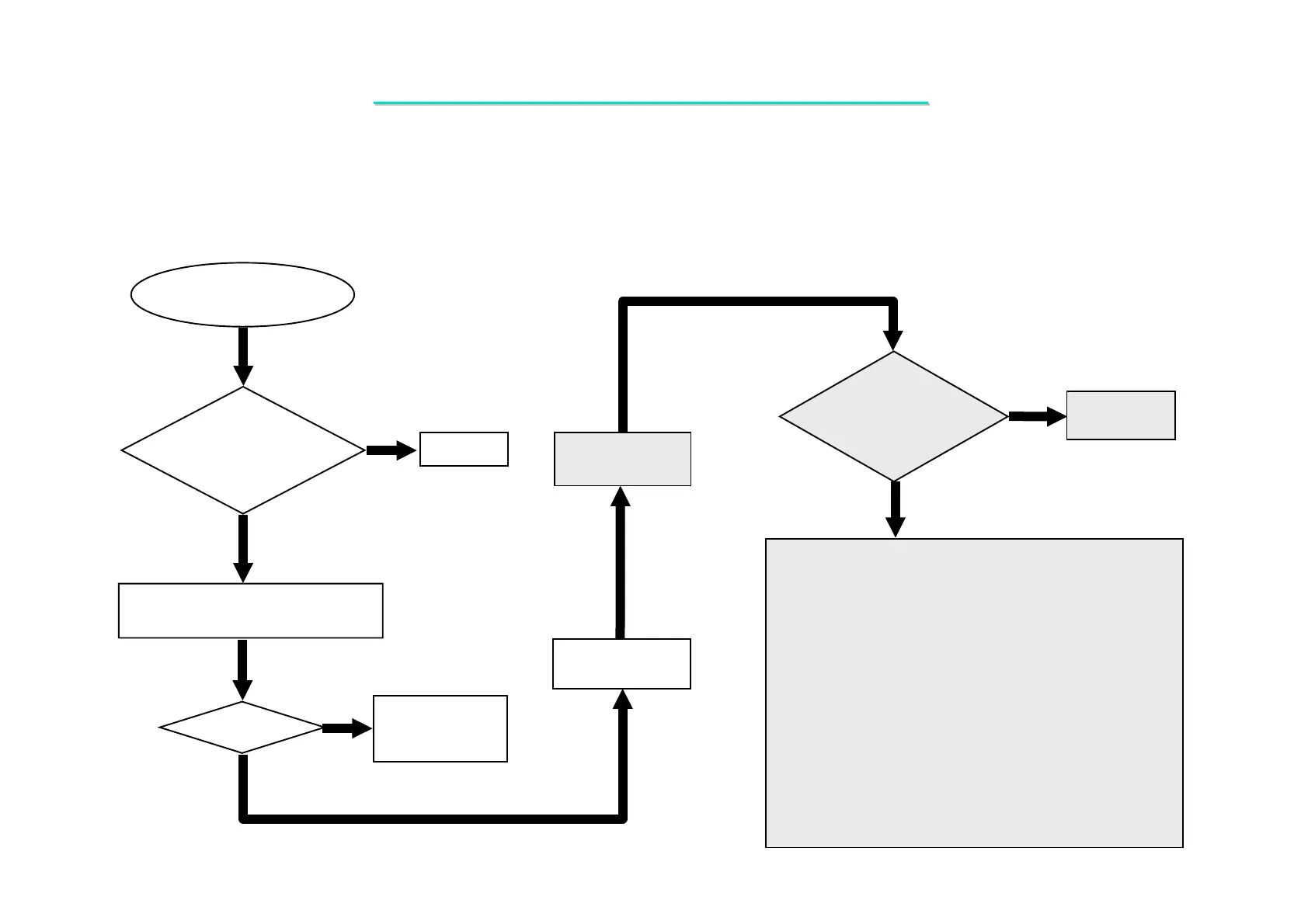
8.6 Keyboard (K/B) Test Error
Symptom: Error message of keyboard failure is shown or any key does not work.



 To Next Page