182
LCD PC E
LCD PC E
-
-
8590 MAINTENANCE
8590 MAINTENANCE
Board-level
Troubleshooting
Hard Driver
Test Error
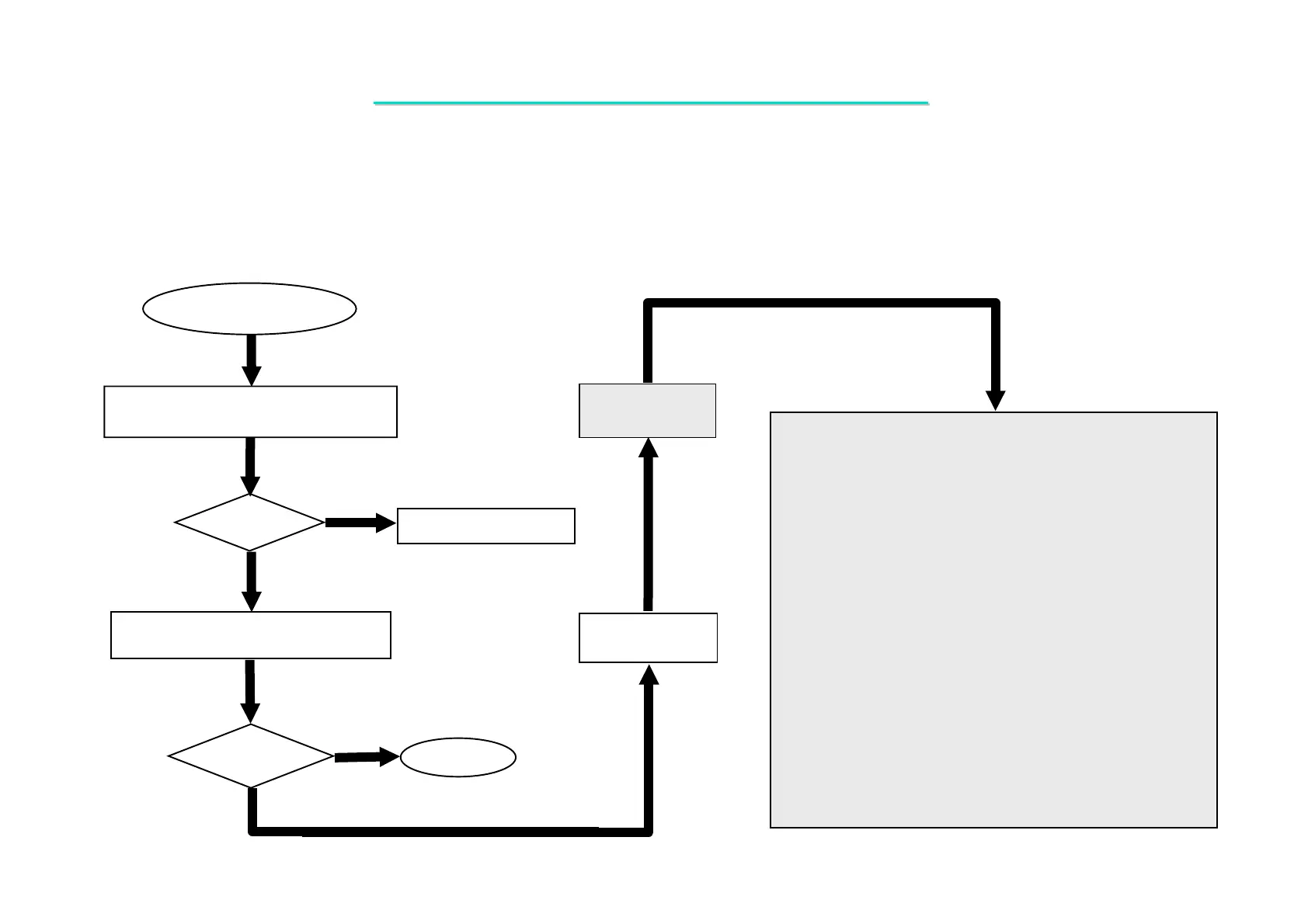
One of the following parts or signals on the motherboard may
be defective, use an oscilloscope to check the signals or replace
the parts one at a time and test after each replacement.
Yes
No
PARTS: SIGNALS:
Re-boot
OK?
Replace the faulty parts.
1. Check if BIOS setup is OK?.
2. Try another working drive and cable.
Check the system driver for proper
installation.
No
Re - Test
OK?
End
HDD_RST
IRQ14
PDD [0:15]
PDDREQ
PDIOW#
PDDACK#
PDIOR#
PDA2
PDA0
PDA1
PDCS3#
PDCS1#
PIDE_PU
PIORDY
HDD_RST#
RIRQ14
RDDP [0:15]
RPDDREQ
RPDIOW#
RPDDACK#
RPDIOR#
RDAP2
RDAP0
RDAP1
RCS3P#
RCS1P#
Yes
Replace
Motherboard
U18
J23
Q23
D502
RP76
RP75
RP77
R350
R502
R318
R319
R328
8.7 Hard Disk Driver Test Error
Symptom: Either an error message is shown, or the drive motor spins non-stop, while reading data from or
writing data to hard-disk.



 To Next Page