187
LCD PC E
LCD PC E
-
-
8590 MAINTENANCE
8590 MAINTENANCE
Correct it
Correct it
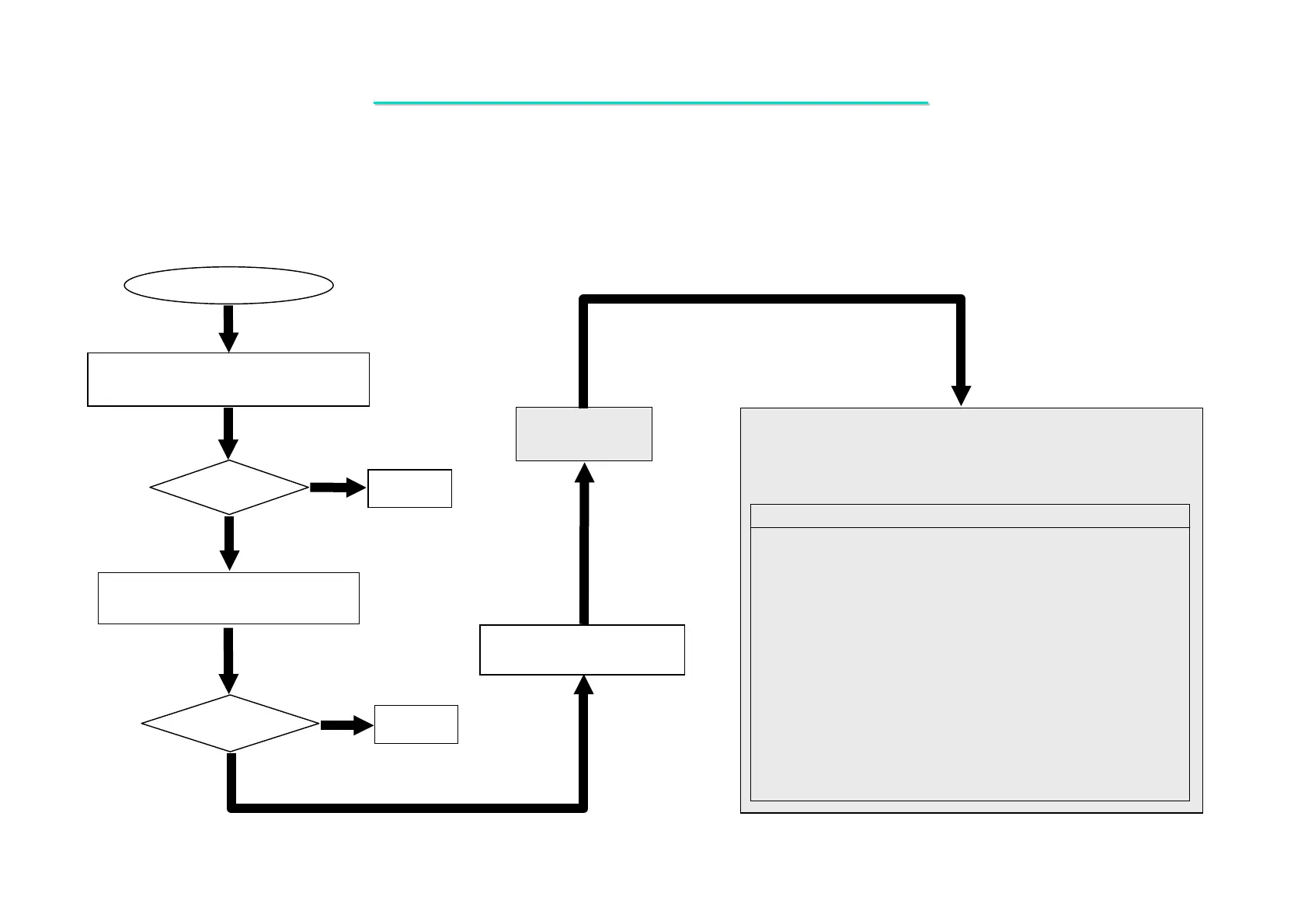
USB Test Error
Check if the USB device is installed
properly.
Re-test
OK?
No
Yes
No
Yes
Check the following parts for cold solder or one of the following
parts on the MB ,use an oscilloscope to check the following
signal or replace the parts one at a time and test after each
replacement.
Signals:
M/B
USB_OC0#
USBP0+
USBP0-
USBP1+
USBP1-
D/USBP0+
D/USBP0-
D/USBP1+
D/USBP1-
+5VDUAL
Replace another known good charge
USB device.
Board-level
Troubleshooting
Replace
Motherboard or I/O board
Test
OK?
Parts:
M/B
U18
U24
L26
J19
L32
J24
L28
L34
C353
C387
R427
R428
R429
R430
C379
I/O BOAR
R103
L12
L15
J15
U2
C24
C20
R18
C21
L18
R105
USBP2-
USBP2+
USBP3+
USBP3-
+VCC_USB_0
+VCC_USB_1
8.9 USB Test Error
Symptom: An error occurs when a USB I/O device is installed.
I/O BOARD



 To Next Page