193
LCD PC E
LCD PC E
-
-
8590 MAINTENANCE
8590 MAINTENANCE
Correct it.
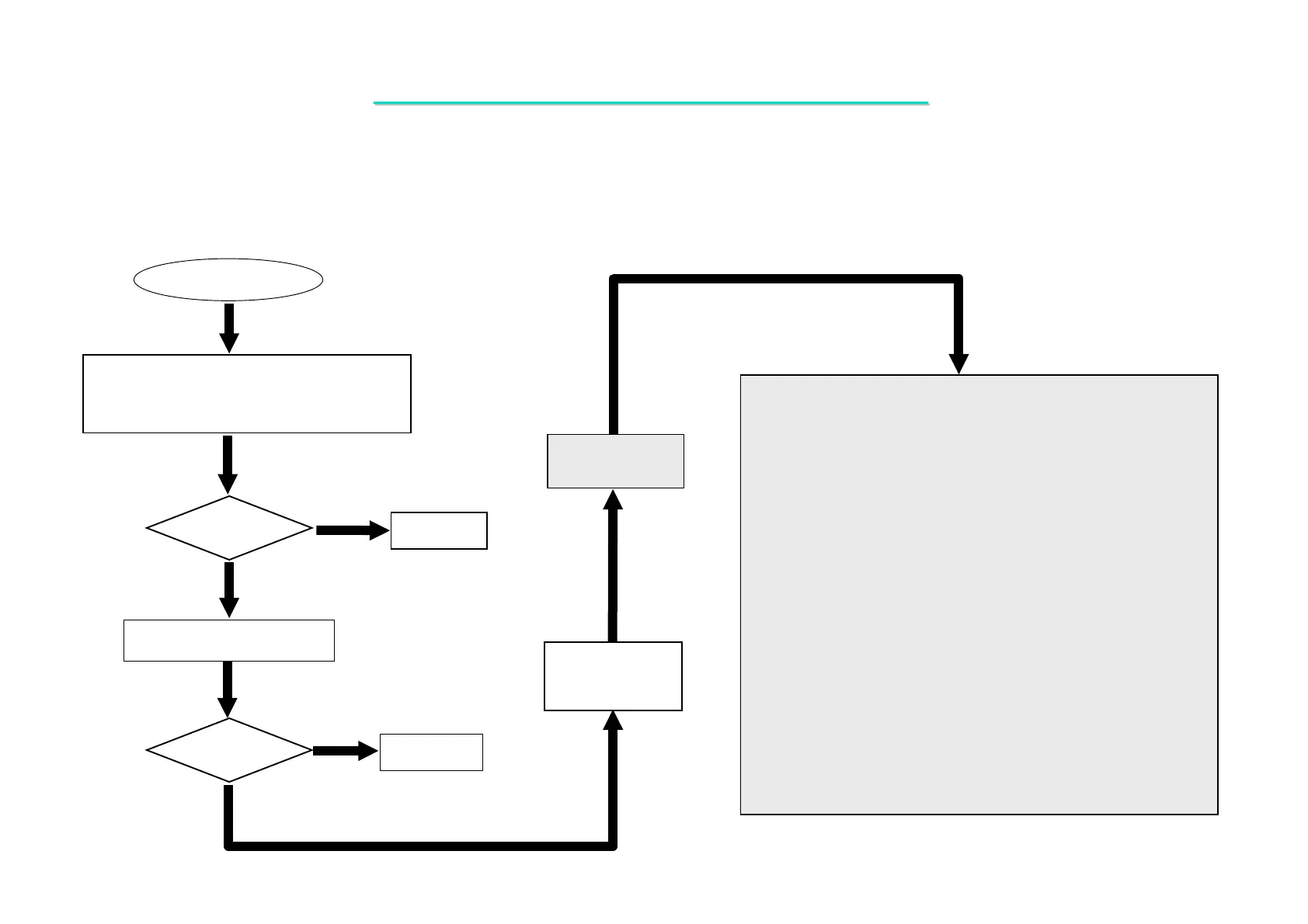
LAN Test Error
1.Check if the driver is installed properly
2.Check if the connect with the
LAN properly
Yes
No
Test
OK?
Correct it.
NO
Check if BIOS setup is ok.
Re-test
OK?
Board-level
Troubleshooting
Replace
Motherboard or
I/O board
Check the following parts for cold solder or one of the following
parts on the mother-board may be defective, use an oscilloscope
to check the following signal or replace the parts one at a time and
test after each replacement.
Parts: Signals
Yes
LAN_TXP
LAN_TXN
LAN_RXP
LAN_RXN
PJTX+
PJTX-
PJRX+
PJRX-
PJ7
PJ8
LAN_COL
LAN_CRS
LAN_DATAIO
LANPHY_PCI_RST#
LAN_MRXD0
LAN_MRXD1
LAN_MRXD2
LAN_MRXD3
LAN_MRXDV
LAN_MRXER
LAN_MRXC
LAN_MTXD0
LAN_MTXD1
LAN_MTXD2
LAN_MTXD3
LAN_MTXE
LAN_MTXC
LAN_DCLK
U18
U11
U1
U22
J12
GF
J8
J501
L24
F1
C14
C15
C4
C5
R16
R19
R22
R32
R40
R41
C23
R37
R36
C22C11
R505
R506
8.12 LAN Test Error
Symptom: An error occurs when LAN device is installed.



 To Next Page