195
LCD PC E
LCD PC E
-
-
8590 MAINTENANCE
8590 MAINTENANCE
Correct it.
1394 Test Error
1.Check if the driver is installed properly
2.Check if the LCD_PC connect with the
1394IEEE properly
Yes
No
Test
OK?
Correct it.
NO
Change another good device
Re-test
OK?
Board-level
Troubleshooting
Replace
Motherboard or I/O Board
Check the following parts for cold solder or one of the following
parts on the mother-board and I/O board may be defective, use
an oscilloscope to check the following signal or replace the parts
one at a time and test after each replacement.
Parts: Signals
Yes
U18
U14
X1
U8
J12
L11
L13
C161
R125
R129
124
C151
C152
J3
J4
L1
L2
L3
L4
L21
L22
L19
L20
C31
C30
C29
R38
C7
C8
C9
r13
TPA1P
T[PA1N
TPB1P
TPB1N
TPA0P
TPA0N
TPB0P
TPB0N
TPB1AS1
TPB1AS0
AD[0,31]
PCI_C/BE#[0,3]
GROM_SDA
GROM_SCL
FRAM#
DESEL#
TRDY#
IRDY#
PGNT#
REQ#
IDSEL
INTA#
PCICLK
PCIRESET#
STOP#
PERR#
+3VS
+12VS
+PHYAVDD
+PHYVDD
+3VDUAL
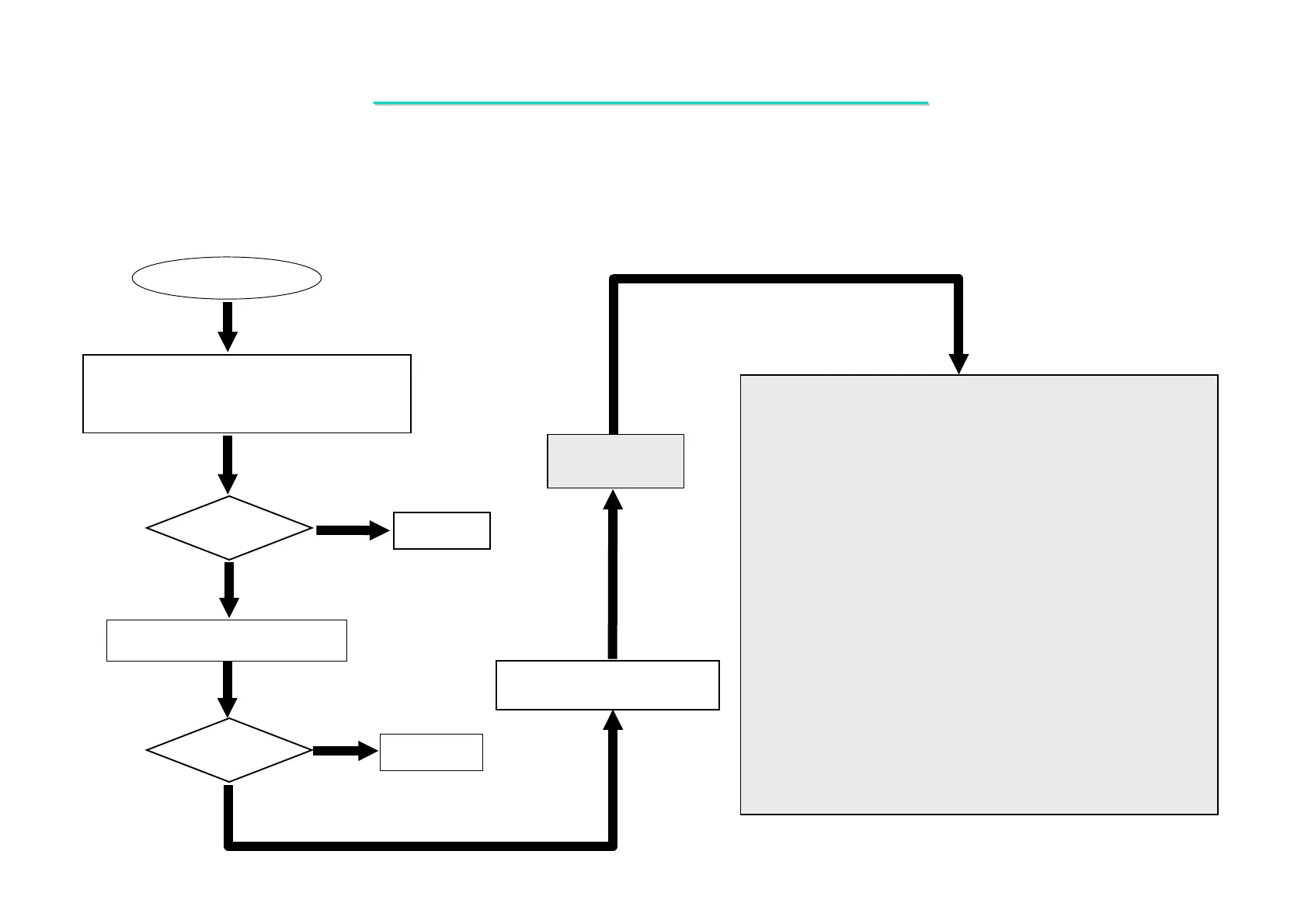
8.13 IEEE1394 Test Error
Symptom: An error occurs when IEEE1394 device is installed.



 To Next Page