UTILIZING THE ACD FEATURE USING THE IP PHONE UI
1. Check with your Administrator to verify the queue linked to your ACD softkey.
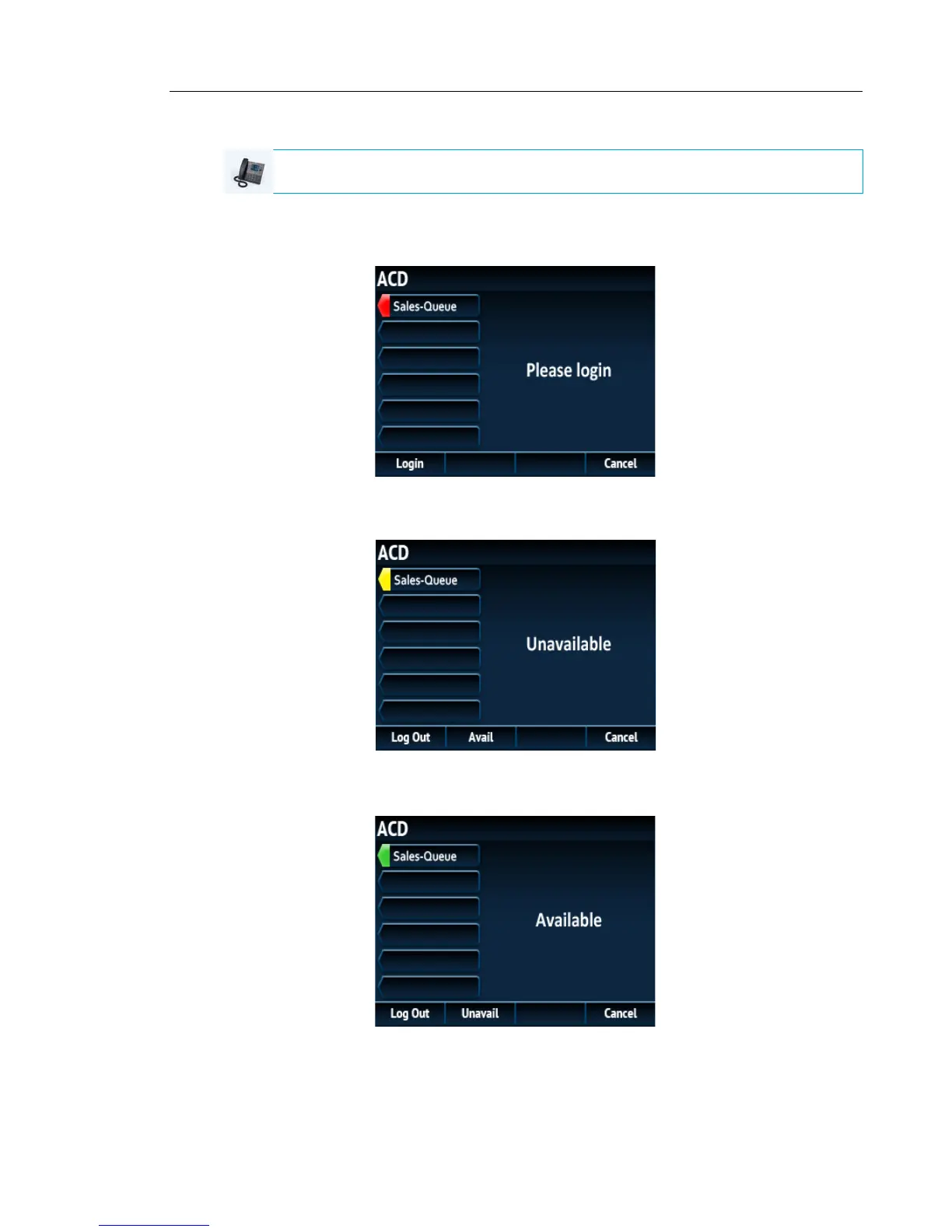
2. Press the ACD softkey on your IP phone.
3. Press the Login softkey.
Your phone logs into the queue on the server.
4. To allow your phone to be available in the queue, press the Avail softkey.
The following screen displays.
If your IP phone status is set to Available then the server begins to distribute phone calls
from this queue to your IP phone. You must manually change the state to Available in order
to start receiving calls.
IP PHONE UI



 To Next Page