102
C
ONFIGURING SOFTKEYS DIRECTORY KEY
c. If only one URI is provided, the value will be used for the voicemail URI and the call URI will be
left as undefined.
12. In the Line field, select the line for which you want to use the key functionality. Valid values are: 1
through 24
13. Click Save Settings.
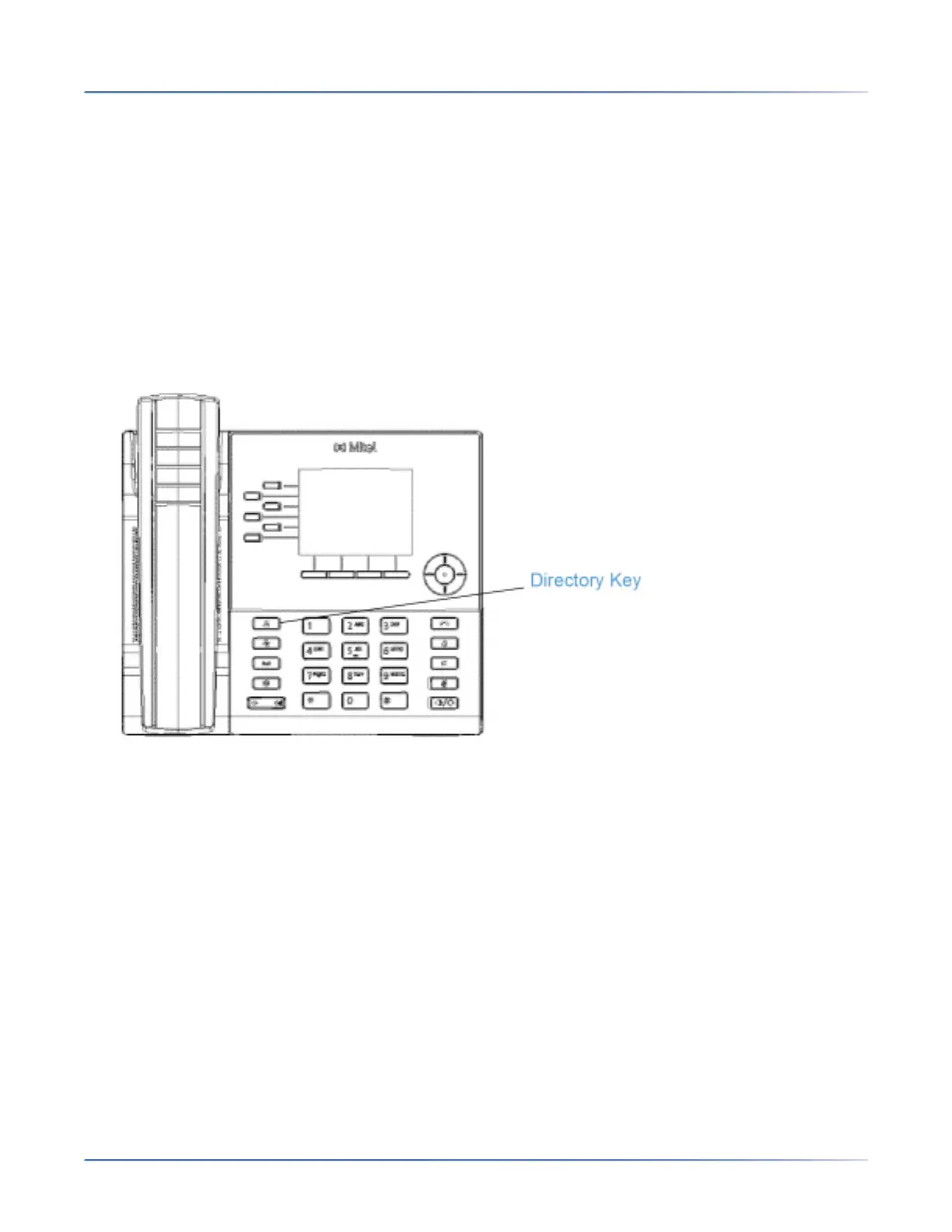
Directory Key
By default, the 6920 has a dedicated Directory key. However, using the Mitel Web UI, you can assign
the Directory key to any key on the left or bottom softkeys on the phone.
The Directory feature allows you to view Directory entries from multiple sources and store frequently used
names and numbers on the phone. You can also dial directly from a Directory entry.
In addition to creating a Directory key, you can also download a Directory to your PC, if required, using
the Mitel Web UI.
NOTE: For more information about the Directory, see Directory.
Configuring a Directory Key Using the Mitel Web UI
1. Click on Operation > Softkeys and XML.
or
Click on Operation > Expansion Module <N>.



 To Next Page