198
C
ONNECTING TO WI-FI ON 6920W IP PHONE CONNECTING TO A WPA2 ENTERPRISE NETWORK
Connecting to Wi-Fi on 6920w IP Phone
The 6920w IP Phone has built-in wireless connectivity and functions as an 802.11a/b/d/g/n dual-band
wireless network device which allows your phone to join a secure, high-speed network.
You can connect your phone to either a enterprise network or a home network:
• Connecting to a WPA2 Enterprise network
• Connecting to a home network
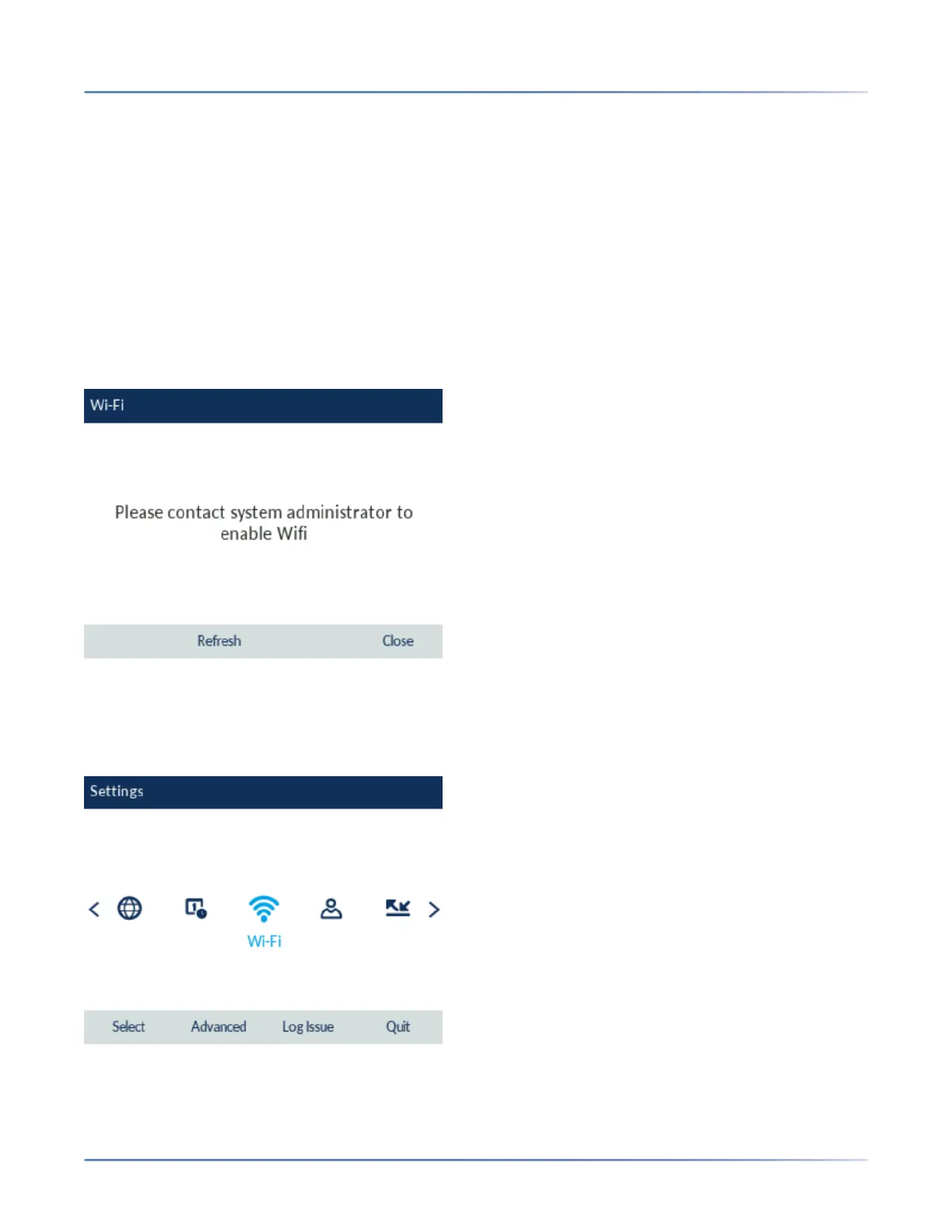
To connect to a Wi-Fi network, Wi-Fi functionality must be enabled by your System Administrator. If Wi-Fi
is not enabled Please contact system administrator to enable Wifi message is displayed on the phone.
Press Close softkey and contact your System Administrator to enable Wi-Fi.
Connecting to a WPA2 Enterprise network
1. Navigate to Settings > Wi-Fi.
2. The Available Networks settings menu is displayed.



 To Next Page