71
C
USTOMIZING YOUR PHONE BLUETOOTH
Bluetooth device-1 is connected then Bluetooth device-1 will be disconnected before connecting to
Bluetooth device-2.
Bluetooth status
You can check the Bluetooth connection status in the following ways:
• When a Bluetooth headset is successfully connected, a Bluetooth headset connected icon appears
in the status bar on the Home screen.
• When a paired Bluetooth device loses connectivity with the 6920 SIP Phone, a warning message
displays on the Home screen. Press OK to clear the message.
• When the Bluetooth device is successfully re-connected, all notifications for connectivity loss disap-
pear from the phone.
Forgetting a Bluetooth device
To forget a Bluetooth device:
1. Press the (Options) key on the phone to enter the Settings menu.
2. Navigate to the Bluetooth setting and press the Select button or Select softkey.
3. Ensure Bluetooth functionality is enabled. If it is not enabled, press the Turn On softkey to enable
Bluetooth functionality.
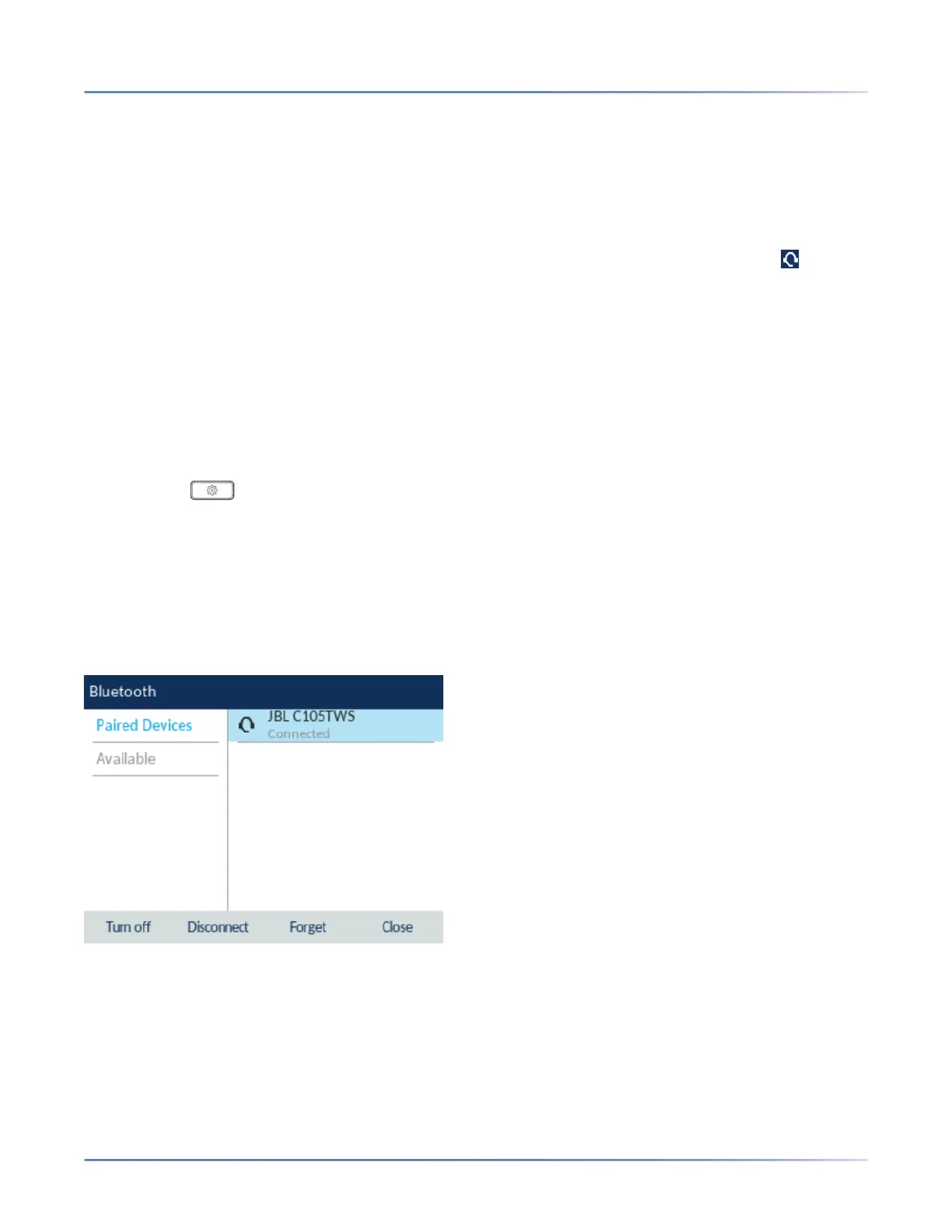
4. Press the right navigation key to move to the paired Bluetooth device selection column.
5. Using the up and down navigation keys, highlight the Bluetooth device you want to forget and press
the Forget softkey.
A confirmation message displays on screen.



 To Next Page