70
C
USTOMIZING YOUR PHONE BLUETOOTH
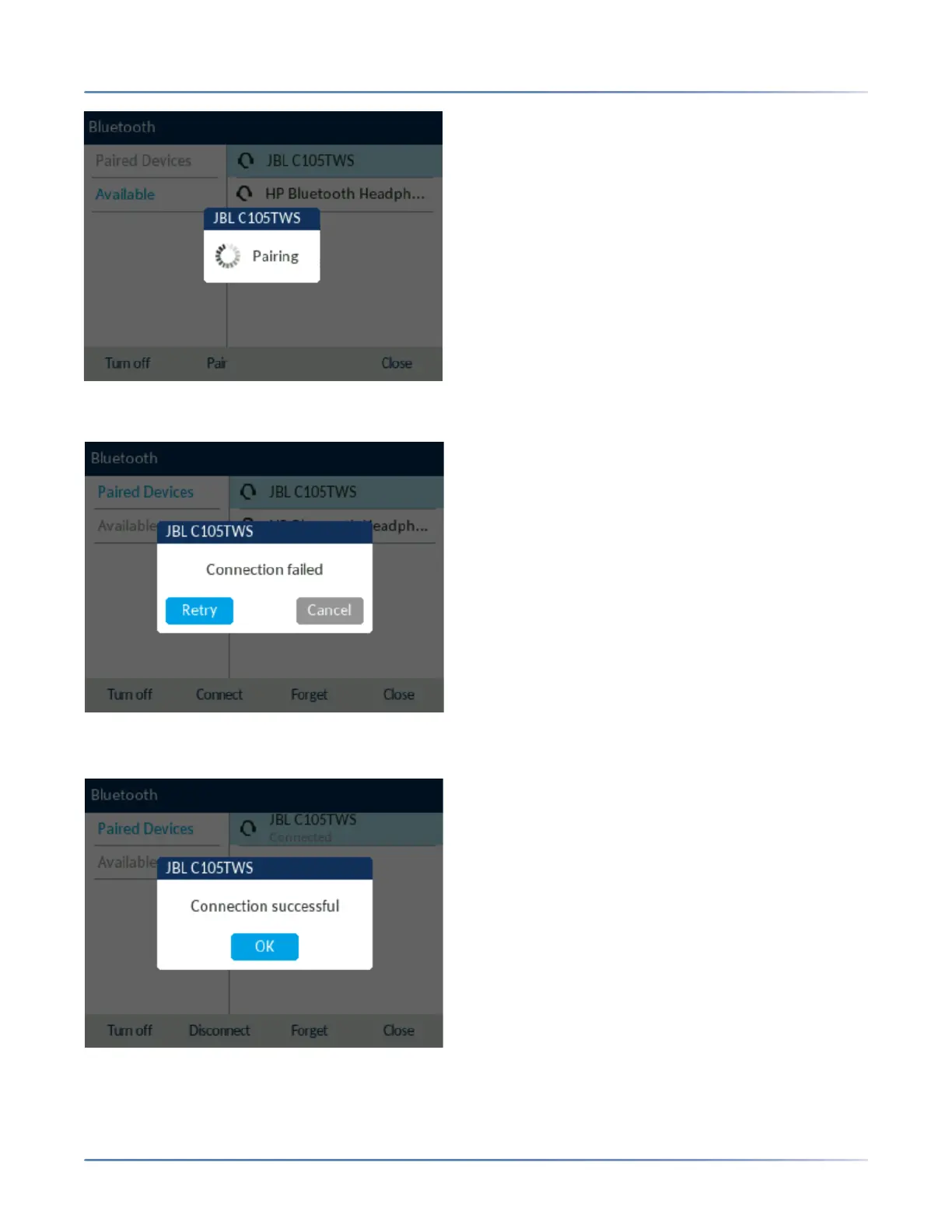
NOTE: If pairing or connecting fails, a failed error message displays on screen. Press Retry to
attempt to pair or connect again, or Cancel to cancel the attempt.
8. Press OK to acknowledge the successful connection. The connected Bluetooth device is added to the
list of Paired Devices and is ready to use.
NOTE: You can pair multiple Bluetooth devices with the SIP IP phone, but only one Bluetooth device
can be connected at a time. For example, if you try to pair and connect Bluetooth device-2 when



 To Next Page