69
C
USTOMIZING YOUR PHONE BLUETOOTH
NOTE: The Mitel 6920 SIP IP phone scans for supported Bluetooth devices when viewing the list of
available devices. Refer to the respective Bluetooth device documentation for discovery and pairing
procedures that must be performed on your Bluetooth device.
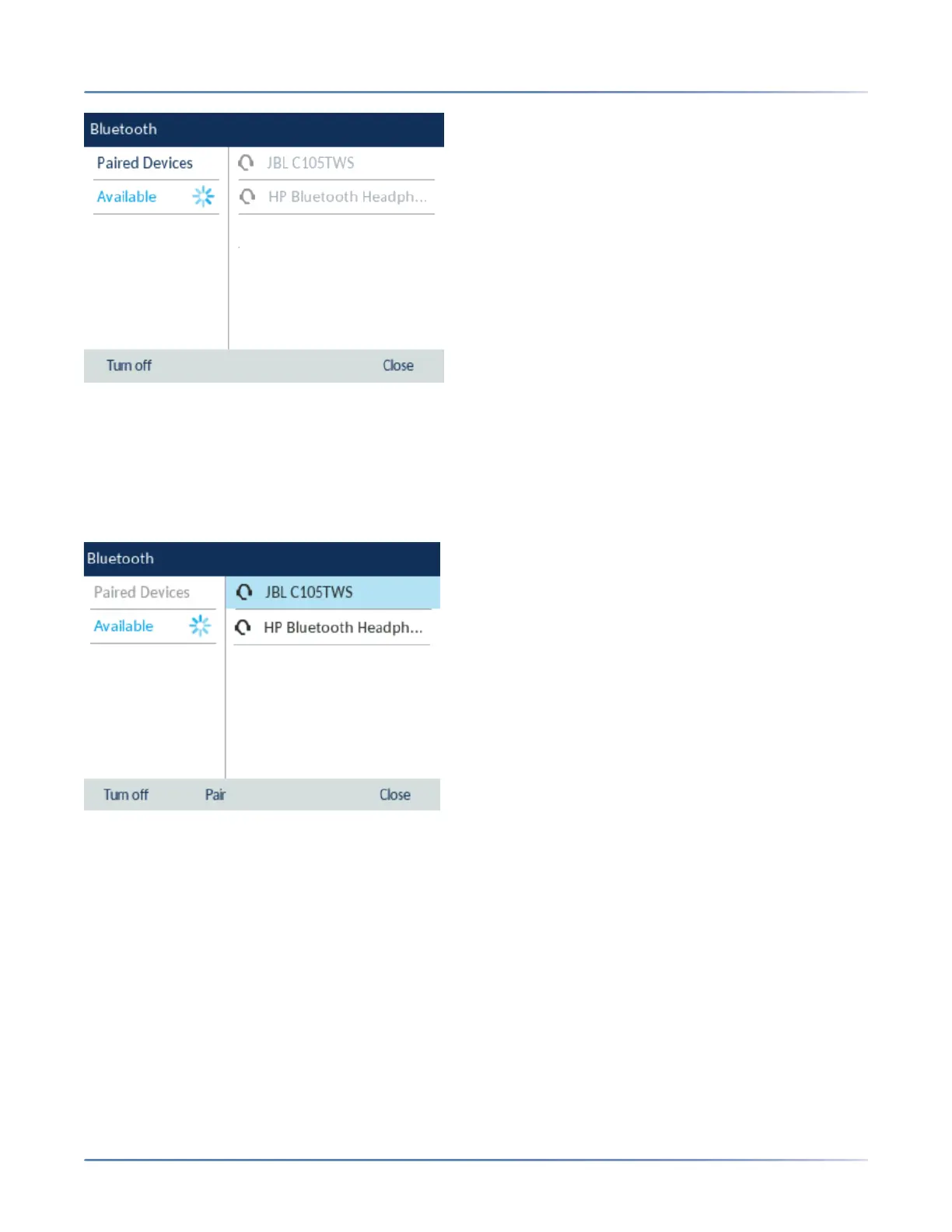
5. Press the right navigation key to move to the Bluetooth device selection column.
6. Using the up and down navigation keys, highlight the Bluetooth device you want to pair and press the
Pair softkey.
7. The phone attempts to pair the Bluetooth device and if successful, automatically attempts to connect
to the Bluetooth device.



 To Next Page