133
H
ANDLING CALLS TRANSFERRING CALLS
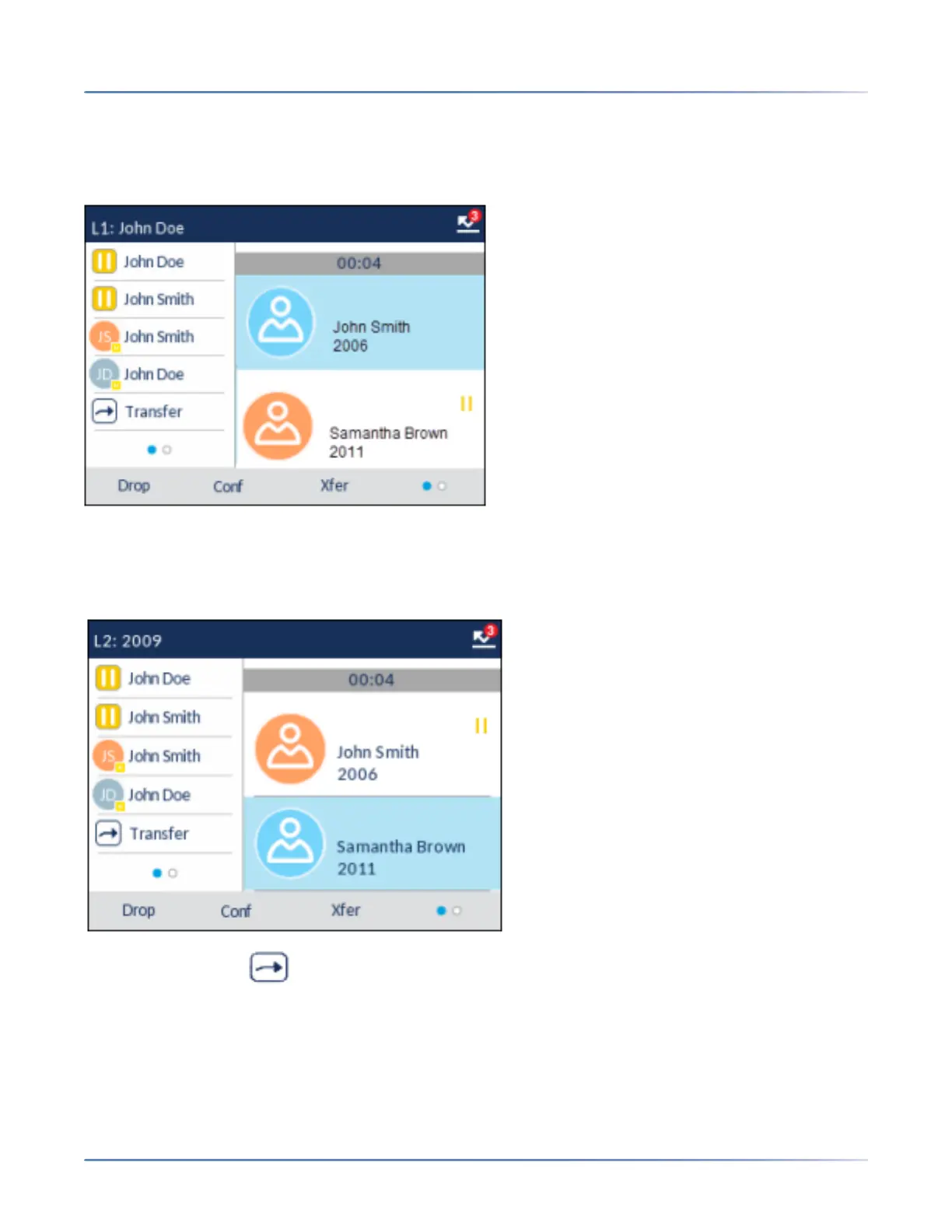
Transferring an Existing Call to Another Existing Call
1. Ensure you are on an active call with the party you wish to transfer (the transfer recipient should be
placed on hold).
NOTE: Direct transferring can be performed in either the Multi-View Call screen or Detailed View
Call screen.
2. Press the up and down navigation keys to highlight the party to whom you wish to transfer the active
call.
3. Press the Xfer or softkey(if configured). The active call will be transferred.



 To Next Page