126
M
AKING CALLS MUTE
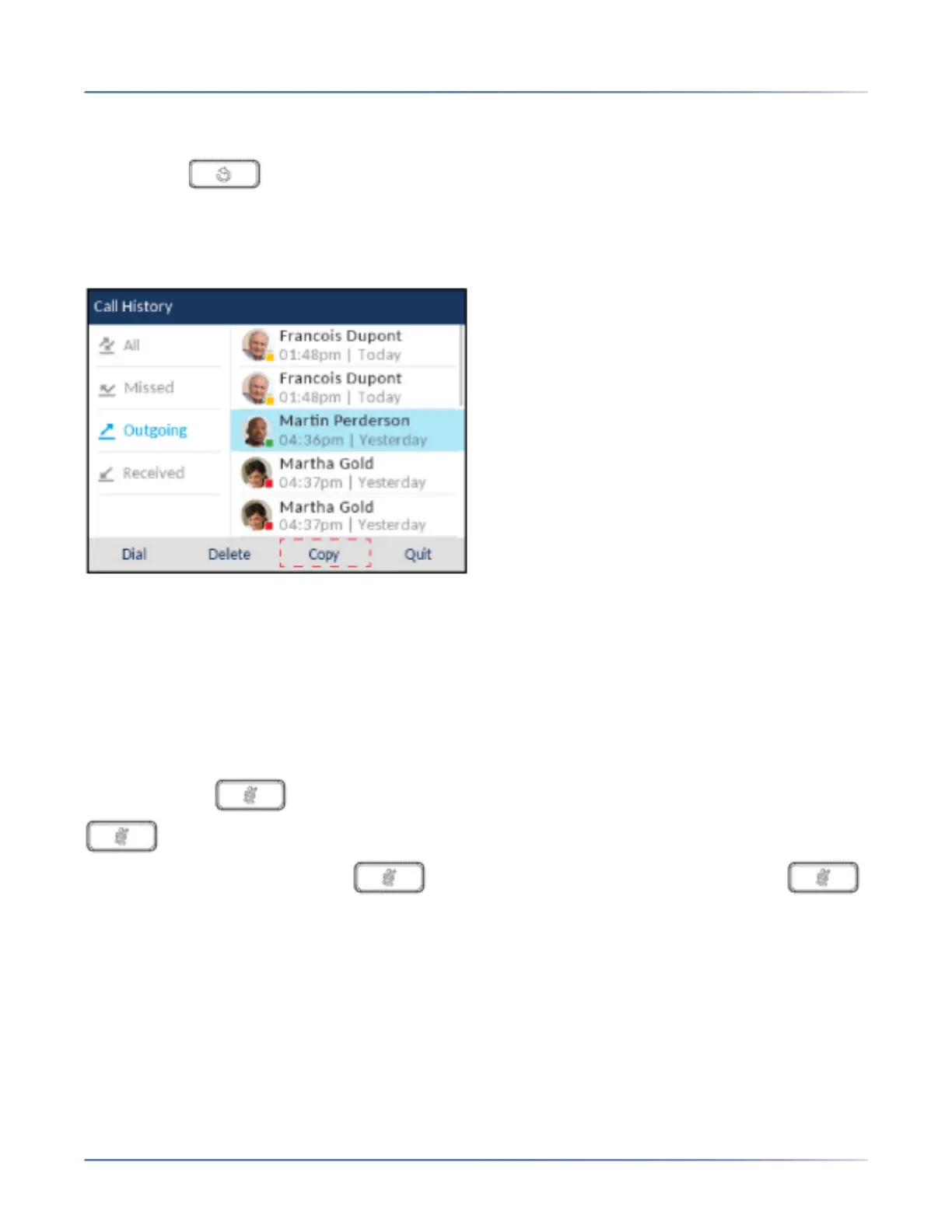
Copying Entries to the Local Directory
1. Press the key.
2. With Outgoing highlighted press the right navigation key to move to entry column.
3. Press the up and down navigation keys to scroll through and highlight the respective Outgoing Redial
List entry.
4. Press the Copysoftkey. The entry is copied to the Directory.
NOTE: If the contact’s name already exists in the Directory but the number is different, press the
Replace softkey to replace the contact’s old number with the new number or press the Merge
softkey to add the new number as an additional number while keeping the old number intact.
Mute
You can use the key to mute the handset, headset, or speakerphone. When you use the
key on your phone, you cannot be heard on an active call or on a conference. For muted calls,
the handsfree LED flashes and the key LED is on. To switch mute on or off, press .



 To Next Page