20
G
ETTING STARTED UI OVERVIEW
NOTE: If both Call Forward Always and DND are enabled, then the DND icon is displayed on the screen
saver.
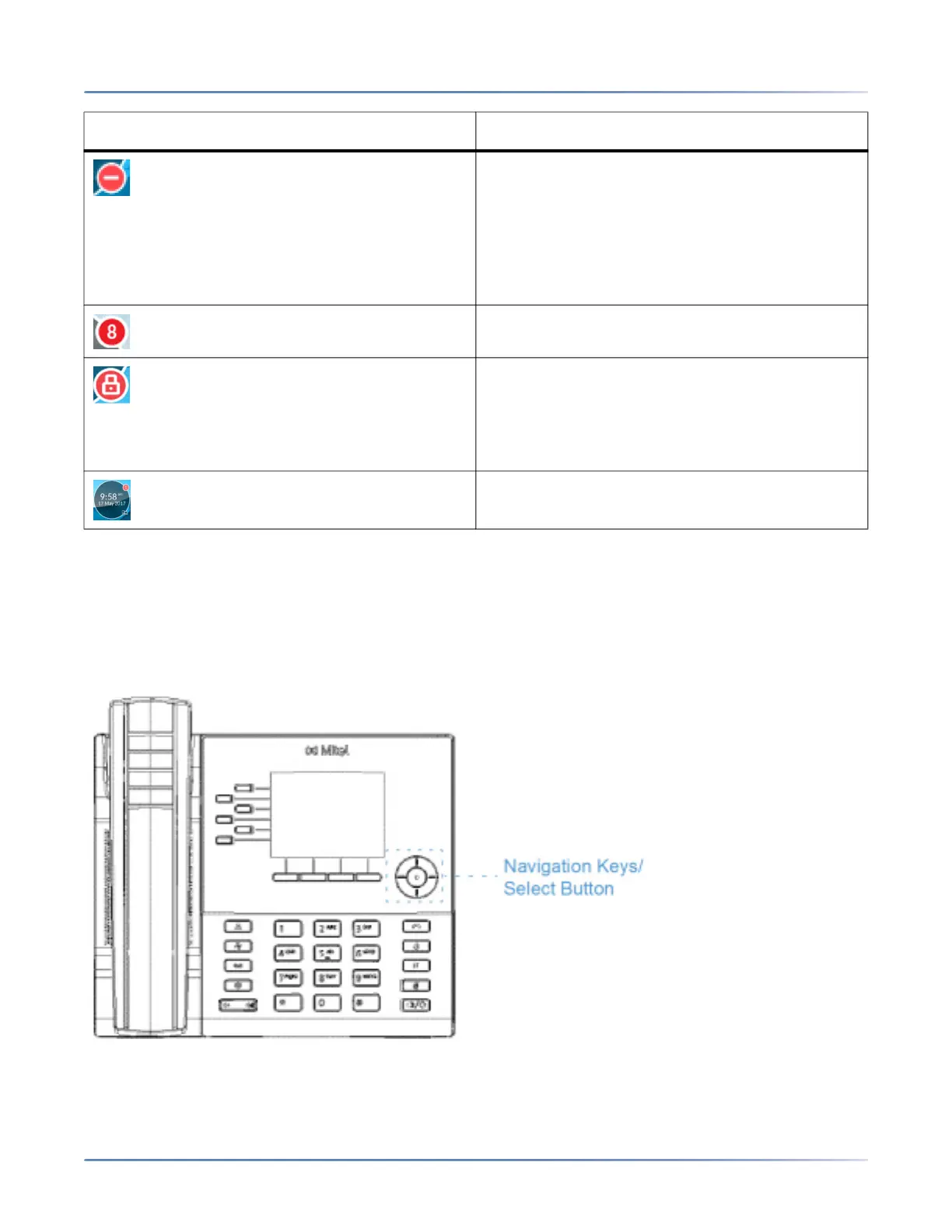
UI navigation
UI navigation is performed using the navigation keys located to the right of the softkeys.
There are four directional keys (up, down, left, and right) on the navigation cluster that can be used to
navigate through the various applications and settings menus. The center key acts as a Select button that
DND- The Do Not Disturb (DND) icon displays on
the screen saver when the DND feature is
enabled. When DND is enabled, callers calling
into the phone may hear a DND signal and a "Do
Not Disturb" message is displayed on their
phones, depending on the setting in the System
Administrator Tool.
The count on the screen saver indicates a total of
missed calls and voicemail messages.
Phone Lock- The phone lock icon displays on
the screen saver when the feature is enabled. By
programming a Phone Lock key you can lock
your phone to prevent the phone from being used
or configured.
The Time and Date are displayed on the screen
saver.
Icon Description



 To Next Page