19
G
ETTING STARTED UI OVERVIEW
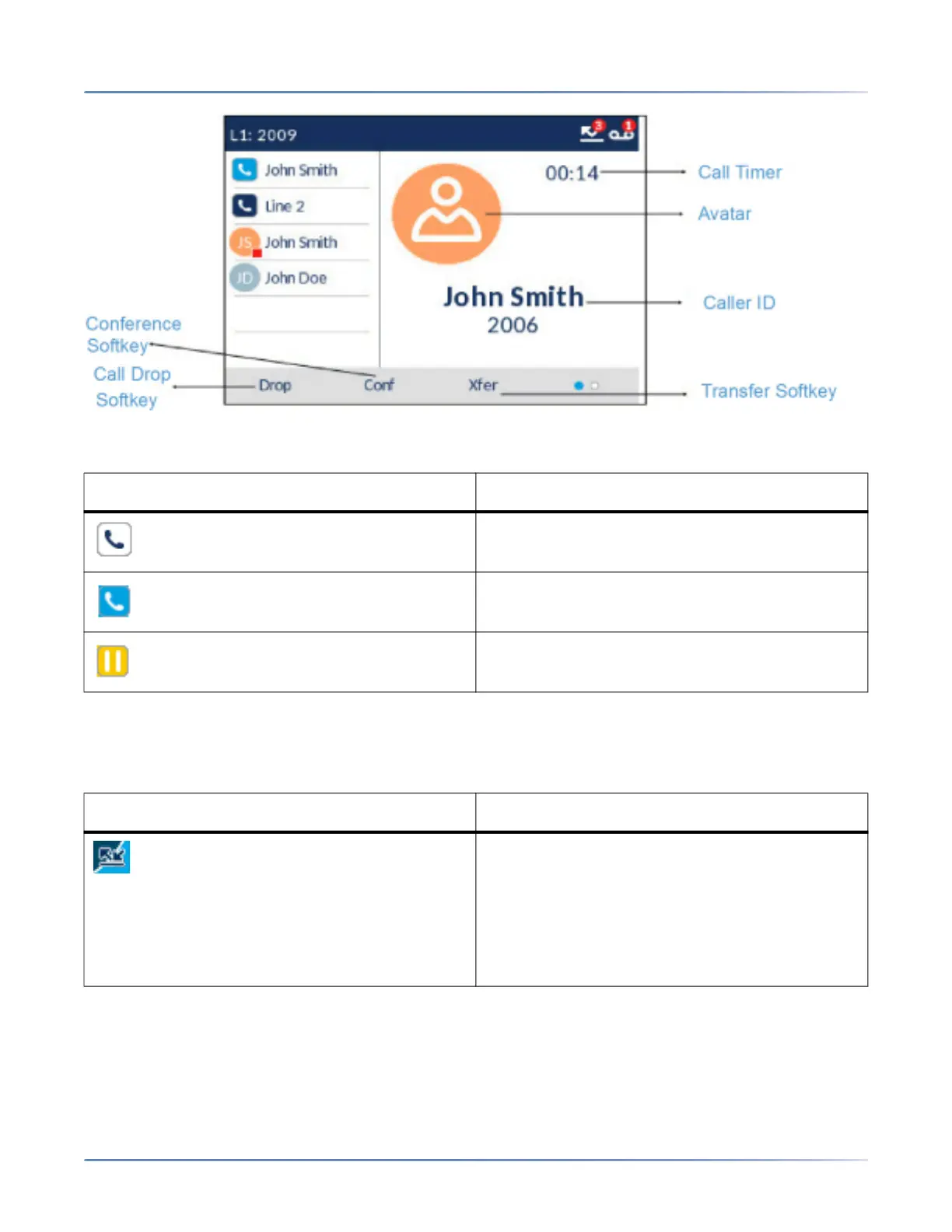
Additionally during an incoming call, the focused Line key changes to reflect the status of the line as per
the following table.
Screen Saver
The following icons are displayed on the screen saver if enabled:
Icon Description
Indicates the line is ringing due to an incoming
call.
Indicates the line is busy or connected.
Indicates the call on the focused line is on hold.
Icon Description
Call Forward Always- The Call Forward Always
icon displays on the screen saver when the
feature is enabled. Call Forward Always allows
you to quickly enable and disable call forwarding
for all calls on your phone even if you have other
call forward modes enabled through your Call
Forward settings menu.



 To Next Page