36 Mitel 6940 SIP
eud-1765/2.0 – R6.0 – 06.2018
Phoning
Call list for unanswered/answered calls:
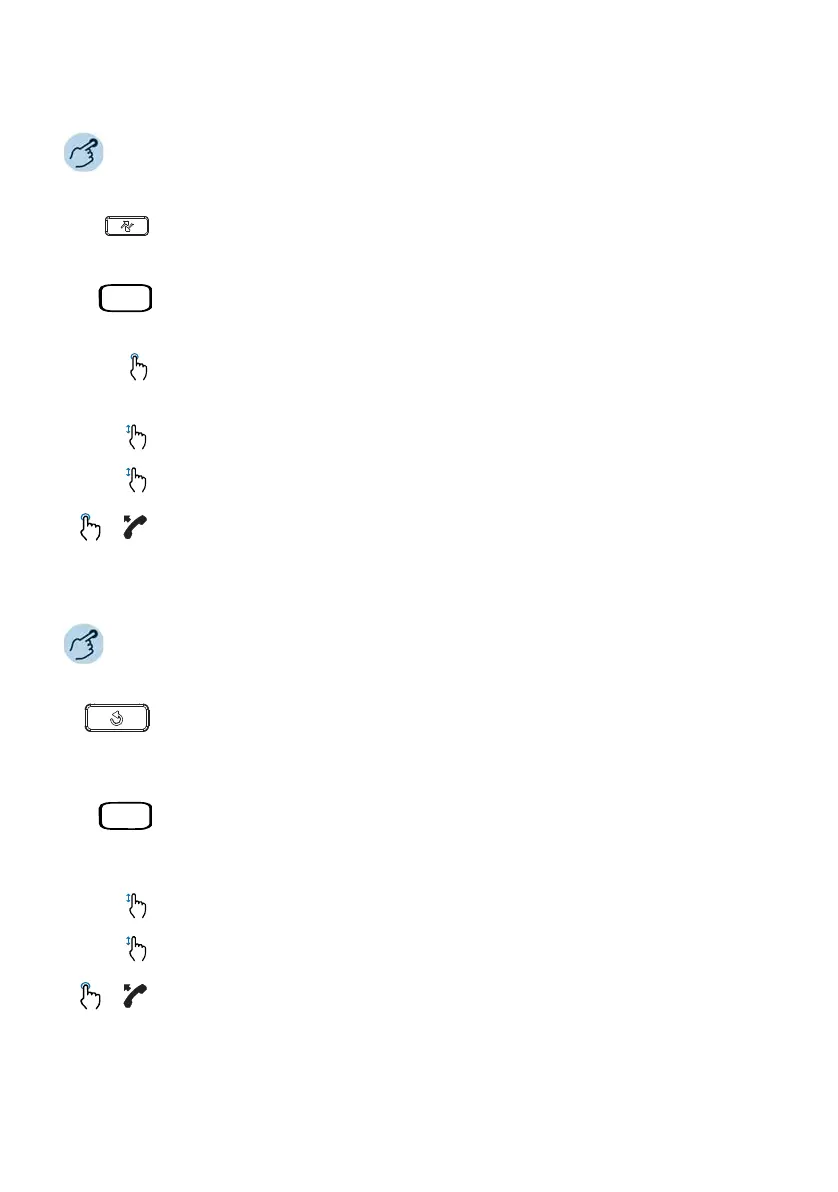
Press the Call lists key.
Or,
Press the Menu softkey or press the function key for the Menu (if defined). Alter-
natively, you can also press Call lists key or Answered/Unanswered key (if
defined as function key).
Select the desired call list.
➔A list of the most recent unanswered or answered calls (including the pres-
ence status of the contact) is displayed.
Scroll through the entries and select the user you want.
Press the Detail softkey, or the right arrow to view the detailed information about
the selected user.
Press the Dial softkey, or the Loudspeaker/Headset button, or pick up the hand-
set to dial the selected user’s phone number.
Note: Once the call has been successfully connected, the entry is deleted from the
unanswered call list.
Redial list:
Press the Redial key.
➔A list of the most recent dialed numbers (including the presence status of the
contact) is displayed.
Or,
Press the Menu softkey or press the function key for the Menu. Alternatively, you
can also press Call lists or Redial function key (if defined).
➔A list of the most recent dialed numbers (including the presence status of the
contact) is displayed.
Scroll through the entries and select the user you want.
Press the Detail softkey, or the right arrow to view the detailed information about
the selected user.
Press the Dial softkey, or the Loudspeaker/Headset button, or pick up the hand-
set to dial the selected user’s phone number.



 To Next Page