INSTALLING BOARDS AND CABLING
37 21/1531-ASP11301 Uen B3 2016-02-17
Note: ELU33 has to have individual 0 activated as the first individual and removed as
the last individual, or else the communications with the board will fail.
If done in the wrong order individuals will be blocked.
ELU33 installation with ISDN S0 extensions is described in DUAL ACCESS EXTEN-
SION INTERFACE installation instruction (phased-out, but can be used to prolong line
lengths for DTS, see documentation in Mitel TSW or older MX-ONE version).
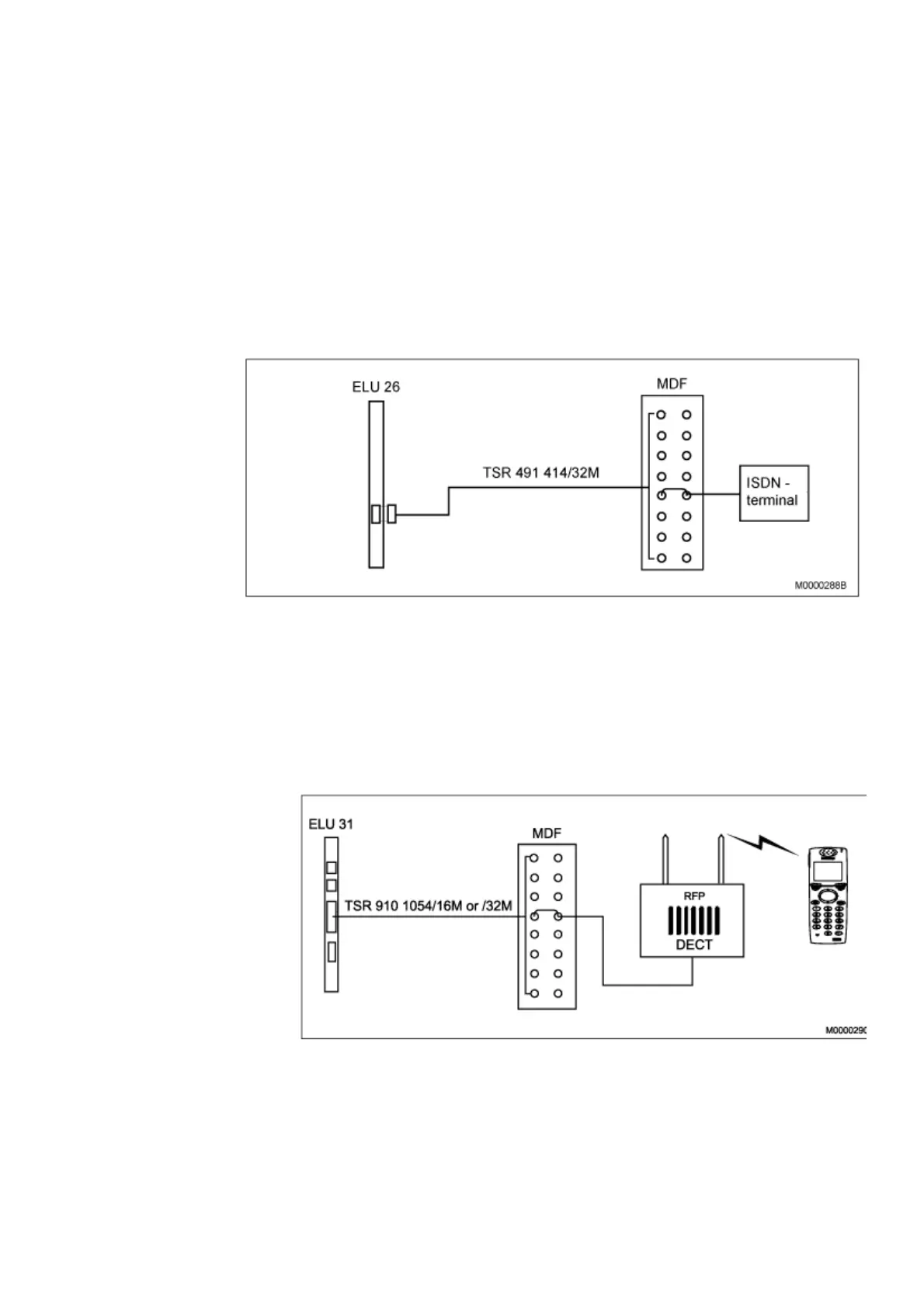
4.4.2 ISDN EXTENSIONS WITH ELU26
The ISDN-terminals are connected to the ELU26 board in the PBX through the MDF.
Figure 25: Example with an ISDN-terminal, 4-wire connection
4.5 CORDLESS EXTENSIONS ELU31
To the ELU31/4, radio base stations, RFPs, are to be connected, see Figure 26:
ELU31/4 MDF - RFP on page 37. For more information, see Installation Instructions for
CORDLESS PHONE.
Figure 26: ELU31/4 MDF - RFP
Note: ELU31/4 can today be used in /3 or /4 mode. Check that the switch, both poles,
are in correct position. For location of switch, see Figure 27: ELU31/4 - location
of switch on page 38.



 To Next Page