21/1531-ASP11301 Uen B3 2016-02-17 6
I
NSTALLING BOARDS
Note: All empty board positions must be covered with dummy fronts to fulfill the EMC
requirement and to be compliant with the BYB501 cooling requirements (air
flow).
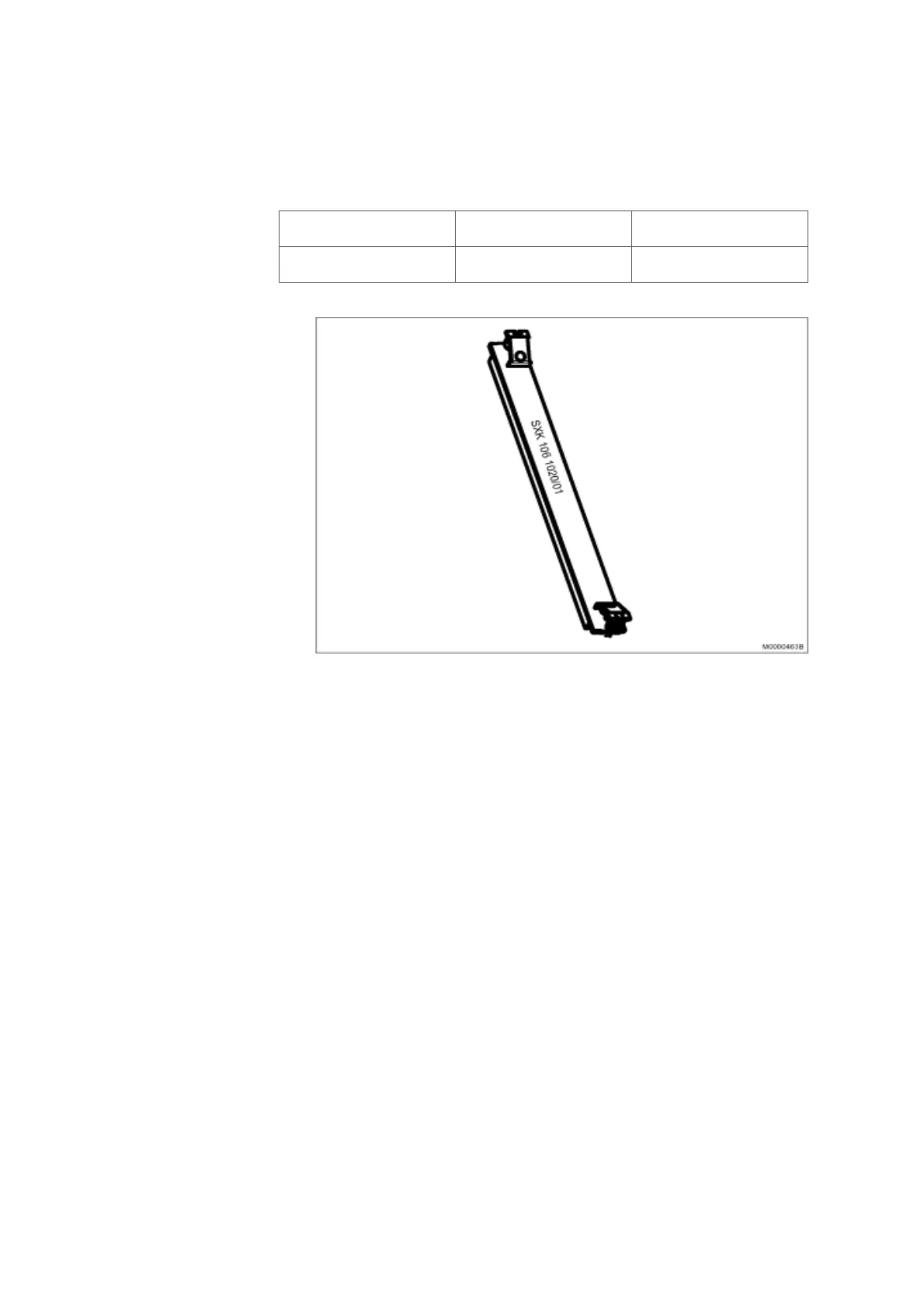
Table 2 Dummy Front
Figure 1: 20mm Dummy Front
2.5 CONNECTORS AND LEDS ON BOARD FRONTS
This section describes the connectors and LEDs on the boards.
The indication of board status with dual color LED is:
• Steady RED: The board is in passive state
• Flashing RED: Error state
• Alternating RED/GREEN: The board is starting up or is blocked.
• Steady GREEN: The board is active.
• Flashing GREEN: The board is active and is signaling.
Note: DC/DC-, MGU-, TLU77- and ASU-boards deviate from above. See the figures
below regarding how they differ.
Function Product Number
Front 20 mm SXK 106 1020/01



 To Next Page