© Copyright MOBA Mobile Automation Australia Pty Ltd
44
Working with Sensors
Load Settings
Hyraulic Settings
Sensor Settings
Exit
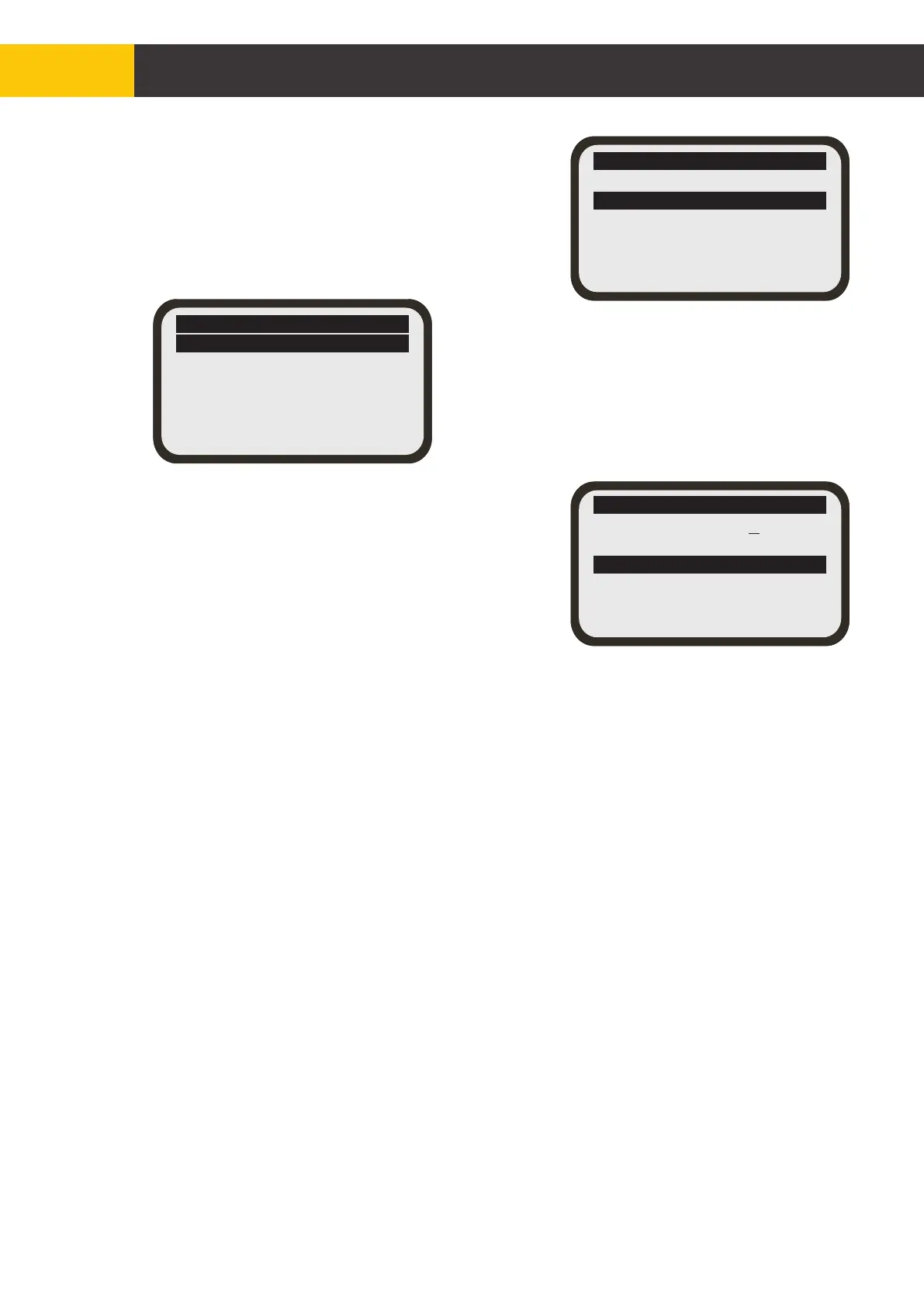
Select 'Sensor Settings' and press [ENTER]
button.
HP Load Sensor
General Settings
Diagnostics
Exit
Select 'General Settings' and press [ENTER]
button.
HP Load Sensor
Prop Range =+ 30.0%
Set Value = 50.0%
Delta Load = 10.0%
Delta T = 50ms
Trip Counter = 3
Exit
Select 'Delta Load' and press [ENTER] button.
Use the [AUX] up or down buttons to adjust the
threshold.
Press [ENTER] button to exit editing mode.
Press [MENU] button to return to the standard
screen.
Setting the Load Override Activation Threshold
There are an additional five settings that can be adjusted for the HP Load Sensor:
'Dead Band', 'Prop Range', 'Delta T', 'Trip Counter' and 'Set Zero'. The first four can
be adjusted through the same menu as for setting the thresholds outlined above.
'Dead Band': Sets the upper and lower range (band) for the override deactivation
threshold.
'Prop Range': Sets the range of HP Load Sensor reading where the hydraulic output
during override is controlled proportionally to sensor reading.
'Delta T': Sets the sampling interval for load sensor measurements.
'Trip Counter': Sets the number of consecutive times the override threshold should
be exceeded before override mode activates or deactivates.
The fifth setting, 'Set Zero' is normally a factory set setting for initial calibration of the
HP Load Sensor with zero load. The user should not normally have to use this
setting.
Figure 5.4.3.1.3


 To Next Page