SR3 Type 1 Technical Manual TSP005.doc Issue 5.0 – Jan 2005
Money Controls 2005. All rights reserved.
Page 13 of 50
6. Credit Codes
6.1 Standard Parallel Credit Codes
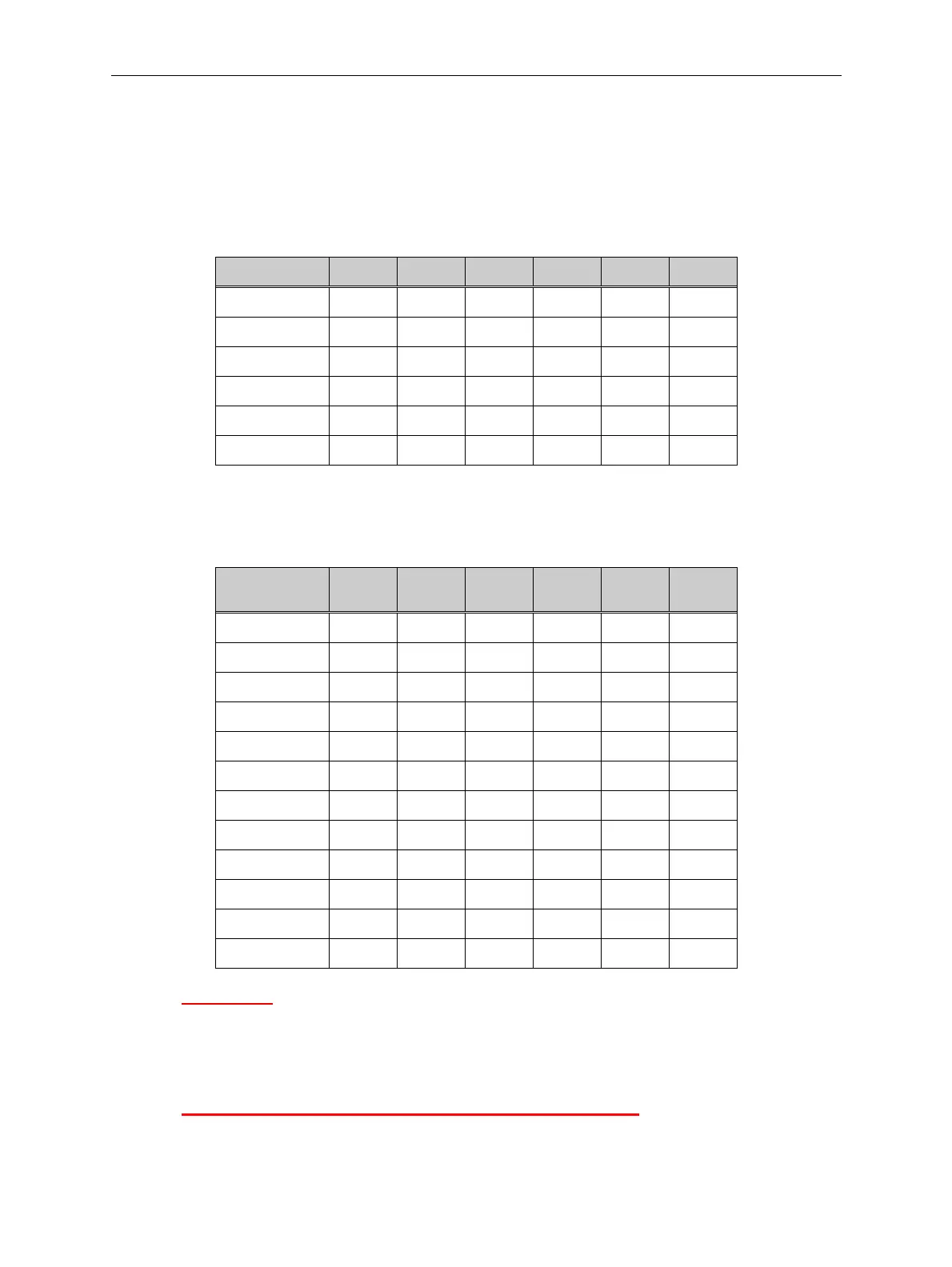
This is the basic 6 coin pattern, one output is active per coin and the output corresponds to
the coin position. Coins 7 to 12 are the same codes as coins 1 to 6.
Coin No. A6 A5 A4 A3 A2 A1
Coin 1, 7000001
Coin 2, 8000010
Coin 3, 9000100
Coin 4, 10001000
Coin 5, 11010000
Coin 6, 12100000
6.2 Standard Binary Credit Codes
This pattern shows A4 as a strobe. This can be used as a check whereby the credit codes
are only looked at and valid when A4 is active.
Coin No. A6 A5
Strobe
A4 A3 A2 A1
Coin 1
001000
Coin 2
001001
Coin 3
001010
Coin 4
001011
Coin 5
001100
Coin 6
001101
Coin 7
001110
Coin 8
001111
Coin 9
011000
Coin 10
011001
Coin 11
011010
Coin 12
011011
Please Note: Either Parallel or Binary must be selected when ordering.
You CANNOT switch between Binary and Parallel on the SR3 without re-programming.
Also, these are the standard available codes.
You can select different combinations of credits to suit your application.
A1 to A6 ALL ON is NOT available – this is the ALARM code.



 To Next Page