SR3 Type 1 Technical Manual TSP005.doc Issue 5.0 – Jan 2005
Money Controls 2005. All rights reserved.
Page 15 of 50
8. DIL Switch Options.
There are a number of options which can be selected via the 6 way DIL switch.
The 6 way DIL switch or Program Switch Bank can be used for field programming the following:
¾ Enable / disable a specific coin.
¾ Adjust coin security settings.
¾ Bank select.
¾ Enable / disable alarm.
¾ Teach and Run
TM
.
¾ Erase all windows.
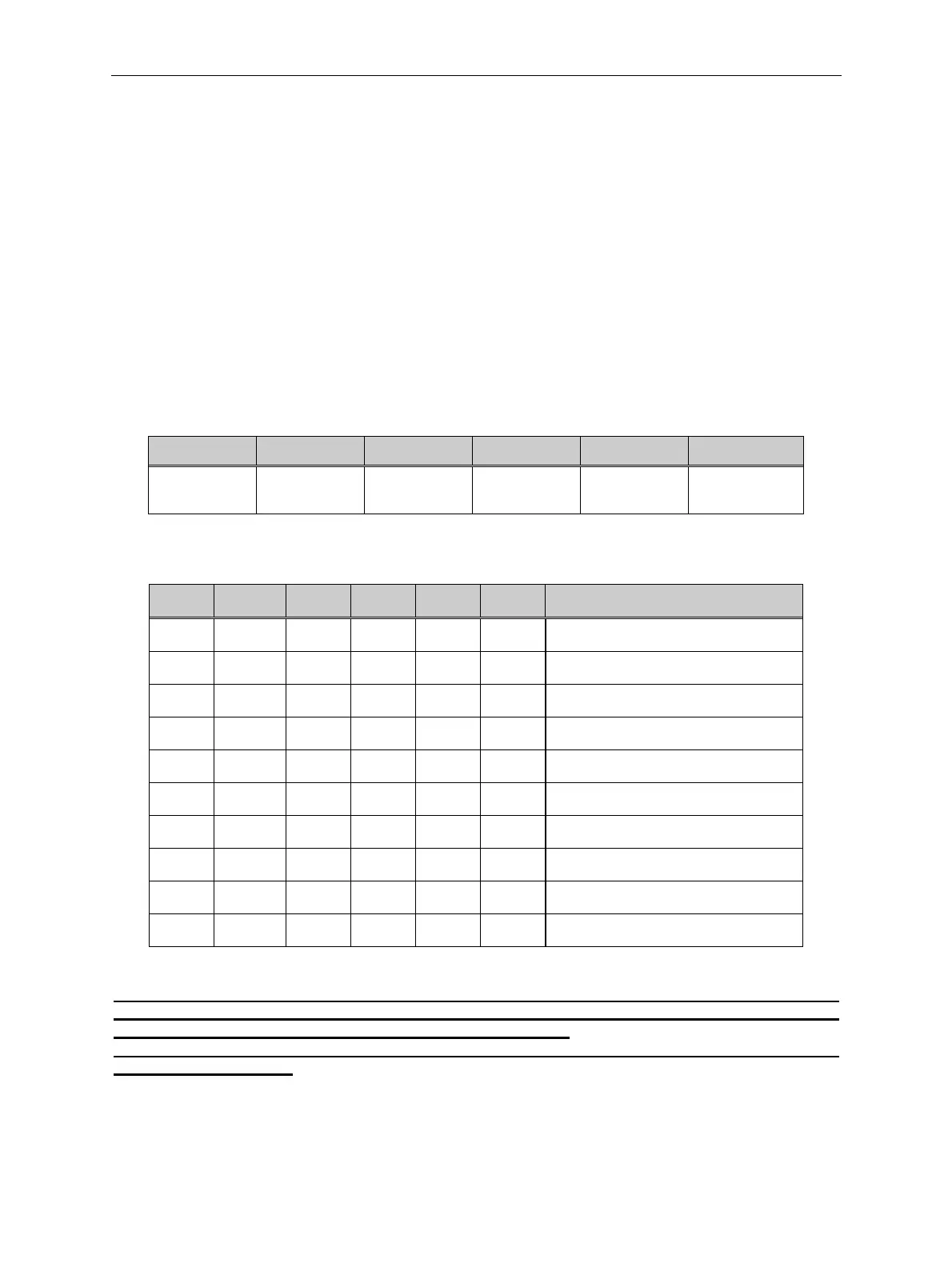
Table 4: DIL Switch Functions
1 2 3 4 5 6
Program 1 Program 2 Program 3 Program 4 Teach on/off
Security
on/off
Table 5: SR3 DIL Switch Guide
SW1 SW2 SW3 SW4 SW5 SW6 FUNCTION
off off off off off off *Test credit accumulator
off
ON
off off off off Enable bank 1 and bank 2
ON ON
off off off off Enable a coin
off off off
ON
off off Disable alarm
ON
off off
ON
off off Enable alarm
off
ON
off
ON
off off Erase all windows ( Step 1 )
ON
off off off off off Erase all windows ( Step 2 )
ON ON
off
ON
off off Inhibit a coin
off off
ON ON
off off Enable bank 1 only
ON
off
ON ON
off off Enable bank 2 only
* NOTE:- If all the switches are OFF and the reject lever is pressed within 20 seconds of power
being applied, the SR3 will enter “Test credit accumulator” mode, even though one may not be
fitted. The LED will turn RED and no coins will be accepted.
To exit this mode either remove power and re-apply or wait a further 20 seconds and the SR3
will automatically reset.



 To Next Page