HTP-1 Installation and User Guide Release 1.8.1
Interface Description
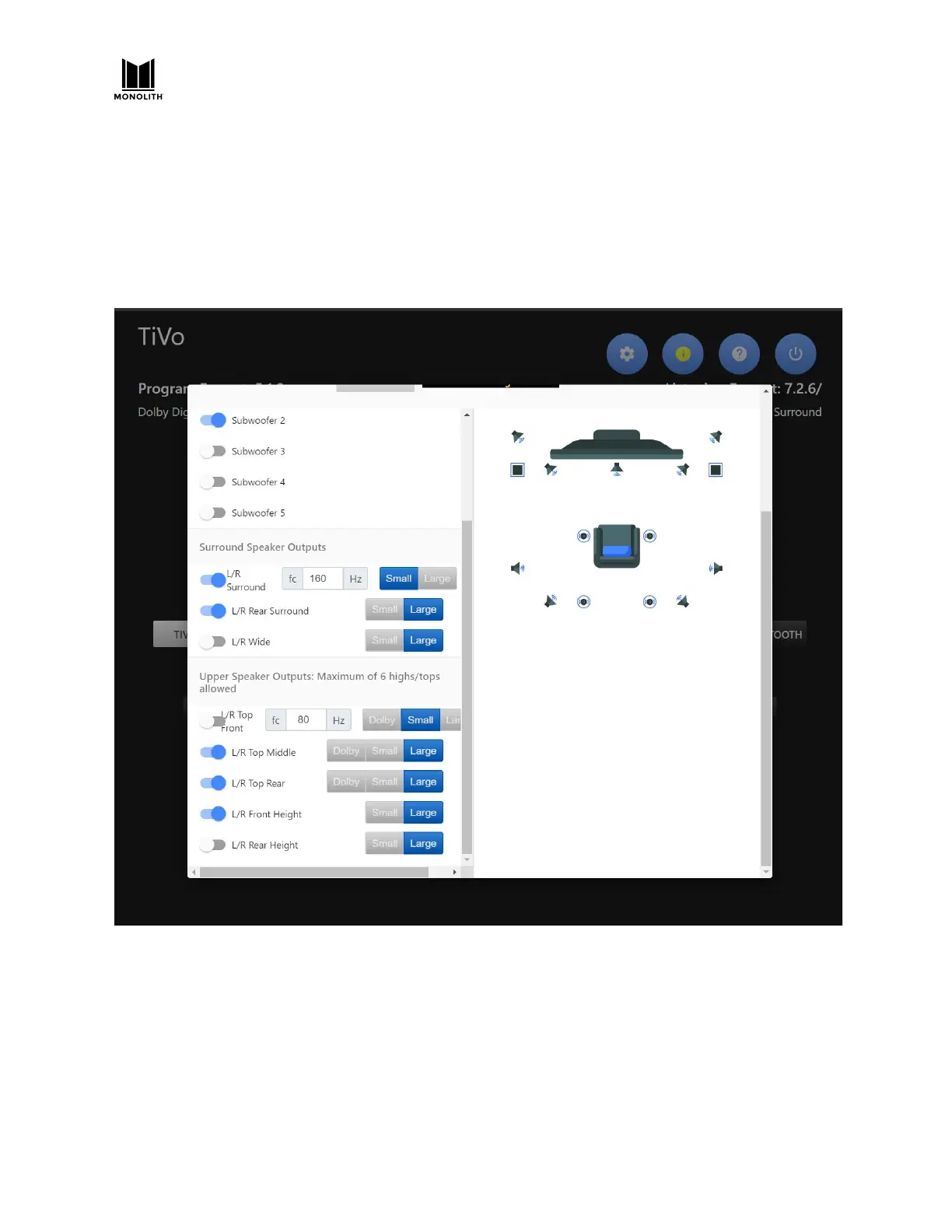
If you followed the Basic Connections instructions above you should be ready to use some of the more
advanced features. Click the gear icon in the upper right corner of the Web GUI Home Page to
display the System Configuration screen, as shown below. This system configuration screen has
several tabs across the top. The specific functionalities and options on each tab are described in
the following sections.
The circled question mark in the upper right of most pages brings up a brief discussion of the
current page.
HTP-1 User Manual Page 23 V1.8.1


 To Next Page